







Your graphics add a nice touch to my presentations and I recently used them for one of my all-hands meetings. Your toolbox adds professionalism to my slides. Instead of using standard clipart.
Claude Jones, Director of Engineer, @Walmartlabs, USA
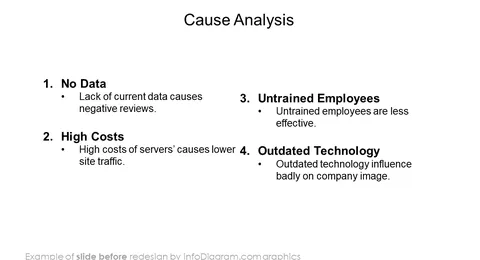
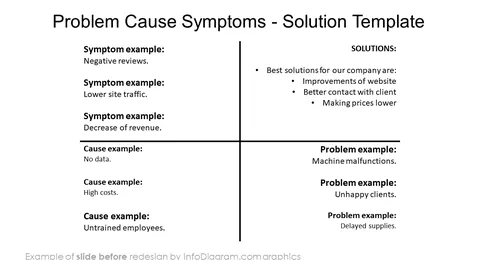
Before and after
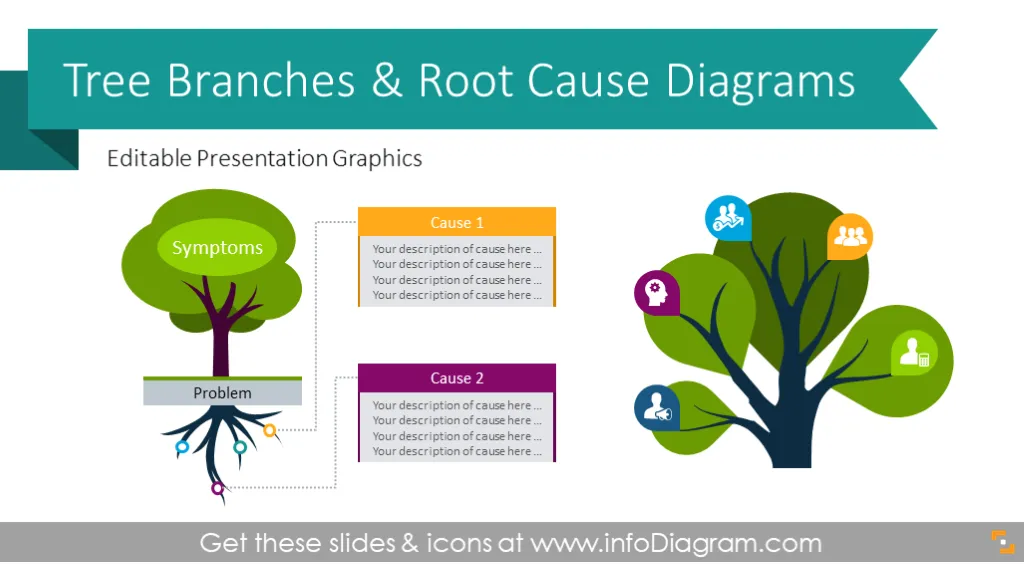
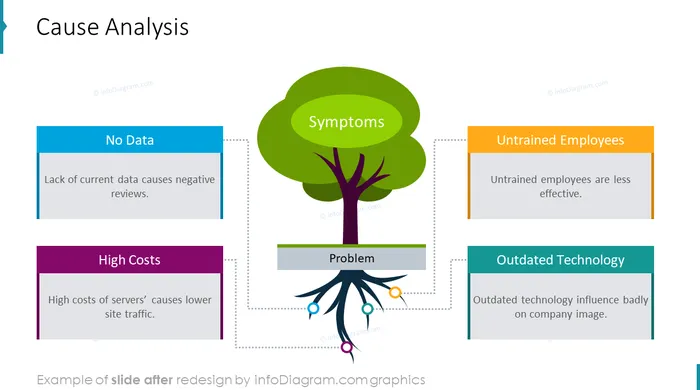
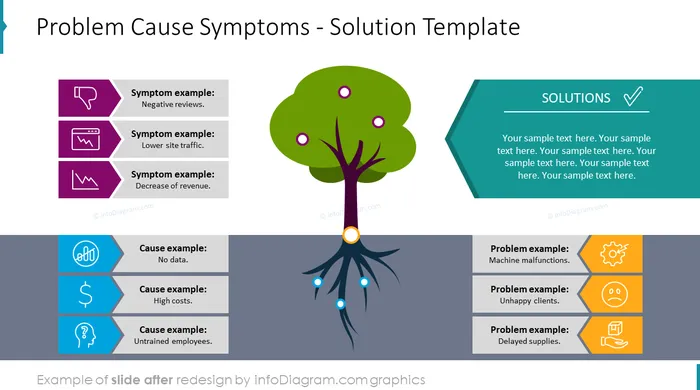
Creative visual Tree Diagram PowerPoint template for illustrating problem root cause analysis, as well as various branching charts. This slide set contains vector graphics and icons that are PPT editable as standard Office shapes. You can modify colors, and texts, and add or remove items in root or tree branches. These Tree diagrams are suitable visualization tools for presenting problem-solving by root cause analysis of symptoms (visible as tree branches and underlying causes - hidden in the tree root). You can also use the tree branches image for representing various branching structures and hierarchies e.g. classical organizational charts or family trees.
This PowerPoint template includes a set of modern outlines and flat icon symbols that you can use to illustrate specific tree items.
What’s inside the slide deck:
A tree is a great metaphor for showing top-down or bottom-up concepts, as well as hidden (root) and visible parts (tree branches) of the problem analysis. Branches themselves are a good representation of any hierarchy-based structures.
Tree Branch diagram helps to present a business decision process, illustrate a legal procedure or show the decision logic. The root Cause tree template will serve you for illustrating symptoms, problems and causes in a creative way. Tree shapes help catch the attention of your listeners and avoid clutter on the slide.
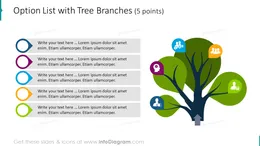
Tree Branch Diagram includes ready-to-use slides:
Fully editable in PowerPoint set of vector shapes fully editable by using built-in PowerPoint tools, including
See the editing demonstration in our HowTo Videos.
Your graphics add a nice touch to my presentations and I recently used them for one of my all-hands meetings. Your toolbox adds professionalism to my slides. Instead of using standard clipart.
Claude Jones, Director of Engineer, @Walmartlabs, USA
I needed a fresh look at some of my slides. I've tried to find a way to create a paintbrush effect, to underline, accentuate, add some color and the handwritten markers were just the things. Very easy to use, easy to size, change the color. It was an affordable, perfect solution and I'm happy to recommend it.
Anonymous, US
The crisp, clean look of the graphics, and the fact that it allowed me to easily edit and change the colors to match the template was my main reason for purchasing them.
Brandie Jenkins, E-learning Developer, USA


You may also need


