

Your graphics add a nice touch to my presentations and I recently used them for one of my all-hands meetings. Your toolbox adds professionalism to my slides. Instead of using standard clipart.
Claude Jones, Director of Engineer, @Walmartlabs, USA

Your graphics add a nice touch to my presentations and I recently used them for one of my all-hands meetings. Your toolbox adds professionalism to my slides. Instead of using standard clipart.
Claude Jones, Director of Engineer, @Walmartlabs, USA
I needed a fresh look at some of my slides. I've tried to find a way to create a paintbrush effect, to underline, accentuate, add some color and the handwritten markers were just the things. Very easy to use, easy to size, change the color. It was an affordable, perfect solution and I'm happy to recommend it.
Anonymous, US
The crisp, clean look of the graphics, and the fact that it allowed me to easily edit and change the colors to match the template was my main reason for purchasing them.
Brandie Jenkins, E-learning Developer, USA
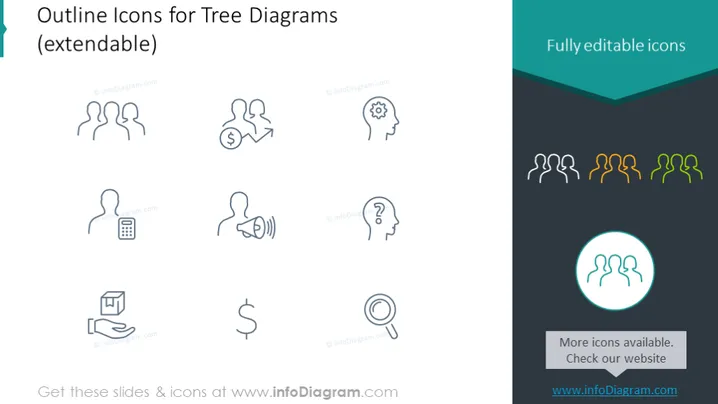
The slide title suggests that the icons presented are meant for use in tree diagrams and are extendable, meaning they can be adapted or expanded for various purposes. The icons include symbols for community or team, money transaction, idea or innovation, communication, questioning or uncertainty, financial symbol, and a search or inspection icon. Each of these icons represents a different concept, such as teamwork for the interconnected figures, financial transactions for the dollar sign with arrows, creative thinking for the light bulb gear, communication for the person with sound waves, inquiry for the question mark, currency or economy for the standalone dollar sign, and analysis or research for the magnifying glass.
The overall visual look of the slide is clean and modern, with a clear focus on the icons which are designed for versatility. The contrasting teal provides a visual accent, highlighting the editable nature of the icons and directing viewers to additional resources.



