

Your graphics add a nice touch to my presentations and I recently used them for one of my all-hands meetings. Your toolbox adds professionalism to my slides. Instead of using standard clipart.
Claude Jones, Director of Engineer, @Walmartlabs, USA

Before and after
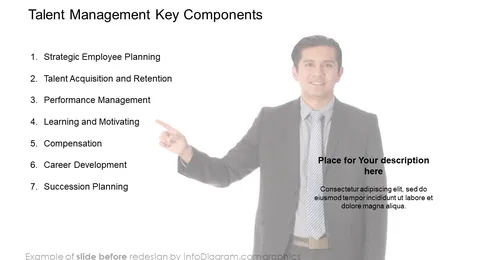
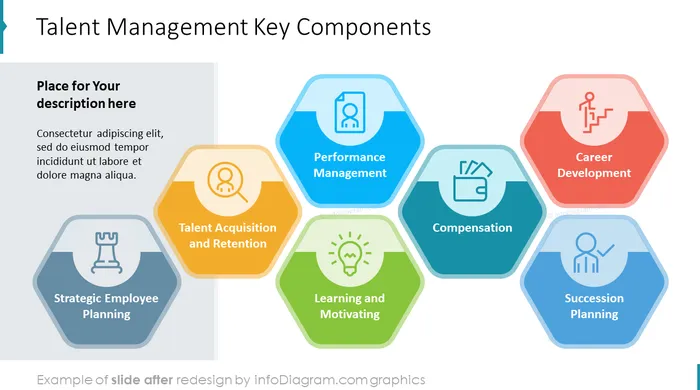
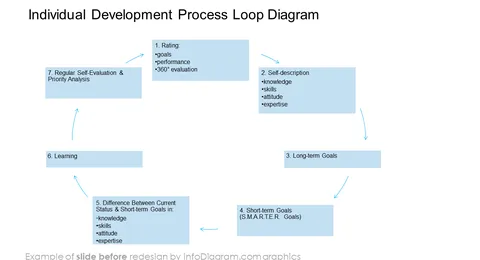
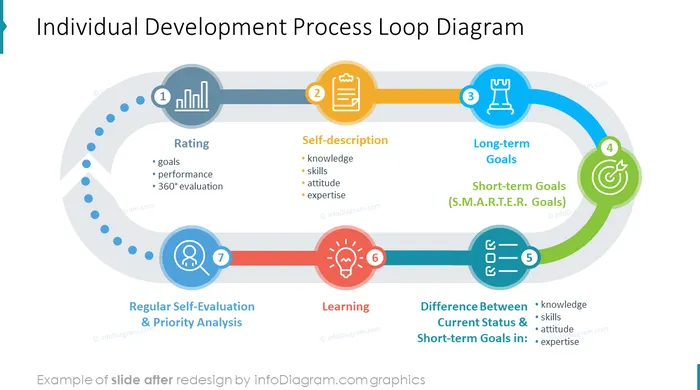
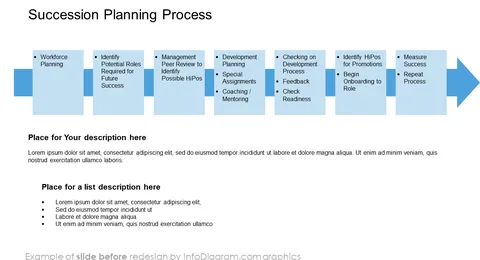
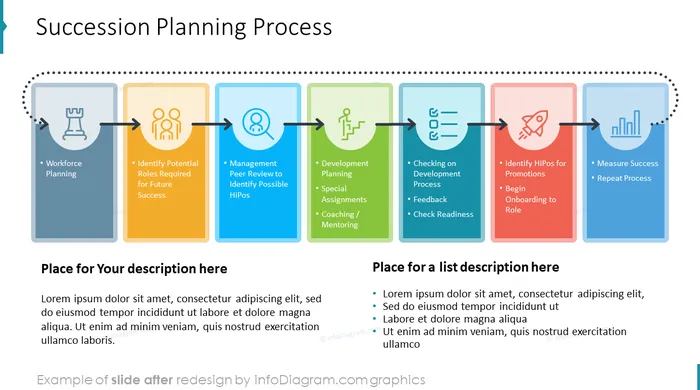
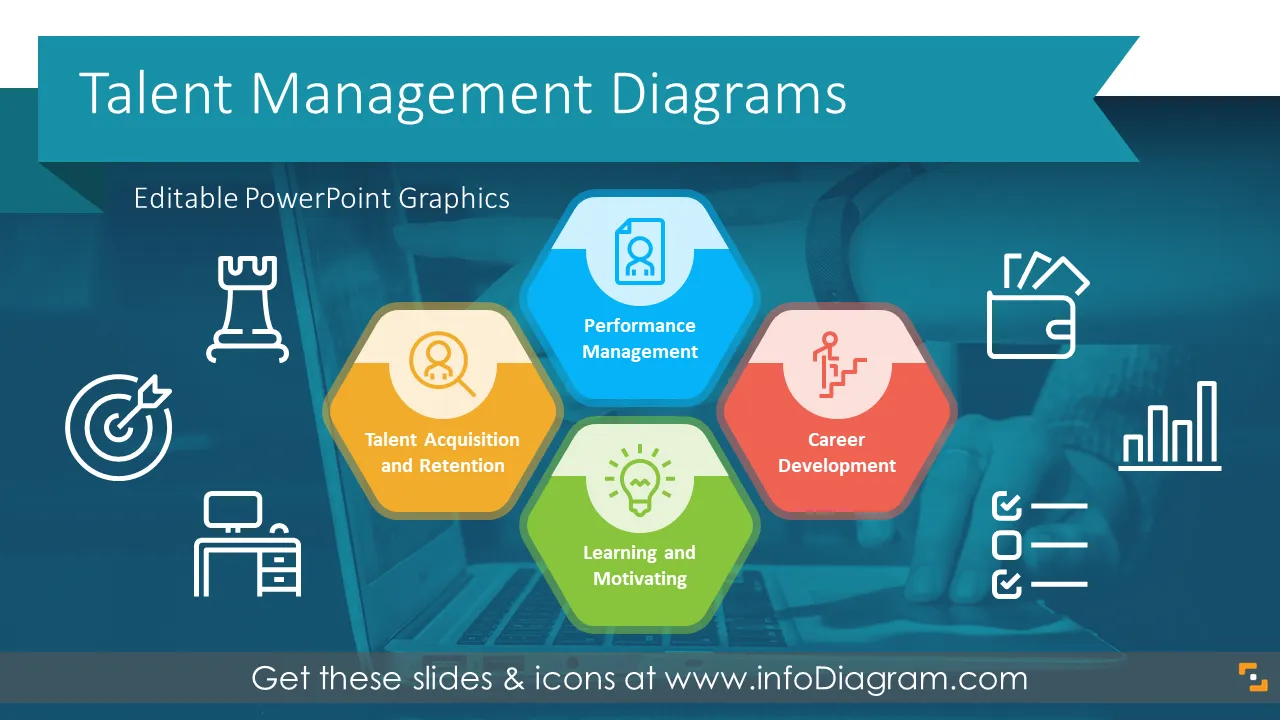
Are you responsible for nurturing, guiding, developing, and identifying talents in your organization? Do you need to present talent management processes using numerous diagrams, explanations, and examples? Here is your opportunity to use our pre-design and eye-catching diagram templates to convey your message to the stakeholders in your organization.
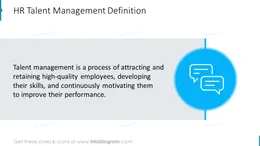
Talent management is a constant process that involves attracting and retaining high-quality employees with competency, developing their skills, and continuously motivating them to improve their performance. Strategic talent management is a necessity in today’s hyper-change environment.
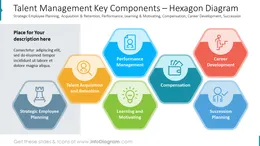
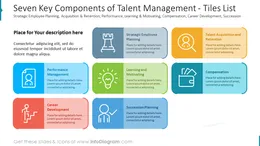
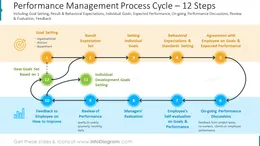
Most people agree that employees are vital to a company’s success. Not so many realize that the talent management process has many components which are closely integrated. Use our easy-to-fill talent management process slide deck to illustrate how all the elements of talent management are related in order to make it easy to understand by your audience You can pick up from various layouts, add your comments and tailor pre-designed slides to your needs in order to upgrade your presentation. On top, you can choose the slides with a light or dark background, whatever works better for you. We include detailed instructions on how to alter the contents, colors, look and feel of our templates.
You can also download slide redesign instructions on how to use these HR Talent Management Presentation Graphics (PDF guide here).
You can use our pre-designed Talent Management Processes slides to:
Try using those PowerPoint illustrations to present your content visually in an elegant way.
All graphics are editable, so you can modify the colors and text. We also added a general icon collection at the end of the presentation deck. Optionally you can also extend the collection by more PPT symbols (see Related Diagrams section).
Fully editable in PowerPoint set of vector shapes fully editable with built-in PowerPoint tools, including
Your graphics add a nice touch to my presentations and I recently used them for one of my all-hands meetings. Your toolbox adds professionalism to my slides. Instead of using standard clipart.
Claude Jones, Director of Engineer, @Walmartlabs, USA
I needed a fresh look at some of my slides. I've tried to find a way to create a paintbrush effect, to underline, accentuate, add some color and the handwritten markers were just the things. Very easy to use, easy to size, change the color. It was an affordable, perfect solution and I'm happy to recommend it.
Anonymous, US
The crisp, clean look of the graphics, and the fact that it allowed me to easily edit and change the colors to match the template was my main reason for purchasing them.
Brandie Jenkins, E-learning Developer, USA



You may also need