

Your graphics add a nice touch to my presentations and I recently used them for one of my all-hands meetings. Your toolbox adds professionalism to my slides. Instead of using standard clipart.
Claude Jones, Director of Engineer, @Walmartlabs, USA


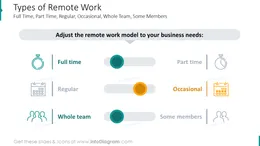
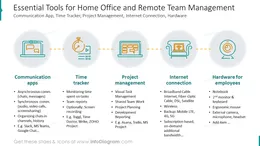
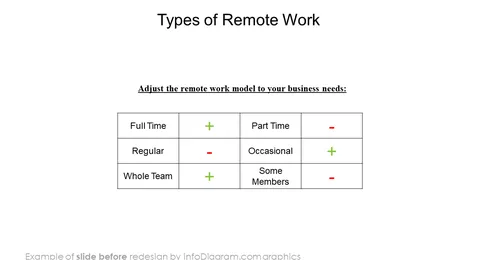
Before and after
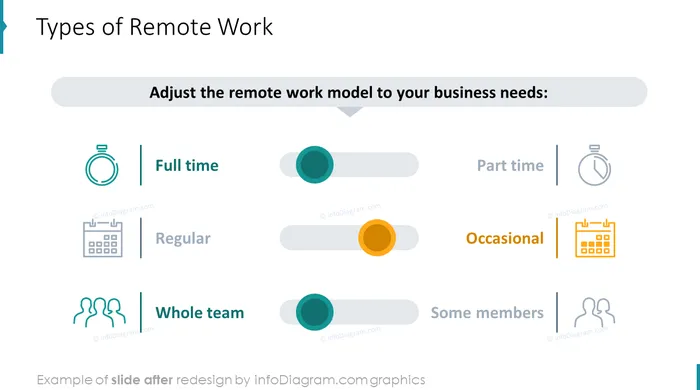
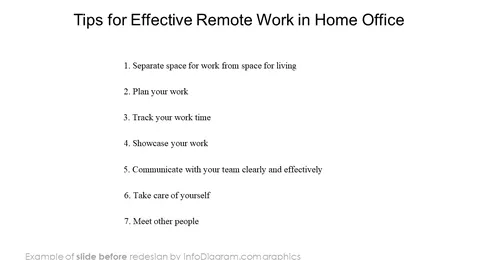
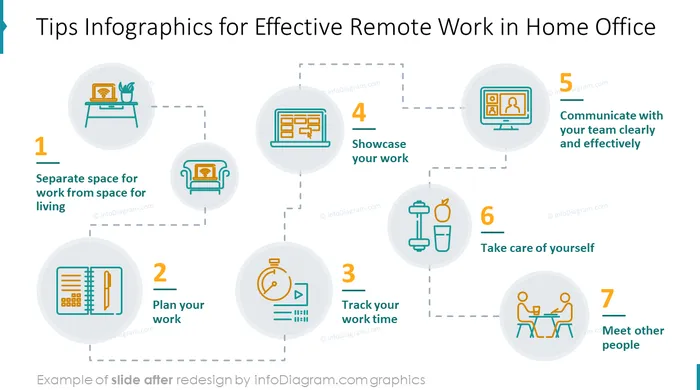
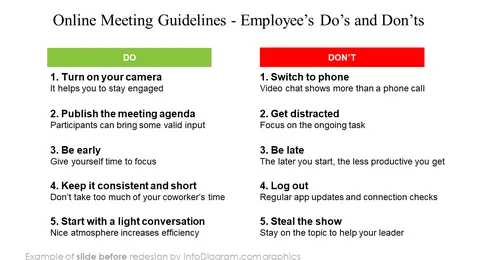
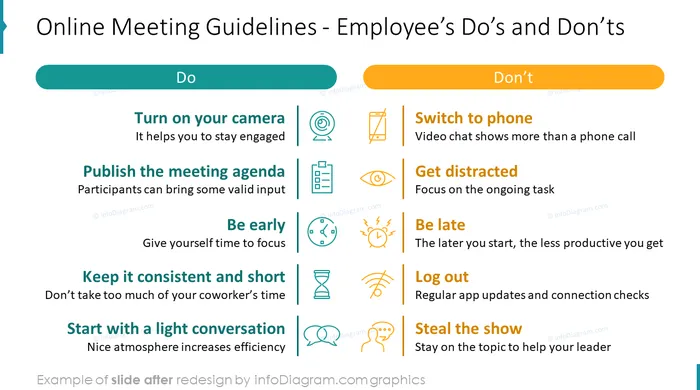
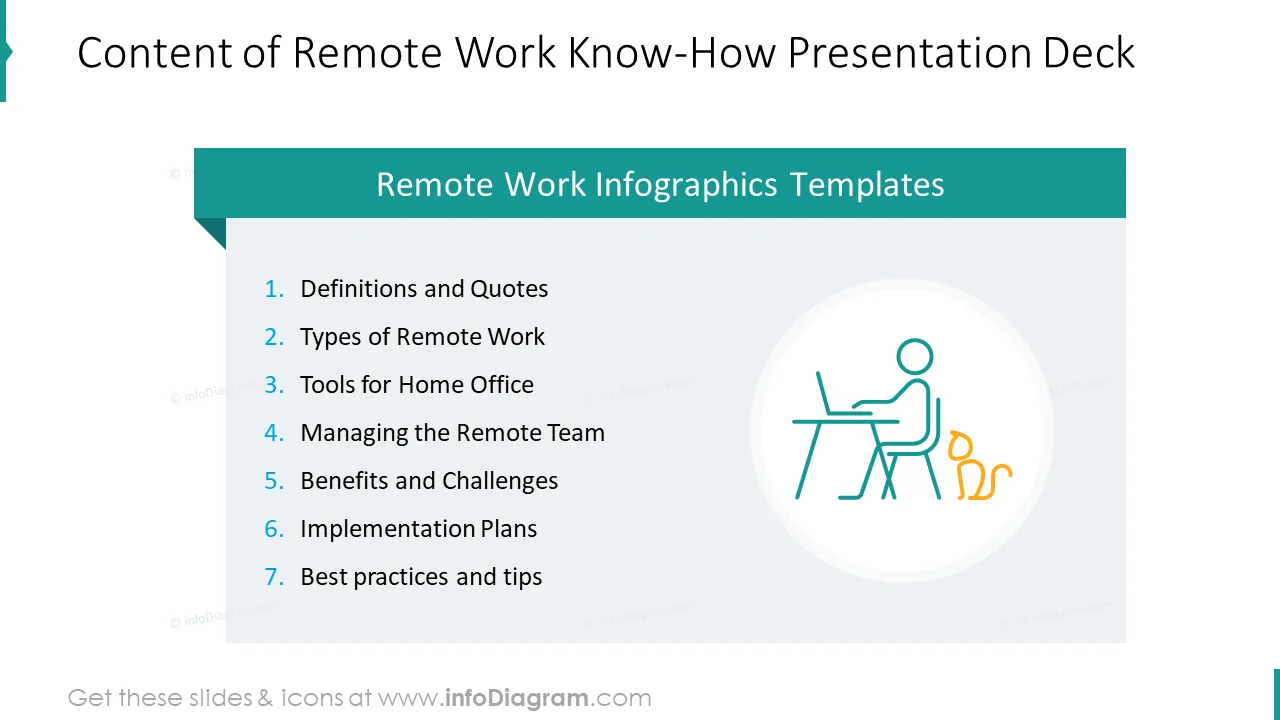
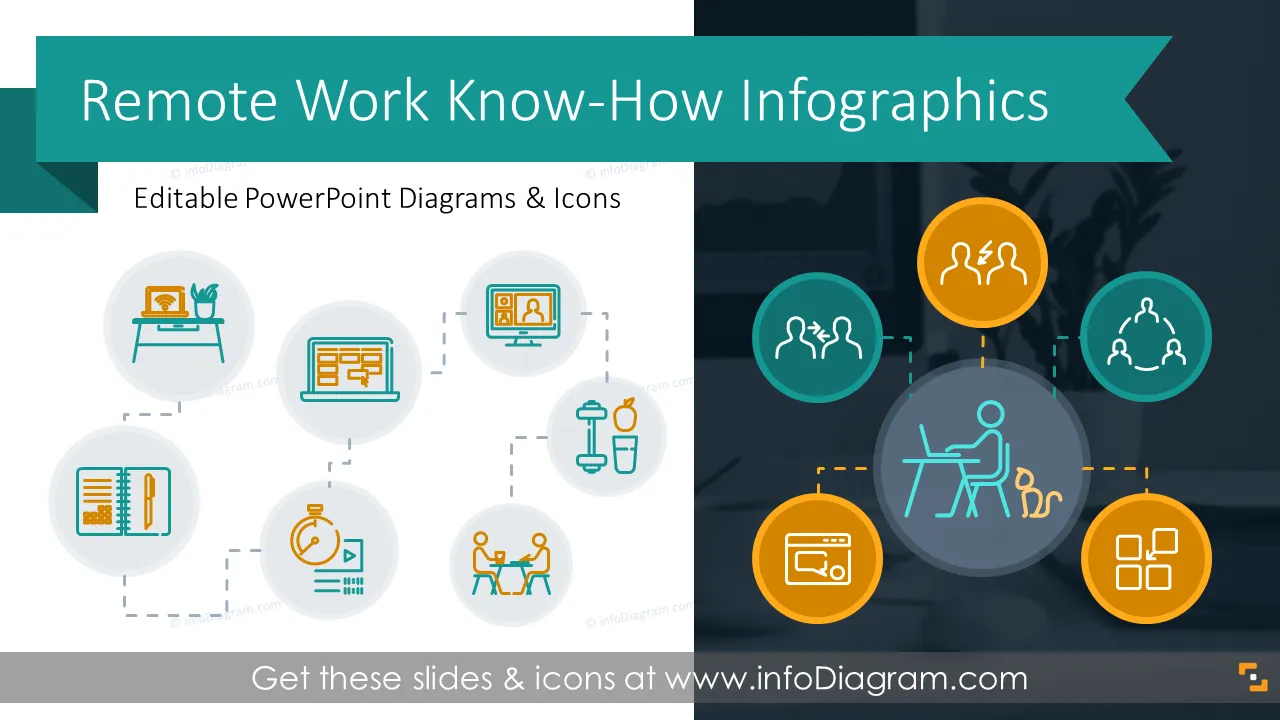
Are you looking for visuals to present the remote work processes? If you create professional personalized graphics, it will be much easier to hold listeners' attention on topics. To help you out we’ve designed a remote work graphics PowerPoint template containing slides for illustrating all aspects of remote work.
Format: fully editable vector shapes (modify colors of diagrams and icons, resize without quality loss).
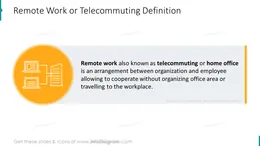
Remote work also known as telecommuting or home office is an arrangement between an organization and an employee allowing them to cooperate without organizing an office area or traveling to the workplace. Freelancing, another type of remote work, is becoming more popular each year. In addition to that in 2020, the coronavirus pandemic fundamentally changed the way many organizations operate. For those, who have never worked from home, it can be quite challenging to do tasks productively, manage virtual meetings, and lead teams.
If you need to create a presentation on this topic or improve the current performance of your remote team, you need to make sure everybody is on the same page, and nicely designed slides will help you achieve this goal.
PS. By the way, we're remote workers ourselves :) We've always been a remote company, so many slides in this deck are designed from personal experience. If there's anything you can add to this collection or you just want to share your thoughts, reach out to us. We'll gladly talk!
Try using those PowerPoint illustrations to present your content visually in an elegant way.
All graphics are editable, so you can modify the colors and text. We also added a general icon collection at the end of the presentation deck. Optionally you can also extend the collection by more PPT symbols (see Related Diagrams section).
Fully editable in PowerPoint set of vector shapes fully editable by using built-in PowerPoint tools, including
See the editing demonstration in our HowTo Videos.
Your graphics add a nice touch to my presentations and I recently used them for one of my all-hands meetings. Your toolbox adds professionalism to my slides. Instead of using standard clipart.
Claude Jones, Director of Engineer, @Walmartlabs, USA
I needed a fresh look at some of my slides. I've tried to find a way to create a paintbrush effect, to underline, accentuate, add some color and the handwritten markers were just the things. Very easy to use, easy to size, change the color. It was an affordable, perfect solution and I'm happy to recommend it.
Anonymous, US
The crisp, clean look of the graphics, and the fact that it allowed me to easily edit and change the colors to match the template was my main reason for purchasing them.
Brandie Jenkins, E-learning Developer, USA



You may also need