

Your graphics add a nice touch to my presentations and I recently used them for one of my all-hands meetings. Your toolbox adds professionalism to my slides. Instead of using standard clipart.
Claude Jones, Director of Engineer, @Walmartlabs, USA

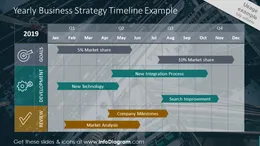
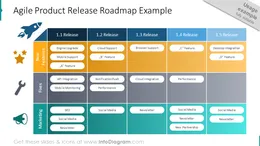
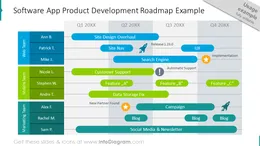
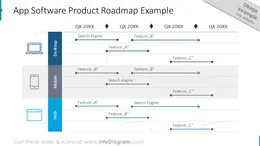
Before and after
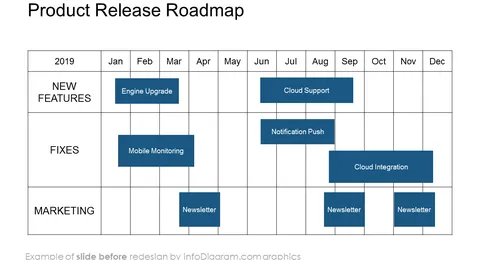
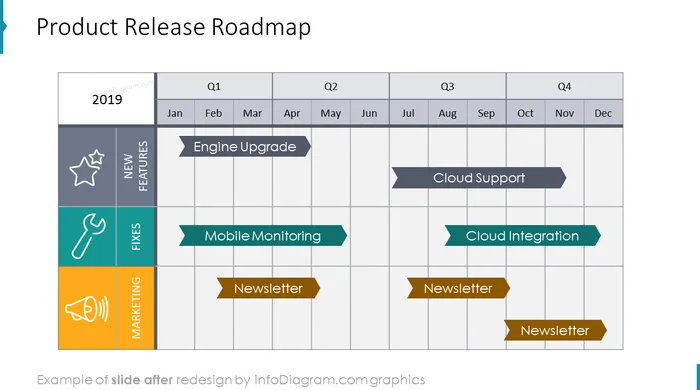
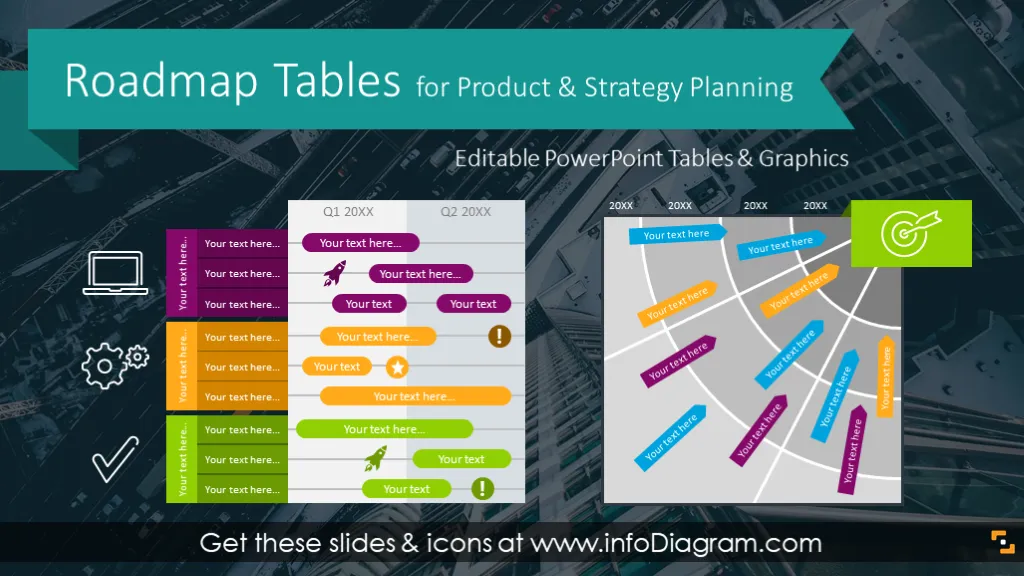
This slide deck contains PPT tables for project management, product development and business strategy planning. We included reusable examples of agile project roadmaps or software app product development plans. Using editable roadmap tables you can easily show your project milestones or present company objectives over a year.
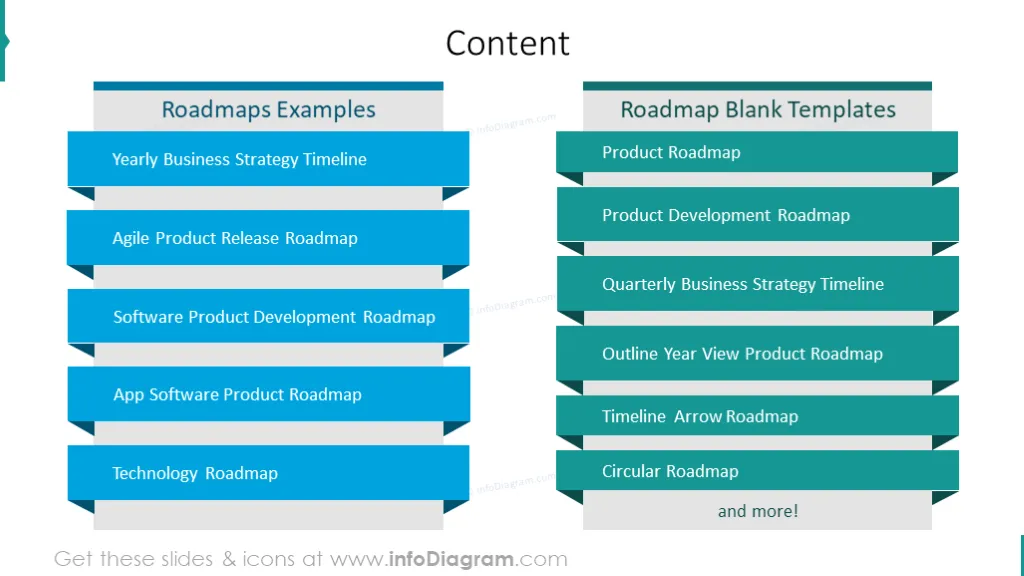
The content of the roadmaps template slide deck includes:
Format: fully editable vector shapes and native PowerPoint tables (you can modify colors, change size without quality loss)
A graphical representation of the time plan of a product development or company strategy over next months or years. Roadmap has usually a form of a table where you show the duration of project tasks, milestones and deadlines. [USAGE AREAS]
Using the Roadmaps template is pretty straightforward. Choose anc copy the slide with the roadmap template that fits you the best and modify it (change dates, move arrows). Most roadmaps have a form of standard PowerPoint table objects. Therefore you can easily add or remove columns or adjust their width. When you copy the slide from the infoDiagram template to your company presentation, the colors will change to your corporate palette. But you can choose an option to keep the original colors - by Paste Special option of the slide and selecting use the “Keep source formatting”.
A few ideas where you can apply those roadmap illustrations:
Unlike standard PowerPoint tables, these roadmaps have a preset vivid and readable colors. Such roadmap plans are more attractive to look at and will keep attention of your audience on the plans.
You can use one of attached icons to illustrate deadlines or various teams involved in your projects. You can extend it by getting wider PPT icon set (see Related Diagrams section).
You can add explanations and summaries in predesigned side description boxes.
Colors of these diagram shapes and icons are editable (all graphics is a vector format). So you can change them to colors of your brand template.
Product and Strategy Roadmap slide deck contains ready-to-use slides:
Definitions
[DETAILED CONTENT – rewrite titles of slides in form of natural language - There are X charts. The first one, the next one... Finally there ... .]
Fully editable in PowerPoint set of vector shapes fully editable by using built-in PowerPoint tools, including
See editing demonstration in our HowTo Videos.
Your graphics add a nice touch to my presentations and I recently used them for one of my all-hands meetings. Your toolbox adds professionalism to my slides. Instead of using standard clipart.
Claude Jones, Director of Engineer, @Walmartlabs, USA
I needed a fresh look at some of my slides. I've tried to find a way to create a paintbrush effect, to underline, accentuate, add some color and the handwritten markers were just the things. Very easy to use, easy to size, change the color. It was an affordable, perfect solution and I'm happy to recommend it.
Anonymous, US
The crisp, clean look of the graphics, and the fact that it allowed me to easily edit and change the colors to match the template was my main reason for purchasing them.
Brandie Jenkins, E-learning Developer, USA



You may also need