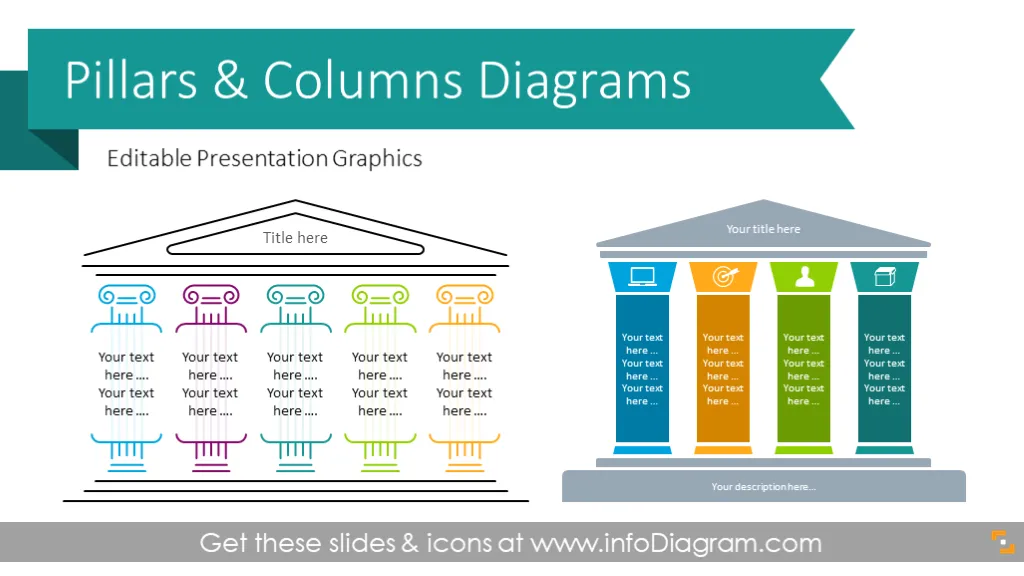
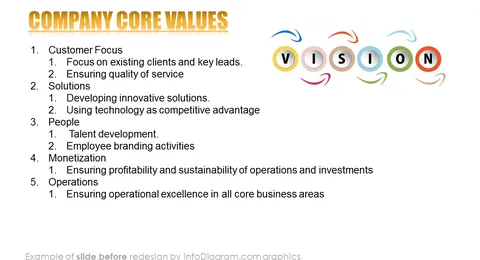
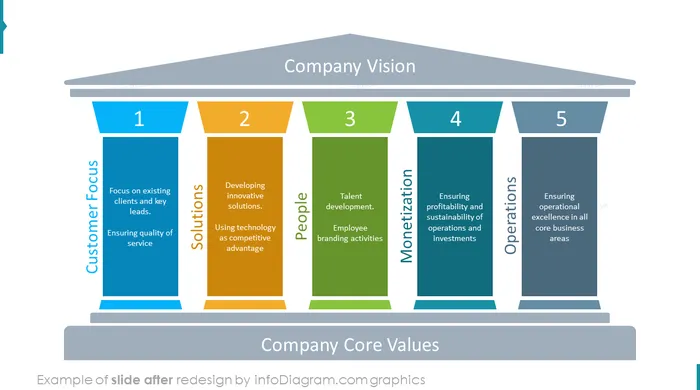
Set of editable PowerPoint infographics with Pillar diagrams and ancient column graphics. Use them to present the foundations of core values or principles in Your presentation.
The Pillar diagrams template includes a set of modern outlines and flat graphics and icons that you can use to create modern professional slides.
This PowerPoint Pillar & Column diagrams set includes:
- 17 various style ancient columns diagrams. There are pillar layouts with 3, 4, 5, and 6 columns, roof and foundation elements. The diagrams are in two styles, lightly outlined column graphics and modern flat infographics. We recommend using the outline columns if you want to print the slides.
- a sample set of vector icons representing frequent business concepts such as operations or implementation, product, technology, people, goals, and target.
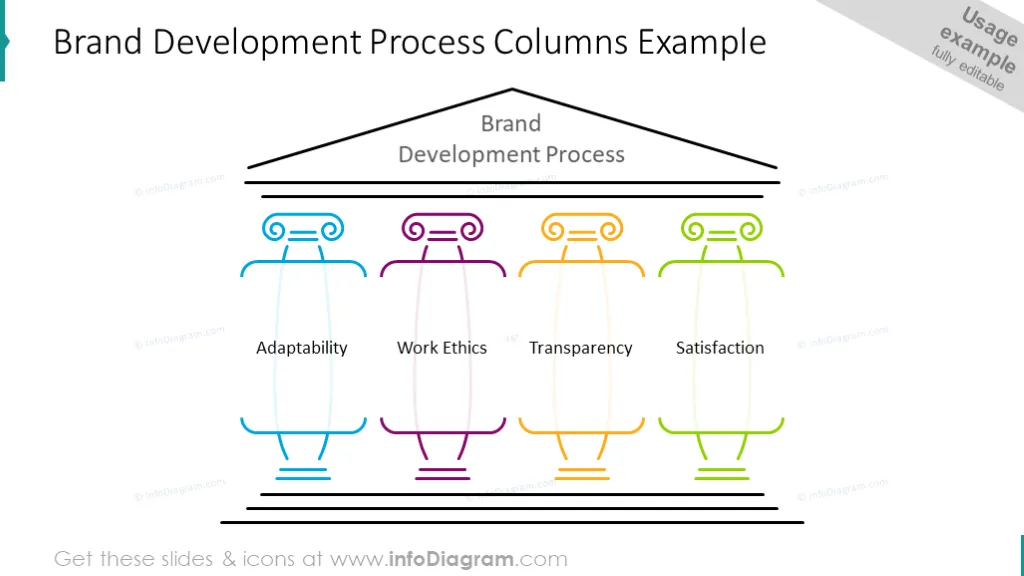
- predesigned example of Business Strategy Pillars infographics and Brand Development Columns Graphics
- Format: fully editable vector shapes (modify colors of diagrams and icons, resize without quality loss
What is a Pillar chart?
Pillar diagrams are visual frameworks representing common ground and common supporting principles in the form of vertical columns standing on common foundations supporting the roof - a symbol of a joint goal or objective.
How you can use the Pillar Diagrams Template?
Pillar Diagrams and Column Infographics can be useful for presenting strategy and business values. You can use column graphics to present a strong foundation in a clear visual way. Each pillar has a place for a text description, that will help you to explain the main elements without clutter on a slide.
Pillar diagram templates can also represent a concept of marketing strategy and business plan analysis as a metaphor for anything strong. You could choose a three-, four-, five-, six-- and seven-column chart to thoroughly describe your data.
Why use Pillars diagrams as your presentation visuals?
Using diagram visuals helps to express various business concepts such as company mission and values rather than using only text bullet points.
Pillar diagrams are easy to modify, replace text inside the columns, and change icons. On the last slides, you can see a sample of icons you can reuse or you can extend the icon collection by getting PPT icon set bundles (see Related Diagrams section).
Colors and the number of pillar shapes are fully editable (all graphics in a vector format). So you can remove or add a column, and change its colors to match your brand.
Why is it important to present a business strategy?
Presenting a business strategy is like laying out a roadmap for success in the world of business. It's not just about listing goals and plans; it's about sharing the story of how a company aims to tackle challenges, seize opportunities, and achieve its goals. A clear and understandable strategy helps align everyone involved, builds trust, and motivates teams to work together towards common objectives. It's a guidebook that helps decision-making, resource allocation, and evaluating progress. Sharing a solid business strategy promotes transparency, accountability, and unity within the organization, ensuring everyone knows what to focus on and why. In the end, it's not just about having a strategy; it's about making sure everyone understands and embraces it to drive the company forward.
Content description
The Pillar and Column Infographics diagram contains pre-designed slides:
- Example of the brand development process illustrated with outline column diagram with a place for text description on each pillar.
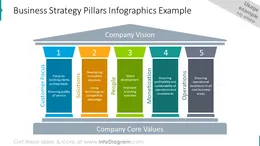
- Business strategy slide: company core values presented on five pillars: customer focus, solution, people, monetization, and operations.
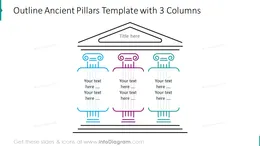
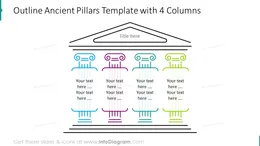
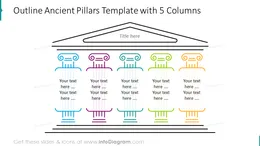
- Outline ancient pillars with three-, four-, five-, six- and seven-column diagrams (illustrated in minimalistic style).
- Roman pillars chart presented with three-, four-, five-, six- and seven-columns in flat style.
- Five pillar graphics with segmented columns (each column is divided for presenting various sides of each stage).
- Roman template with pillar shapes illustrated with icons and text description in front of the columns.
- Five-column pillars diagram with foundation description (this template has more place for the text).
Fully editable in PowerPoint set of vector shapes fully editable by using built-in PowerPoint tools, including
- changing the color of the icon filling and its outline
- adding shadows
- changing shape and size, rotating, flipping the object
- putting shapes behind or on top of text
See the editing demonstration in our HowTo Videos.
Authors
- infoDiagram's designer
- Contact: here