

Your graphics add a nice touch to my presentations and I recently used them for one of my all-hands meetings. Your toolbox adds professionalism to my slides. Instead of using standard clipart.
Claude Jones, Director of Engineer, @Walmartlabs, USA

Your graphics add a nice touch to my presentations and I recently used them for one of my all-hands meetings. Your toolbox adds professionalism to my slides. Instead of using standard clipart.
Claude Jones, Director of Engineer, @Walmartlabs, USA
I needed a fresh look at some of my slides. I've tried to find a way to create a paintbrush effect, to underline, accentuate, add some color and the handwritten markers were just the things. Very easy to use, easy to size, change the color. It was an affordable, perfect solution and I'm happy to recommend it.
Anonymous, US
The crisp, clean look of the graphics, and the fact that it allowed me to easily edit and change the colors to match the template was my main reason for purchasing them.
Brandie Jenkins, E-learning Developer, USA
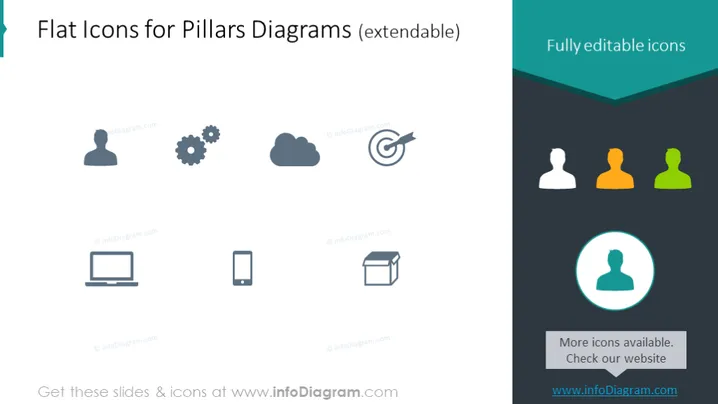
The slide showcases a collection of "Flat Icons for Pillars Diagrams" which are labeled as extendable, indicating that they can be adapted or expanded upon for various uses. The icons are also noted to be "Fully editable," which means that users can alter their appearance as needed. Icons include a user profile, gears symbolizing settings or mechanics, cloud for cloud computing or storage, target for goals or objectives, group figures for community or team, laptop for technology or work, and a smartphone for mobility or communication. An additional highlighted icon signifies that more icons are available, inviting viewers to check the website for further options.
The slide has a modern and professional appearance, using a minimalist design that keeps the focus on the icons. The use of color is restrained, with emphasis placed on the header and the highlighted icon to draw attention.



