Are you looking for a useful metric for gauging customer loyalty? Want to show your customers' satisfaction level and the drivers behind their willingness to recommend your products or services? Use our creative graphical charts and iconographic graphs to help your audience understand the Net Promoter Score's importance through compelling visualizations.
This Net Promoter Score Template contains visual slides with:
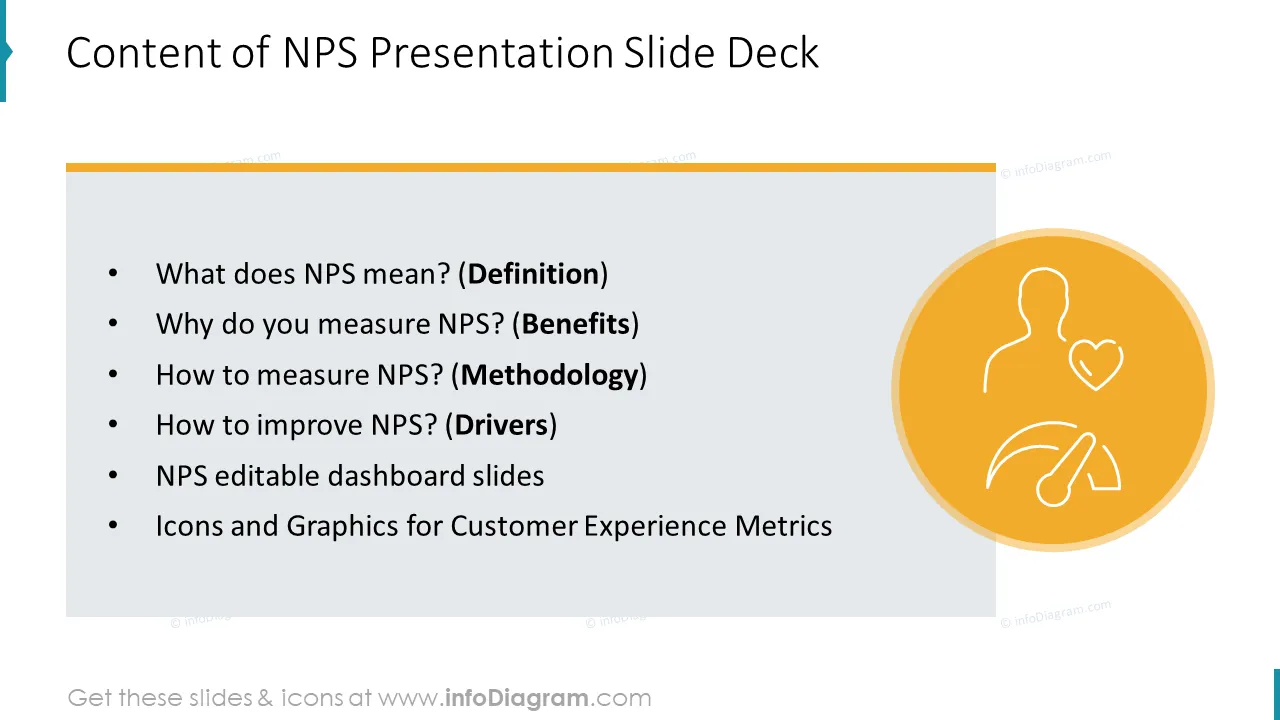
- 19 infographics slides and diagrams to explain the most popular NPS concepts and indicators including NPS Definition, Benefits, Calculation Formula, Categories Explanation, Survey Results Dashboard, Drivers List Map, NPS Improvement Areas, and KPI Dashboard.
- This presentation template is designed in a modern outline style. You can use these graphics to create stand-alone and unique slides and limit the number of words so your audience does not get bored.
- 39 outline symbols to show various NPS measurement concepts e.g. Emotion Faces, Customer Symbols, Indicators, Categories, Benefits, and other business icons.
- Instruction on how to modify those diagrams using standard PowerPoint editing tools.
Format: fully editable vector shapes (modify colors of diagrams and icons, resize without quality loss)
Authors of this presentation template
What does Net Promoter Score mean?
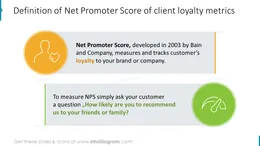
Net Promoter Score (NPS) measures customers' willingness to recommend your products or services to others. It’s the most common way to measure customer satisfaction and loyalty in a systematic manner. NPS scores are measured with a single-question survey and reported with a number from -100 to +100. A higher score indicates a better loyalty level.
How is NPS calculated?
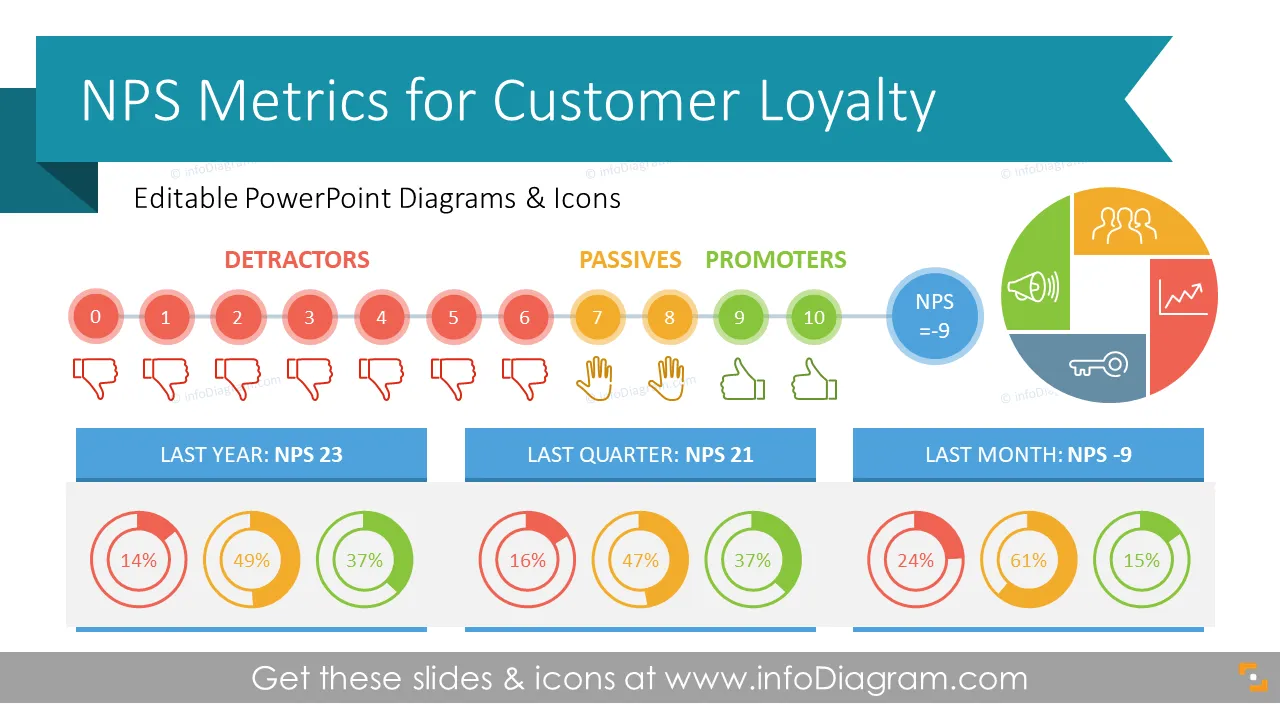
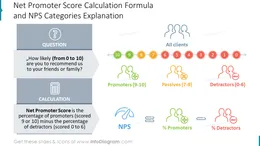
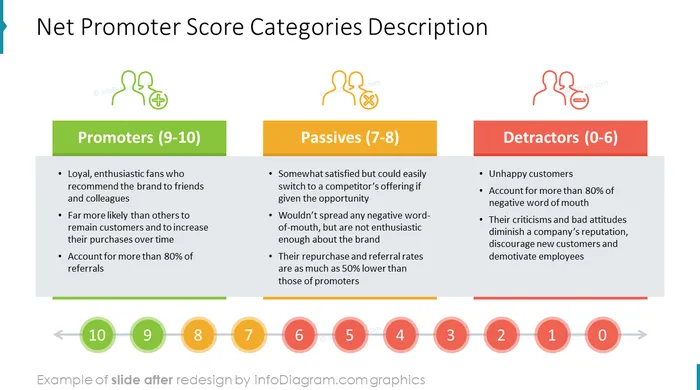
Net Promoter Score formula calculates the percentage of promoters (scored 9 or 10) minus the percentage of detractors (scored 0 to 6). The score is based on answering simple questions asking customers to rank how likely they are to recommend a service or product.
Why use an NPS PowerPoint graphics template?
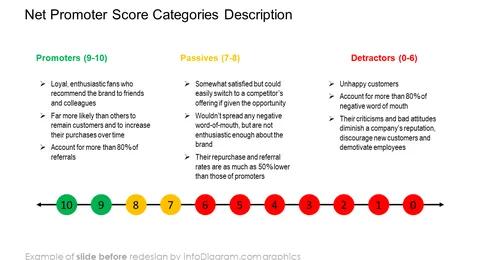
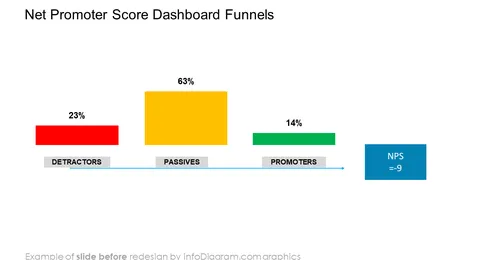
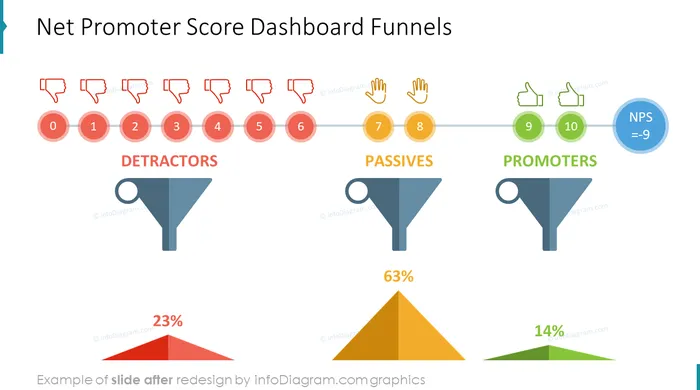
If you want to clearly summarize your NPS Score, show counts or percentages of Promoters, Passives, and Detractors within the NPS metric, or present tracking customer loyalty over time we have ready-to-use infographics for that.
You can reuse our graphs and charts and tailor them to your needs in order to upgrade your presentation slides.
Where can you use the NPS PowerPoint graphics template?
Using infographics and chart graphs will help you organize information in a good-looking way and present your numbers and comparisons visually.
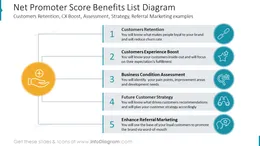
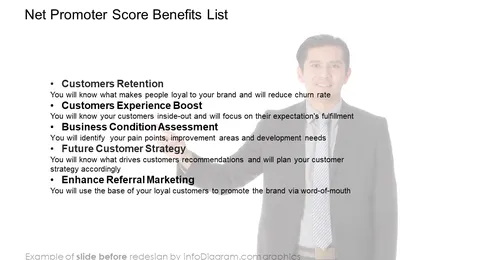
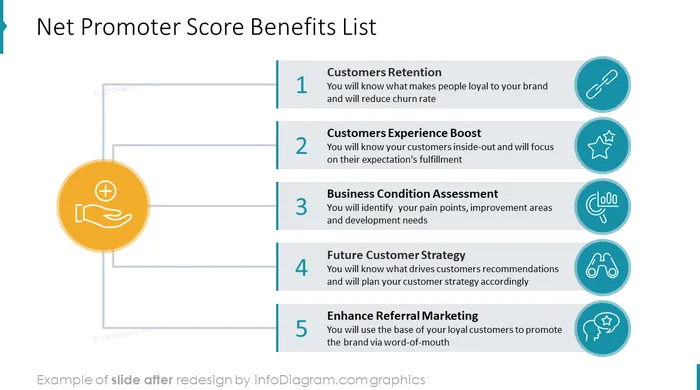
- Present how your business can benefit from using the NPS metric.
- Create a holistic viewpoint into your customer's recommendation preferences via an attractive distribution of Promoters, Passive, and Detractors.
- Illustrate NPS calculation methodology.
- Compare your NPS results with competitors or the industry in an easy-to-understand format.
- Visualize tracking customer loyalty over time.
- Describe key attributes of your product or service that determine the loyalty level of your customers.
- Illustrate your loyalty determinants' average score and their correlation with your Net Promoter Score.
- Show your strategy aiming at the increase of the willingness to recommend your products or services.
Try using those PowerPoint illustrations to present your content visually in an elegant way.
All graphics are editable, so you can modify the colors and text. We also added a general icon collection at the end of the presentation deck. Optionally you can also extend the collection by more PPT symbols (see Related Diagrams section).
Fully editable in PowerPoint set of vector shapes fully editable by using built-in PowerPoint tools, including
- change the color of all shapes filling and their outline, including icons
- adding shadows
- changing shape and size, rotating, flipping the object
- putting shapes behind or on top of text
See the editing demonstration in our HowTo Videos.