
Cover and narrative setup

Deck preview
This template does not have a dedicated before/after case study, so we show the strongest slides from the actual deck instead.
Cover and narrative setup
Core structure and talking points
Polished visual slide from the deck
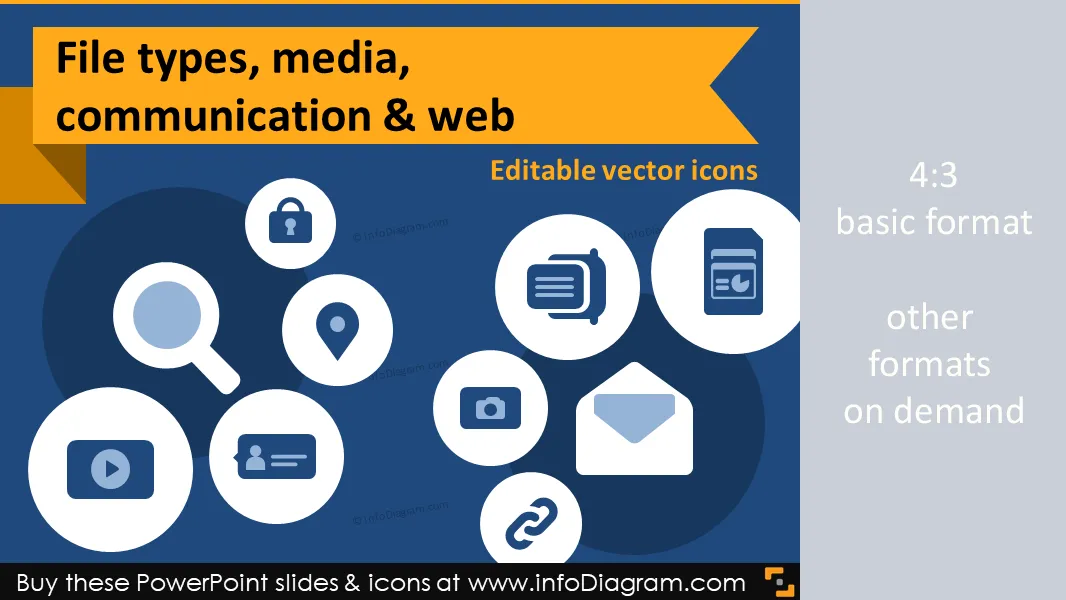
Set of IT concepts symbols: Media File Types, Web signs, Communication means for designing visual diagrams. The package contains a set of editable vector elements in PowerPoint format.
IT concepts: File types, Media types, Internet Communication types, Document types - as flat simple style PowerPoint icons.
Package content:
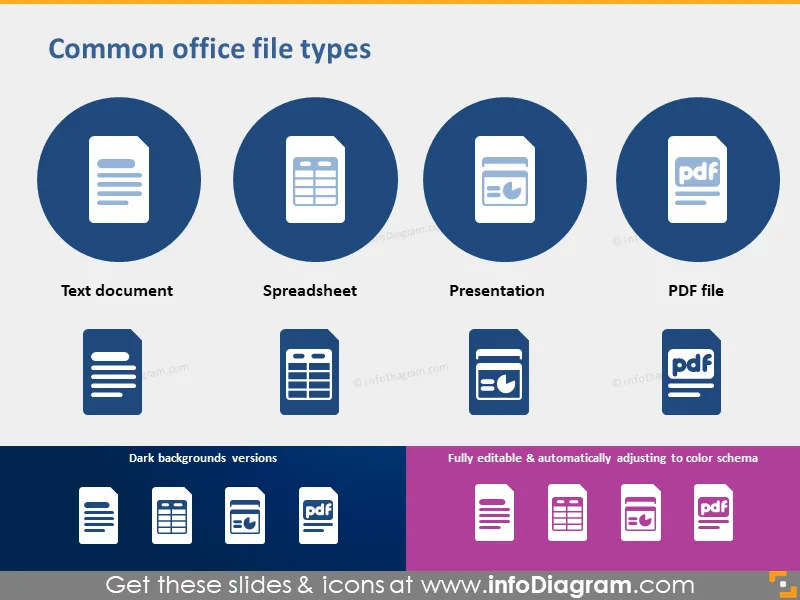
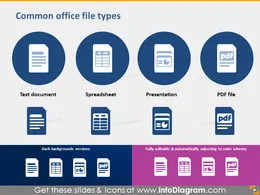
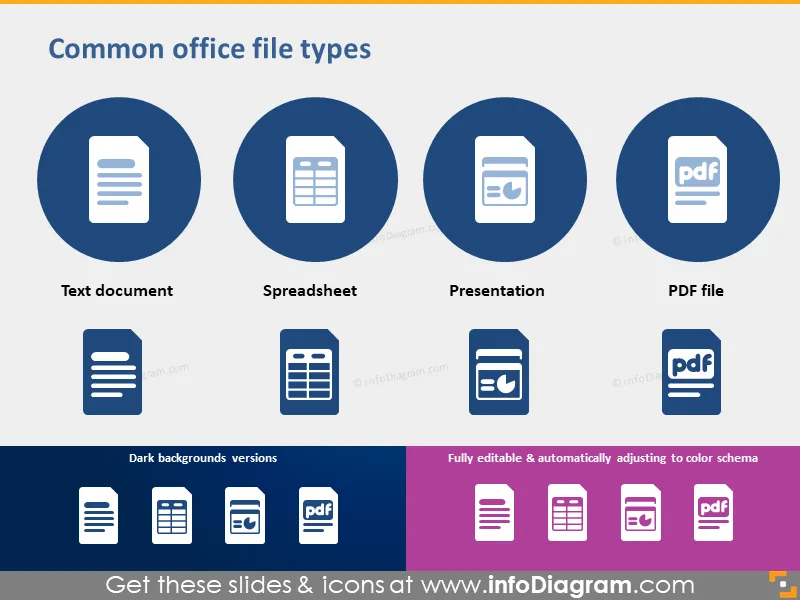
Common office file types: Spreadsheet, Text document, Presentation, PDF file
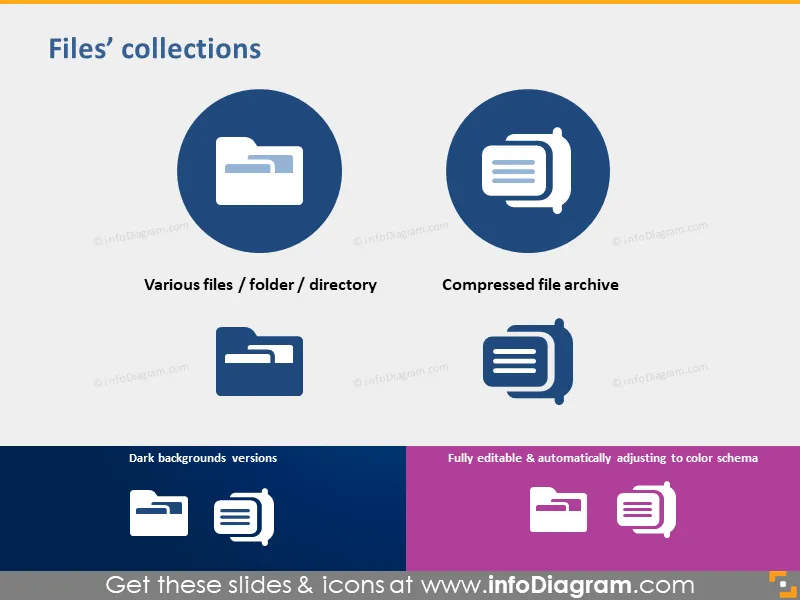
Files’ collections: Files folder, directory, Compressed file archive
Media types: Image / Photo, Video / Movie, Audio / Music
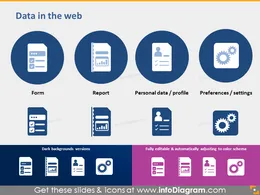
Data in the web: Form, Report, Personal data profile, Preferences / Settings
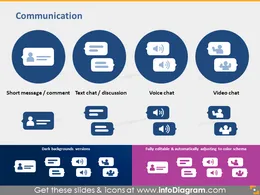
Communication: Comment / Short Message, Text Chat / Discussion, Voice Chat, Video Chat
E-mail and connections: Email, Hyperlink, Sharing
Common concepts: Location, Search, Security, Protection
diagram schema examples: Traditional file attachment vs. file sharing
Search results optimization diagram
Website traffic statistics chart with icons
All icons in simple flat style, suitable for Metro UI style graphics.
Icons provided in 4 versions: for light background, dark background, standalone, in a circle
Fully editable in PowerPoint set of vector shapes fully editable by using built-in PowerPoint tools, including
See editing demonstration in our HowTo Videos.

Your graphics add a nice touch to my presentations and I recently used them for one of my all-hands meetings. Your toolbox adds professionalism to my slides. Instead of using standard clipart.
Claude Jones, Director of Engineer, @Walmartlabs, USA
I needed a fresh look at some of my slides. I've tried to find a way to create a paintbrush effect, to underline, accentuate, add some color and the handwritten markers were just the things. Very easy to use, easy to size, change the color. It was an affordable, perfect solution and I'm happy to recommend it.
Anonymous, US
The crisp, clean look of the graphics, and the fact that it allowed me to easily edit and change the colors to match the template was my main reason for purchasing them.
Brandie Jenkins, E-learning Developer, USA



You may also need