

Your graphics add a nice touch to my presentations and I recently used them for one of my all-hands meetings. Your toolbox adds professionalism to my slides. Instead of using standard clipart.
Claude Jones, Director of Engineer, @Walmartlabs, USA

Your graphics add a nice touch to my presentations and I recently used them for one of my all-hands meetings. Your toolbox adds professionalism to my slides. Instead of using standard clipart.
Claude Jones, Director of Engineer, @Walmartlabs, USA
I needed a fresh look at some of my slides. I've tried to find a way to create a paintbrush effect, to underline, accentuate, add some color and the handwritten markers were just the things. Very easy to use, easy to size, change the color. It was an affordable, perfect solution and I'm happy to recommend it.
Anonymous, US
The crisp, clean look of the graphics, and the fact that it allowed me to easily edit and change the colors to match the template was my main reason for purchasing them.
Brandie Jenkins, E-learning Developer, USA
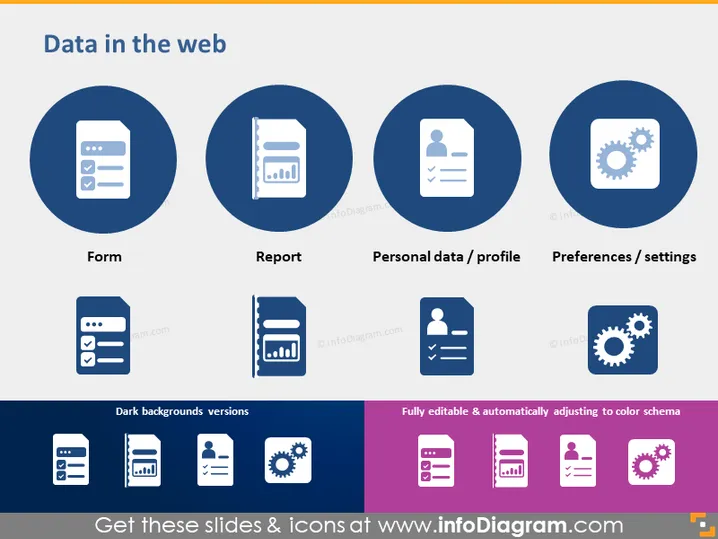
The slide "Data in the web" showcases various components commonly associated with web data management. "Form" likely refers to web forms used for collecting information from users. "Report" may indicate data summaries or analysis outputs. "Personal data/profile" encompasses individual user data and profile details stored online. Lastly, "Preferences/settings" represent the options that users can configure to tailor their web experiences or the system's functionality to their desires.
The slide is highly symmetrical and uses a consistent color palette of blues, grays, and white, creating a professional and clean visual appearance. The icons and text are well balanced and convey a clear, categorical structure.



