

Your graphics add a nice touch to my presentations and I recently used them for one of my all-hands meetings. Your toolbox adds professionalism to my slides. Instead of using standard clipart.
Claude Jones, Director of Engineer, @Walmartlabs, USA





Before and after
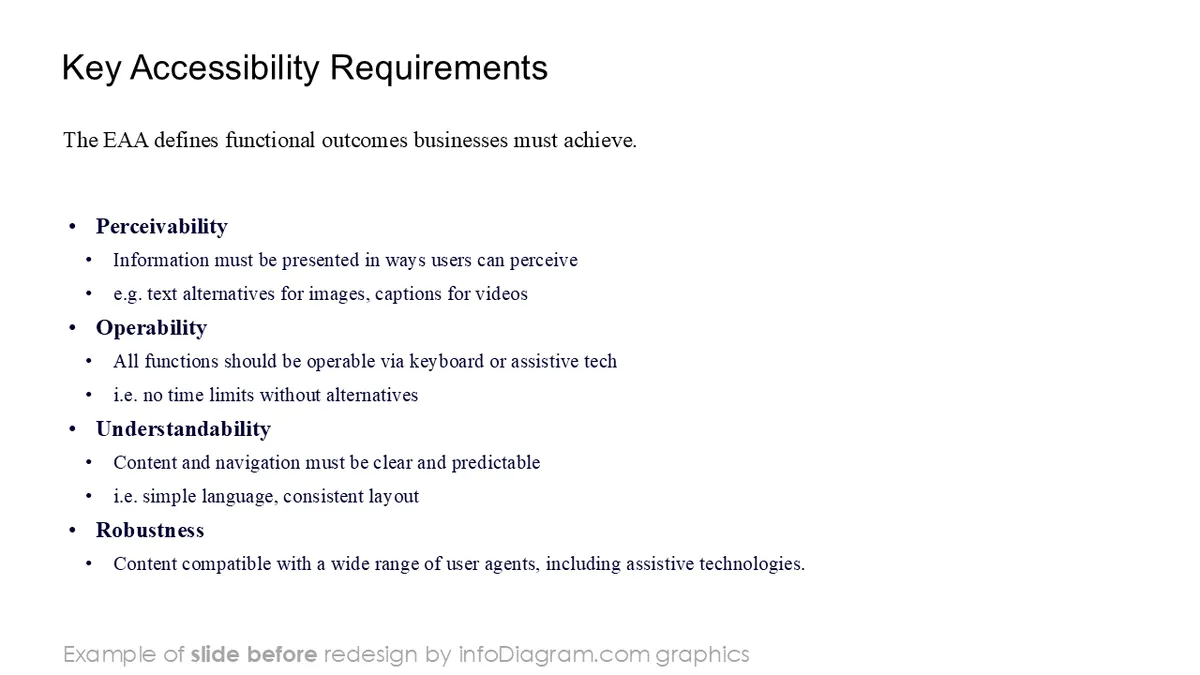
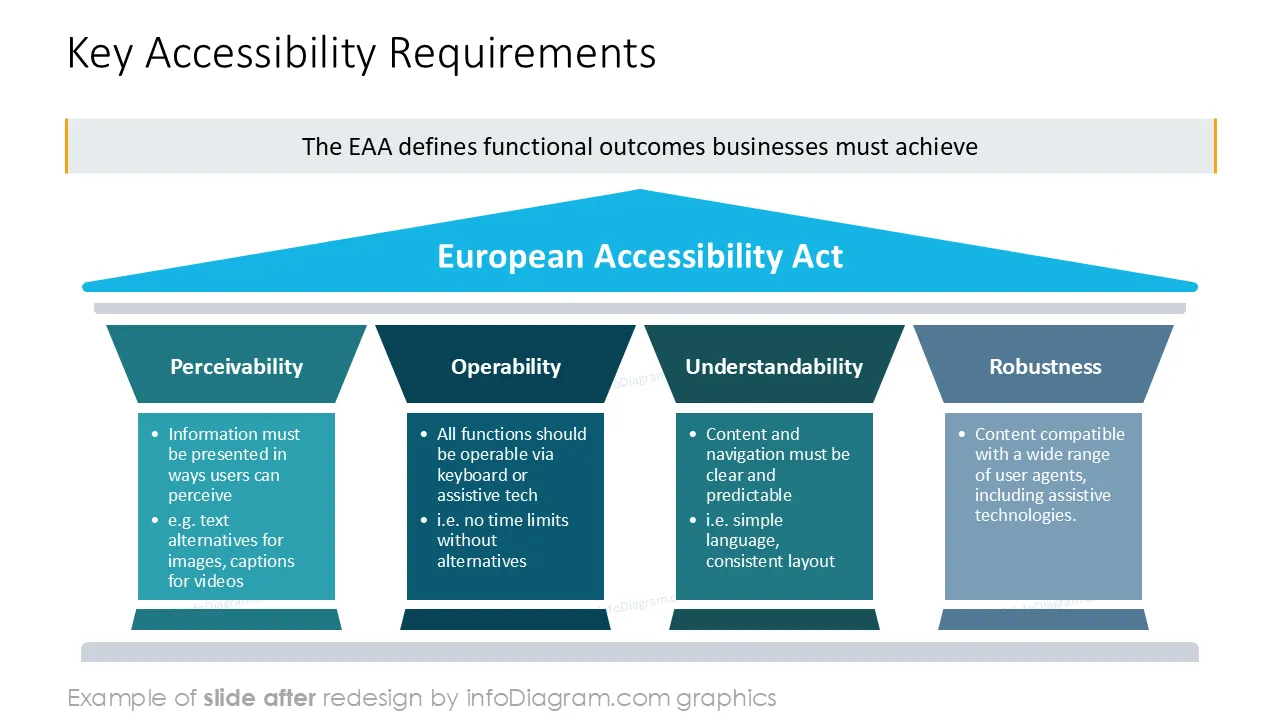
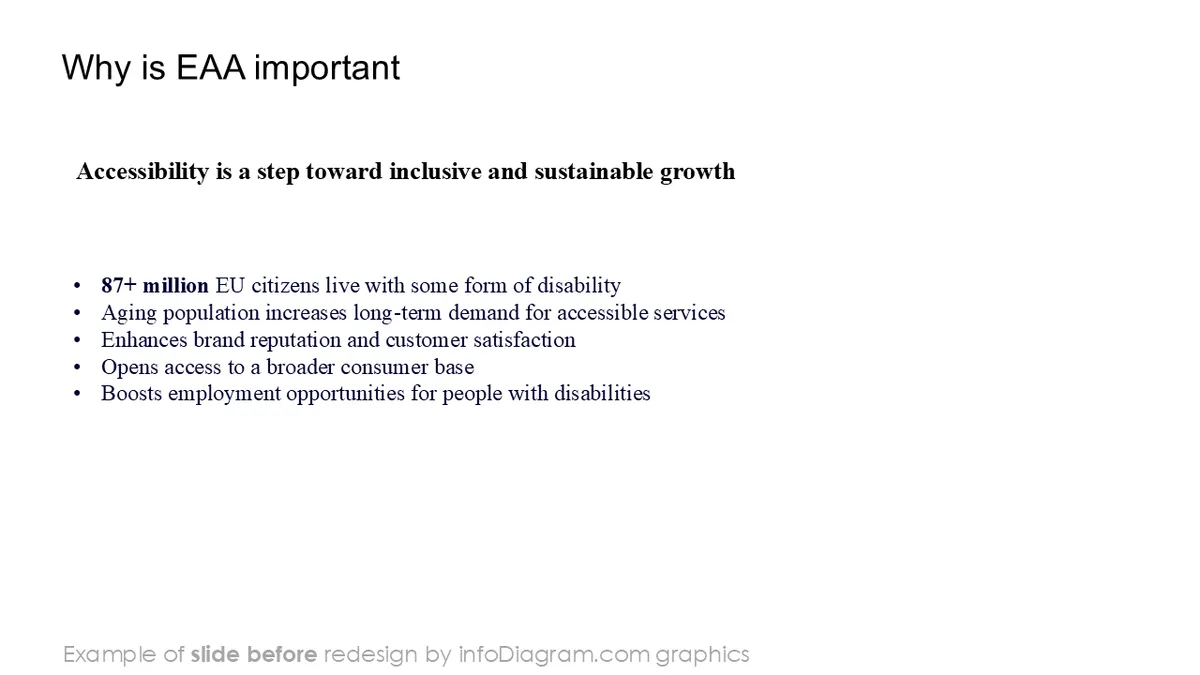
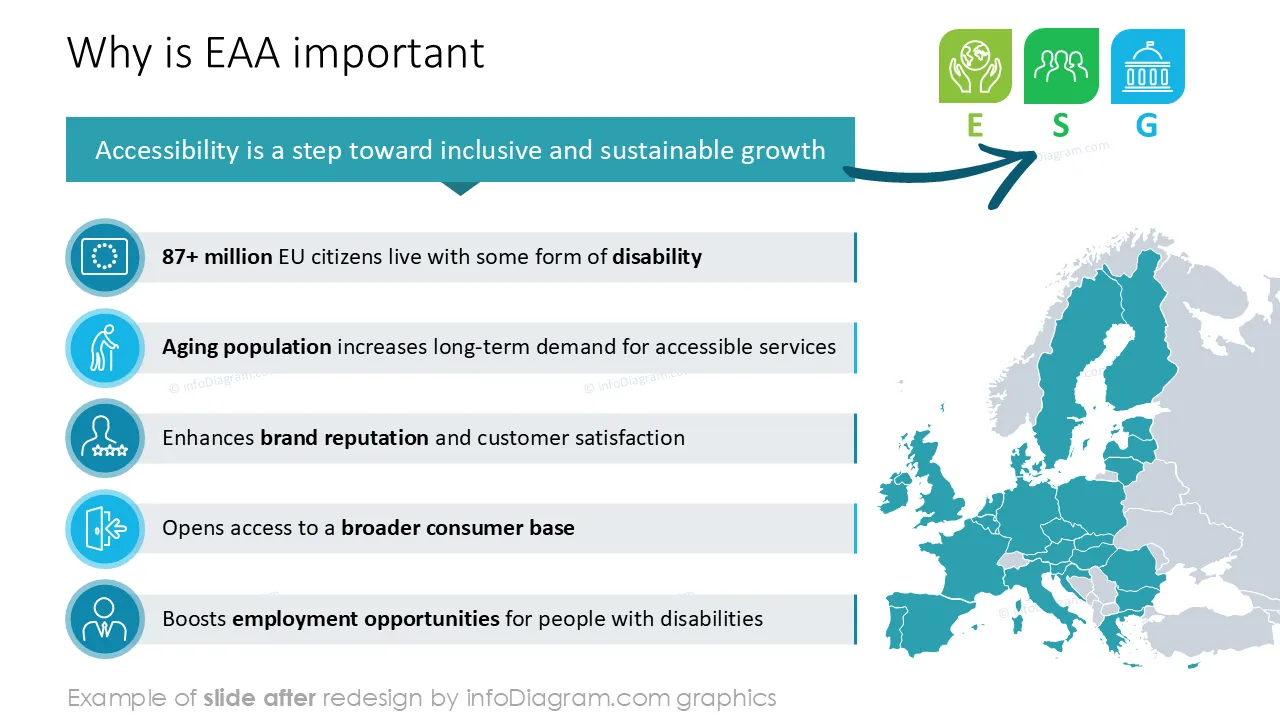
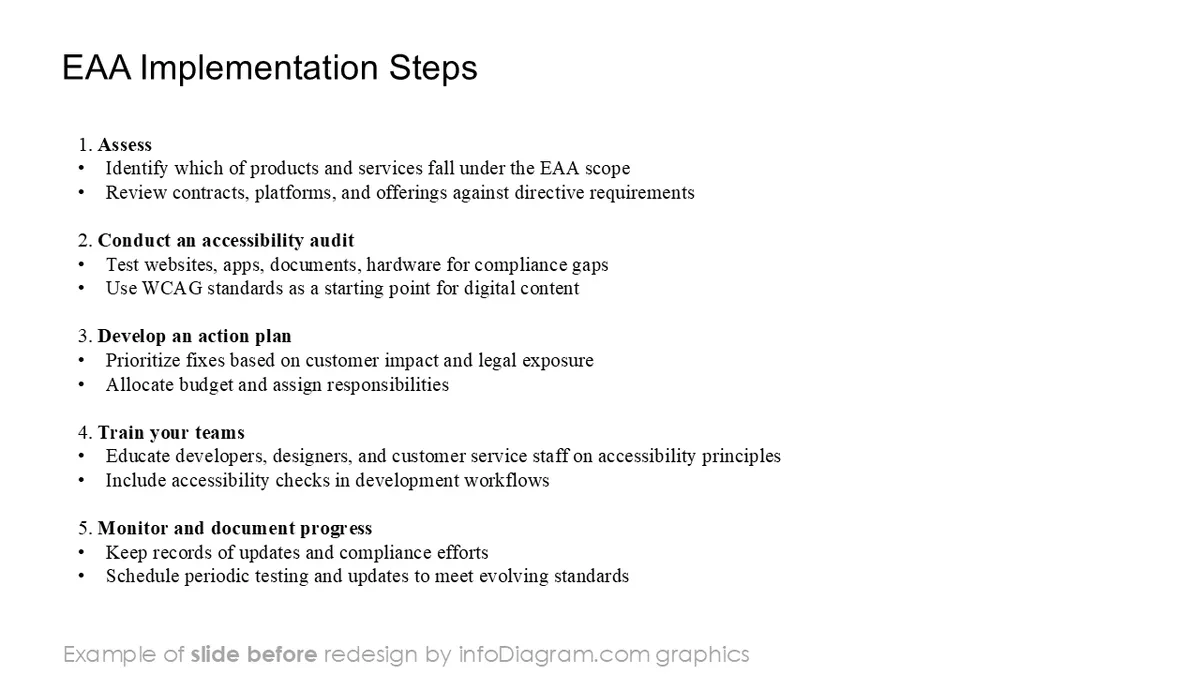

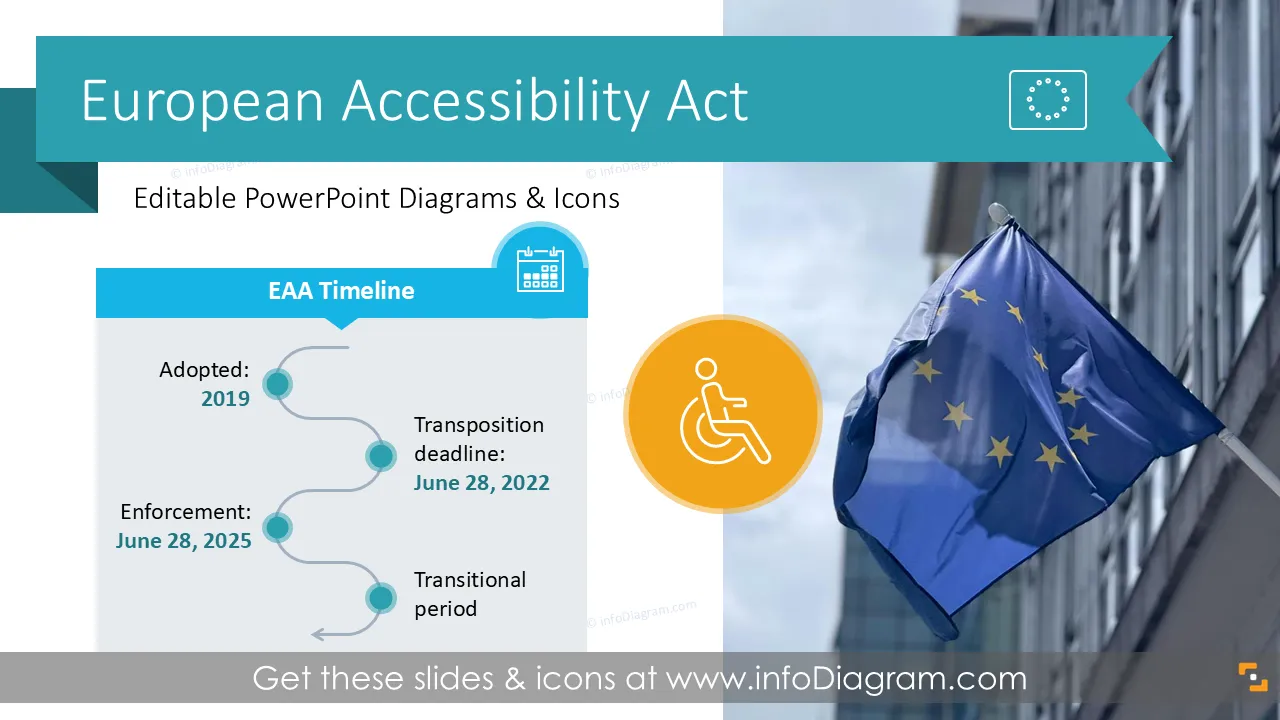
Need to present the European Accessibility Act? Consider using diagram visuals to explain this legal framework. We have designed a universal visual PowerPoint template to help you explain this topic in an engaging way.
This PowerPoint slide deck is designed in a simple visual flat shapes style with colorful vector illustrations and outline icons. All graphic shapes can be recolored and resized without any loss of quality.
The European Accessibility Act (EAA) is the European Union directive with a goal to improve the functioning of the internal market for accessible products and services, by removing barriers created by divergent rules in EU Member States.
Understanding the EAA helps companies meet legal requirements, expand market reach, and avoid potential penalties.
Presenting EAA with the help of diagrams improved the understanding of the concepts you want to talk about. Instead of writing plain text, explain the EAA scope, checklist, and timeline using data visualization.
Presenting the EAA visually makes this complex EU directive easier to understand and communicate. You can use professional PowerPoint diagrams to break down legal requirements and timelines. Well-structured slides help your audience grasp key points faster and make your presentation more impactful and memorable.
We have designed a universal PowerPoint slide-deck with predesigned diagrams covering EAA concepts. You can adapt them to your needs, as all content is fully editable.
Apply this EAA PowerPoint template in various business, organizations, and compliance contexts, such as:
This template is ideal for legal teams, accessibility officers, compliance managers, and consultants who need to clearly communicate EAA requirements to internal teams or external stakeholders.
All graphics are editable to modify the size, colors, and text. Also, you can extend the collection further with more PPT symbols (see Related Diagrams section).
Try using this set of fully editable PowerPoint vector shapes to present your data visually in an elegant way. You can easily modify all elements:
Your graphics add a nice touch to my presentations and I recently used them for one of my all-hands meetings. Your toolbox adds professionalism to my slides. Instead of using standard clipart.
Claude Jones, Director of Engineer, @Walmartlabs, USA
I needed a fresh look at some of my slides. I've tried to find a way to create a paintbrush effect, to underline, accentuate, add some color and the handwritten markers were just the things. Very easy to use, easy to size, change the color. It was an affordable, perfect solution and I'm happy to recommend it.
Anonymous, US
The crisp, clean look of the graphics, and the fact that it allowed me to easily edit and change the colors to match the template was my main reason for purchasing them.
Brandie Jenkins, E-learning Developer, USA



You may also need