

Your graphics add a nice touch to my presentations and I recently used them for one of my all-hands meetings. Your toolbox adds professionalism to my slides. Instead of using standard clipart.
Claude Jones, Director of Engineer, @Walmartlabs, USA

Your graphics add a nice touch to my presentations and I recently used them for one of my all-hands meetings. Your toolbox adds professionalism to my slides. Instead of using standard clipart.
Claude Jones, Director of Engineer, @Walmartlabs, USA
I needed a fresh look at some of my slides. I've tried to find a way to create a paintbrush effect, to underline, accentuate, add some color and the handwritten markers were just the things. Very easy to use, easy to size, change the color. It was an affordable, perfect solution and I'm happy to recommend it.
Anonymous, US
The crisp, clean look of the graphics, and the fact that it allowed me to easily edit and change the colors to match the template was my main reason for purchasing them.
Brandie Jenkins, E-learning Developer, USA
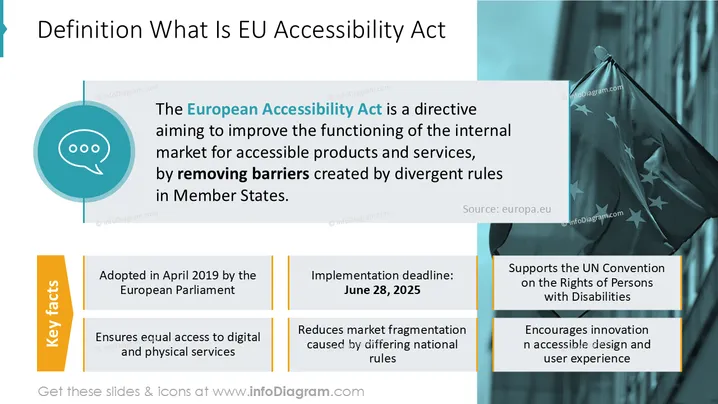
The slide explains the EU Accessibility Act, a directive enhancing the internal market for accessible products by removing barriers from diverse national rules. Key elements include its adoption by the European Parliament in April 2019, an implementation deadline of June 28, 2025, ensuring equal access to services, reducing market fragmentation, supporting the UN Convention on disability rights, and promoting innovation in accessible design.
The slide uses a structured, clear layout with strategic color accents, effectively combining textual information with minimalistic graphics. The professional look is fitting for a formal business presentation.



