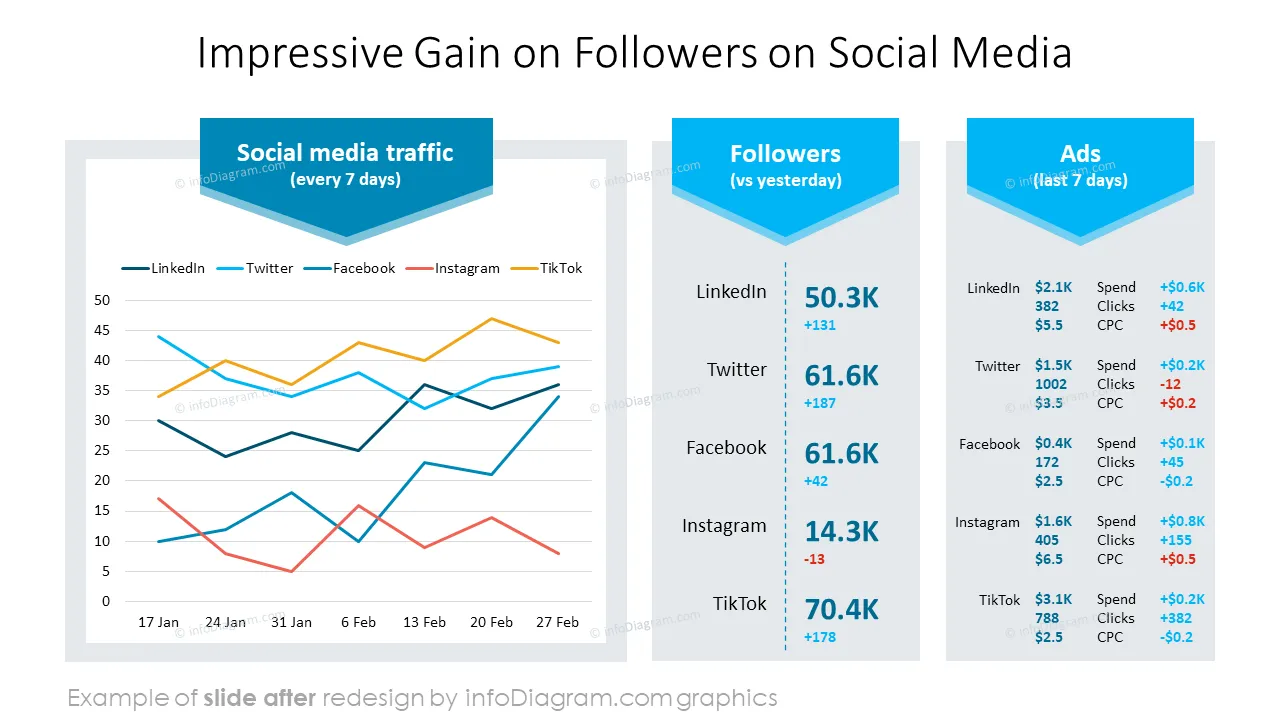
Do you need to present your company's business update at the meeting with your employees engagingly?
Use our pre-designed Townhall Meeting deck that allows you to convey your message attractively and increases the involvement and participation of your audience.
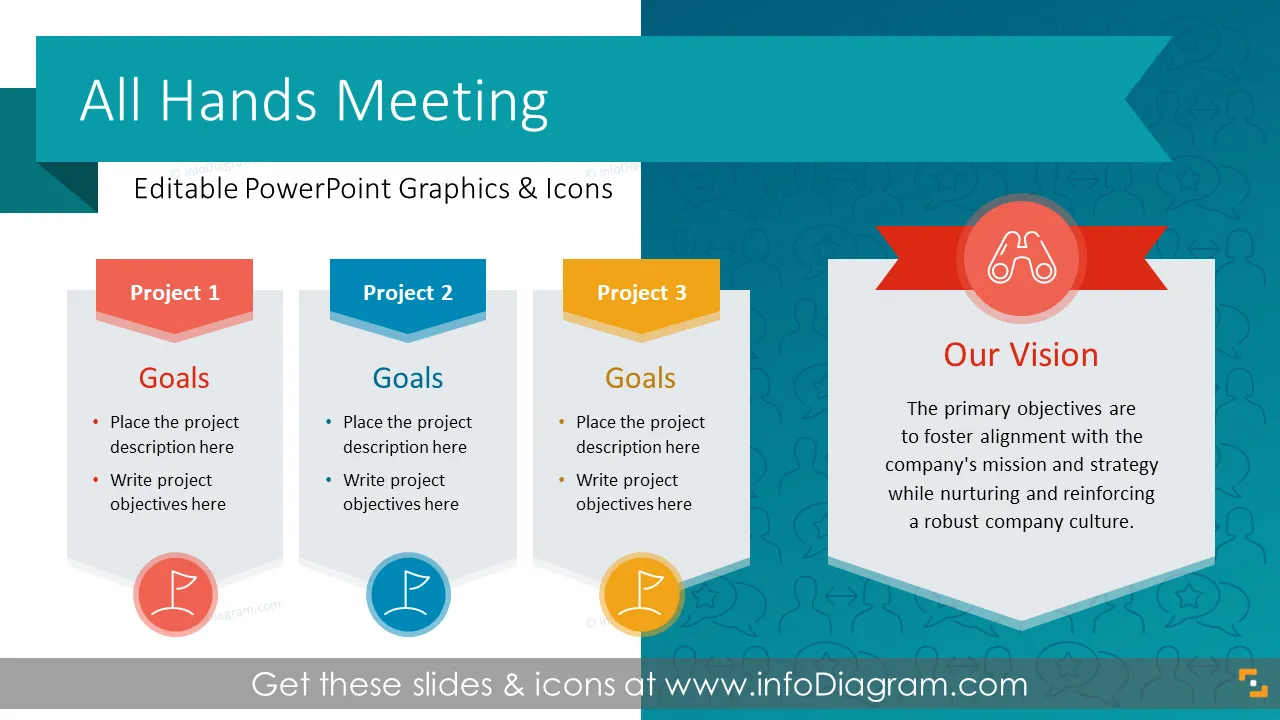
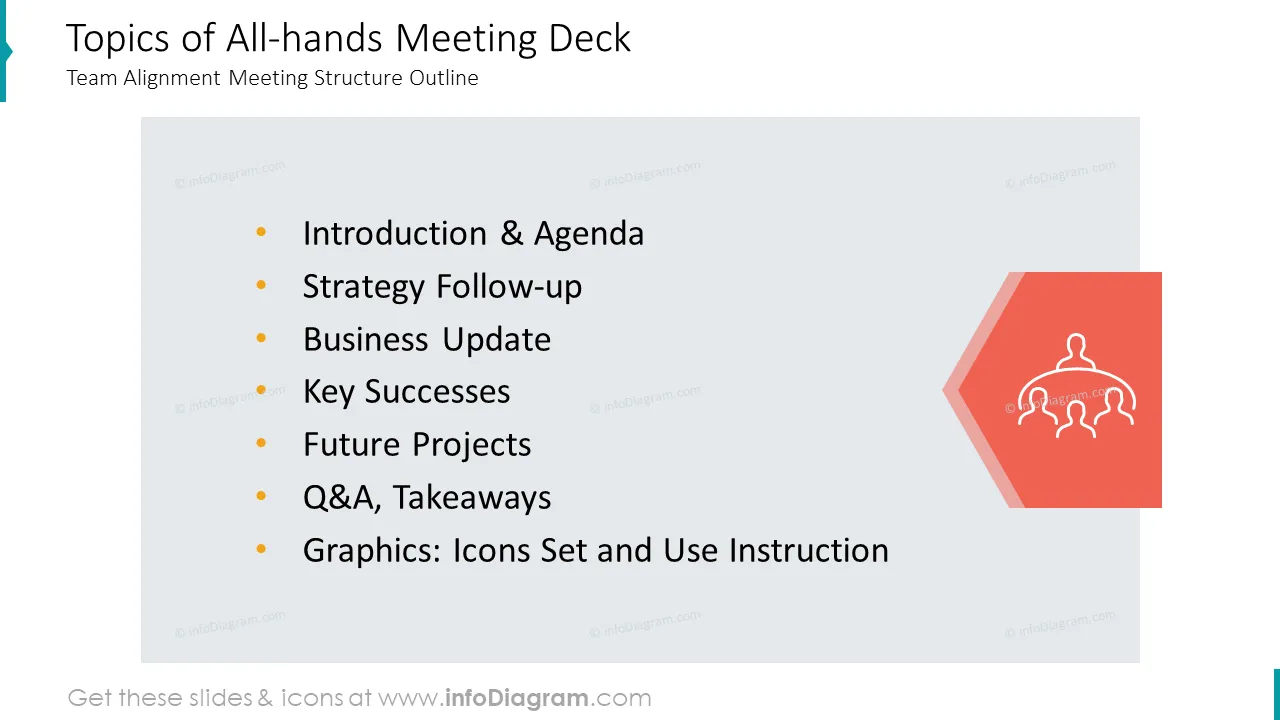
This Company All Hands Meeting template contains slides with the following:
- 25 diagrams illustrating various issues related to all-hands meetings
- 57 icons illustrating all hands meeting topics: Dialogue, Strategy, Rating, Development, and General
- Instruction on modifying those diagrams using standard PowerPoint editing tools.
This PowerPoint slide deck is designed in an elegant flat style with colorful vector illustrations and outline icons. All graphic shapes can be recolored and resized without quality loss.
What is the purpose of the All Hands Meeting?
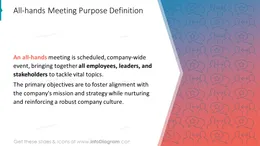
At a company all-hands meeting, employees gather to hear from senior leaders and managers about the company's state, vision, mission, goals, and achievements. It is an opportunity for employees to ask questions, share feedback, and engage with the leadership team in a two-way conversation.
Why do all-hands presentations?
All-hands meeting is the best opportunity for you to gather your entire team to keep people updated on important information related to your strategy and the state of business. For such a more extensive meeting having a clear and attractive presentation with vivid visual aids is an essential part of efficient communication. Regular all-hands meetings provide a great way to reinforce the organization's culture and values and stimulate the employees to share their feedback.
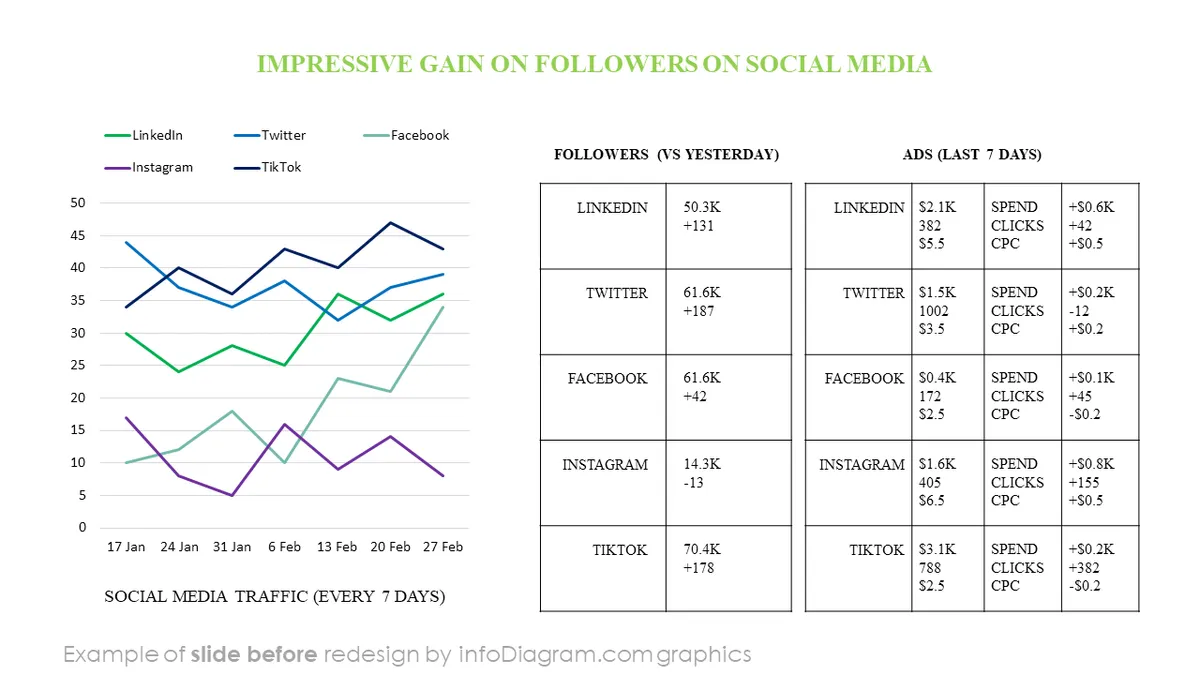
Make your ideas easy to understand using graphs and infographic elements, and tailor them to your needs to upgrade your presentation slides. We include detailed instructions on how to alter the content, values, colors, and look and feel of the charts applied.
Where can you use the All Hands PowerPoint template?
Using PowerPoint for making visual slides with infographics and chart graphs will help you organize information and present your ideas in an eye-catching and attractive format.
We have designed a PPT template with predefined slides for various parts of all-hands presentations. Here are a few case studies of using townhall presentations:
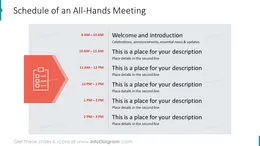
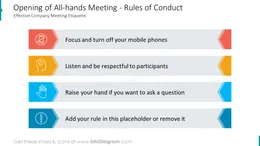
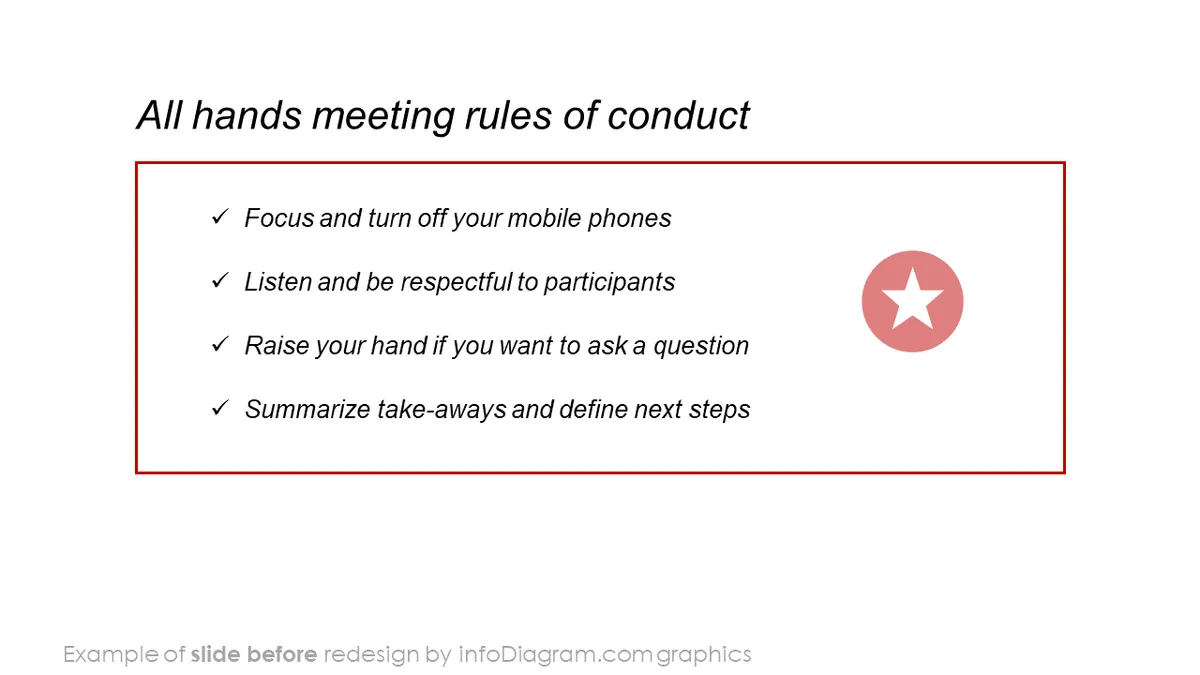
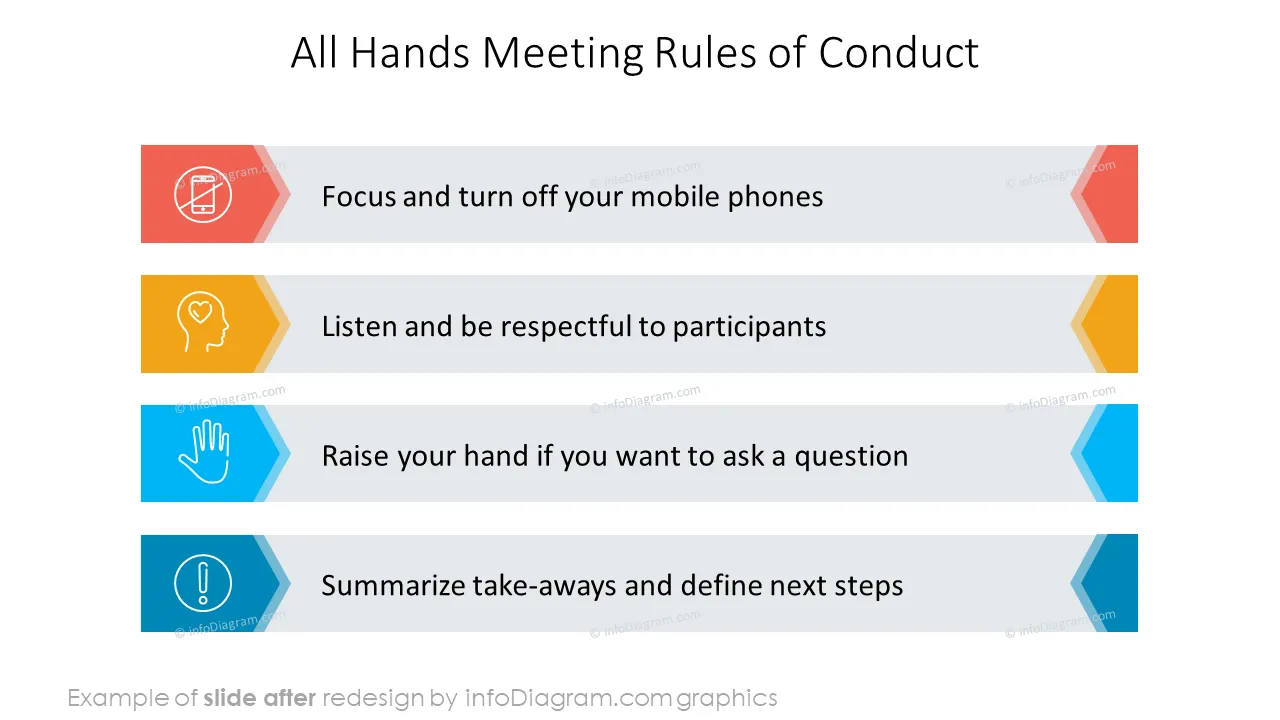
- Present your meeting rules and agenda with self-explanatory appealing icons
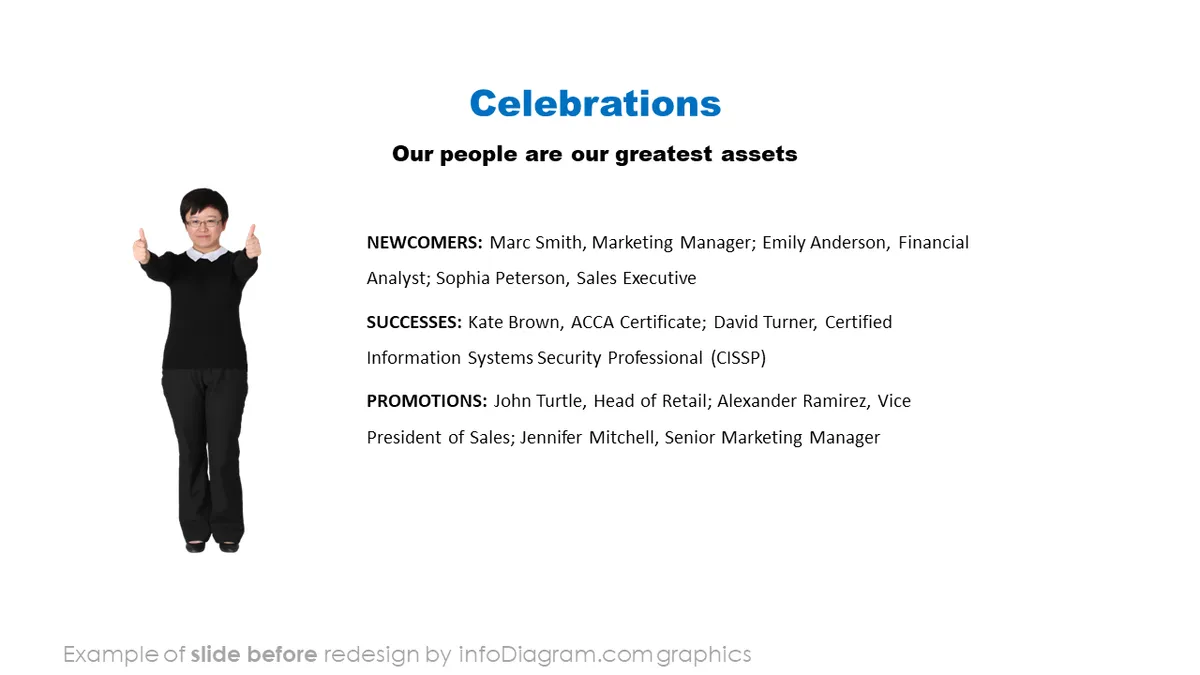
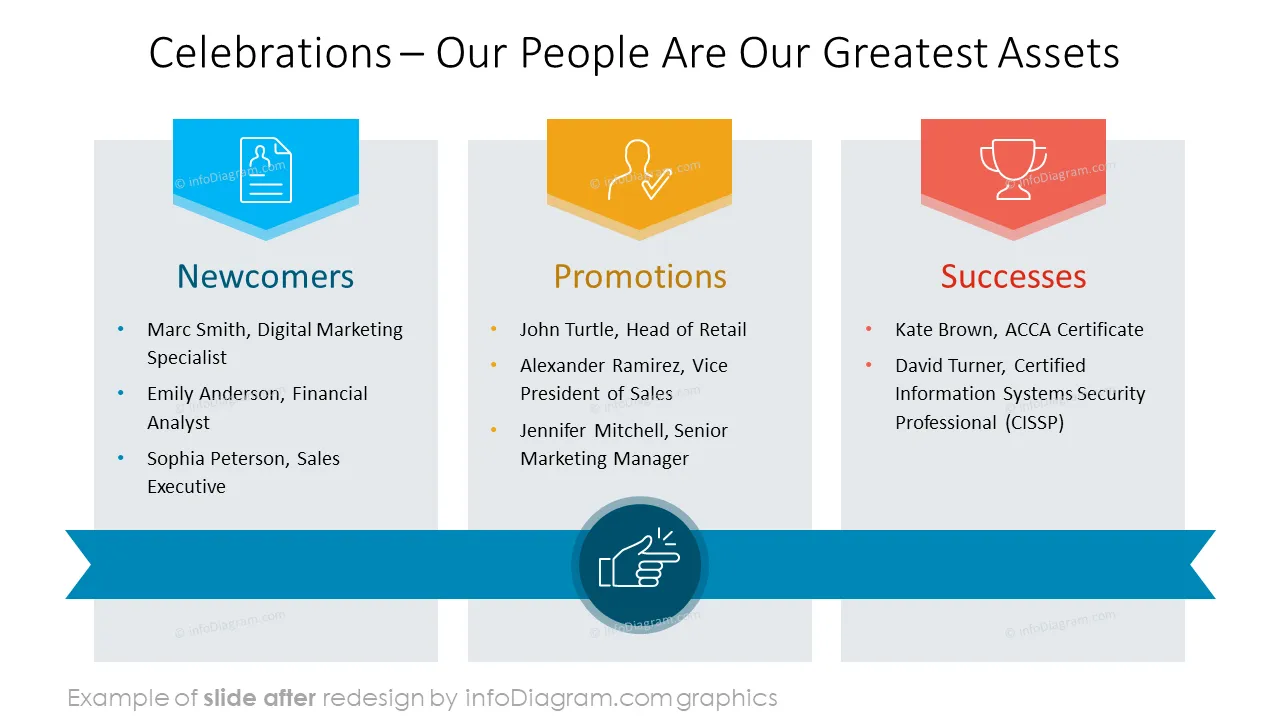
- Start with inspiring slides showing your company's focus on people - celebrating successes, presenting employees feedback and initiatives related to human resources
- Remind your team about the company's mission, vision, and values highlighting the most important elements
- Create an attractive overview of your main strategic goals in the format of a summary
- Visualize your key achievements using an attractive milestones roadmap
- Be proud of your successes and celebrate them with your team using pre-design appealing visualizations
- Give your leaders a voice, let them present their respective areas providing business updates and upcoming activities in various creative slide layouts prepared for you
- Finish your meeting with the main takeaways presented in a memorable lighthouse concept diagram
Try using those PowerPoint graphics to present your data visually in an elegant way.
All graphics are editable to modify the size, colors, and text. Also, you can extend the collection further with more PPT symbols (see Related Diagrams section).
Try using thisset of fully editable PowerPoint vector shapes to present your data visually in an elegant way. You can easily modify all elements:
- Replace icons
- Change the filling and outline color
- Modify size and proportions
- Rotate, flip, align, and change order