All Hands Meeting Icons - Development
Slide Content:
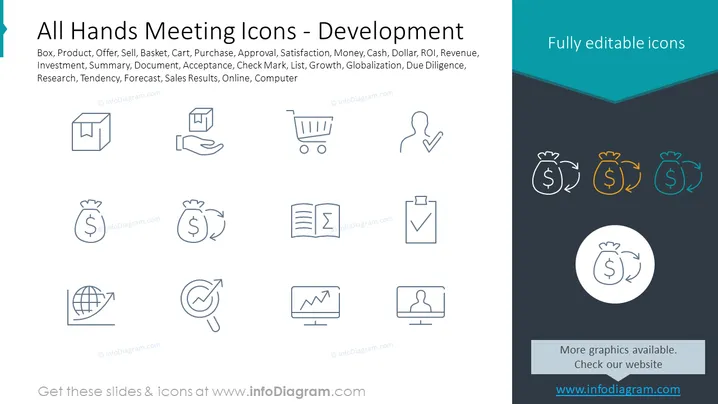
The slide presents a collection of icons associated with business development and activities that could be discussed in an all-hands meeting. These icons represent concepts such as Box, Product, Offer, which could be related to new product offerings; Sell, Basket, Cart, Purchase, signifying sales operations; Approval, Satisfaction, capturing consumer feedback or product approval; Money, Cash, Dollar, ROI, Revenue, Investment, pertaining to financial aspects; Summary, Document, relating to reporting and documentation; Acceptance, Check Mark, ensuring quality and completion; List, Growth, Globalization, hinting at expansion plans; Due Diligence, Research, for careful business analysis; Tendency, Forecast, Sales Results, for market predictions and accomplishments; Online, Computer, emphasizing digital presence or IT infrastructure.
Graphical Look:
- The slide title "All Hands Meeting Icons - Development" in large bold font in the upper center.
- A subtitle with associated keywords is arranged in a list format under the title.
- Two groups of line icons, the left group in grey, and the right group highlighted, with a single icon colored differently than the others.
- The distinguishing icon in the highlighted group has a teal circle in the background for emphasis.
- A solid dark banner runs from the bottom right to the top left, with the text "Fully editable icons" on the right side.
- The bottom section of the slide has a contrasting light band with website information for obtaining more slides and icons.
The slide has a professional and minimalistic design with a focus on clarity and usability. The coloring and placement of the icons draw attention to certain elements, emphasizing the key themes of business development.
Use Cases:
- To introduce different areas of focus during an all-hands meeting in a company.
- As a visual aid to discuss departmental or company-wide performance indicators.
- For highlighting key discussion points or agenda items during business strategy sessions.
- As part of a training oreducational presentation to explain various aspects of business development and operations.