
Reviews
Ihre Grafiken verleihen meinen Präsentationen eine nette Note, und ich habe sie kürzlich für eines meiner All-Hands-Meetings verwendet. Ihre Toolbox verleiht meinen Folien Professionalität, anstatt Standard-Clipart zu verwenden.
Ich brauchte einen neuen Blick auf einige meiner Folien. Ich habe versucht, einen Weg zu finden, einen Pinselschlag-Effekt zu erzielen, um zu unterstreichen, hervorzuheben, Farbe hinzuzufügen, und die handgeschriebenen Markierungen waren genau das Richtige. Sehr einfach zu bedienen, leicht in der Größe zu ändern, die Farbe zu ändern. Es war eine erschwingliche, perfekte Lösung und ich empfehle sie gerne weiter.
Die klare, saubere Optik der Grafiken und die Tatsache, dass ich die Farben leicht bearbeiten und an die Vorlage anpassen konnte, war mein Hauptgrund für den Kauf.
Description
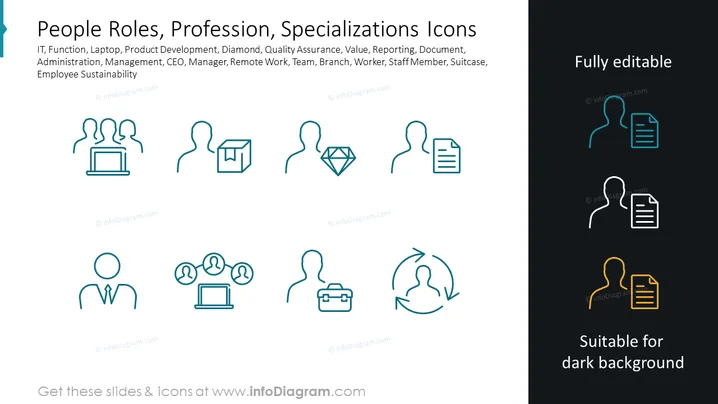
People Roles, Profession, Specializations Icons
Slide Content
The slide presents a collection of icons representing various job roles, professions, and specialized areas. Each icon encapsulates a concept: IT with a laptop icon suggests a tech-focused role; Product Development with a diamond shape implies innovation; Quality Assurance with a checkmark denotes maintaining standards; Management with interconnected figures signifies leading teams; and CEO, Manager, Remote Work, Team, Branch, Worker, Staff Member, Suitcase, Employee Sustainability are all symbolized respectively hinting at high-level oversight, administering tasks, flexible working environments, collaboration, organizational structure, individual contributions, travel or business readiness, and long-term employee well-being.
Graphical Look
- A large title in white text sits at the top left.
- A series of turquoise icons with associated labels underneath each.
- Each icon represents a different concept, and is paired with a human silhouette to convey roles or professions.
- The icons vary in their imagery, including a laptop, a diamond, and varied connections between people.
- On the right-hand side, there is a text box with the words "Fully editable" and "Suitable for dark background," alongside more icons.
- A contrasting dark grey box surrounds this section, making the white and yellow icons stand out.
The slide has a clean, professional look with a clear distinction between the lighter left side and the darker right side. The icons are simple and easily identifiable, designed to convey various professional or role-related concepts at a glance.
Use Cases
- Presentation of team roles and functions during a company meeting or training session.
- Use in HR and recruitment materials to describe job positions or department functions.
- Adding visual appeal to organization charts or staffing breakdowns in corporate documentation.
- Incorporating into digital or printed company brochures detailing career paths and opportunities.
How to Edit
How to edit text & colors

How to expand / shorten diagram

How to Replace Icons in infoDiagram PPT


