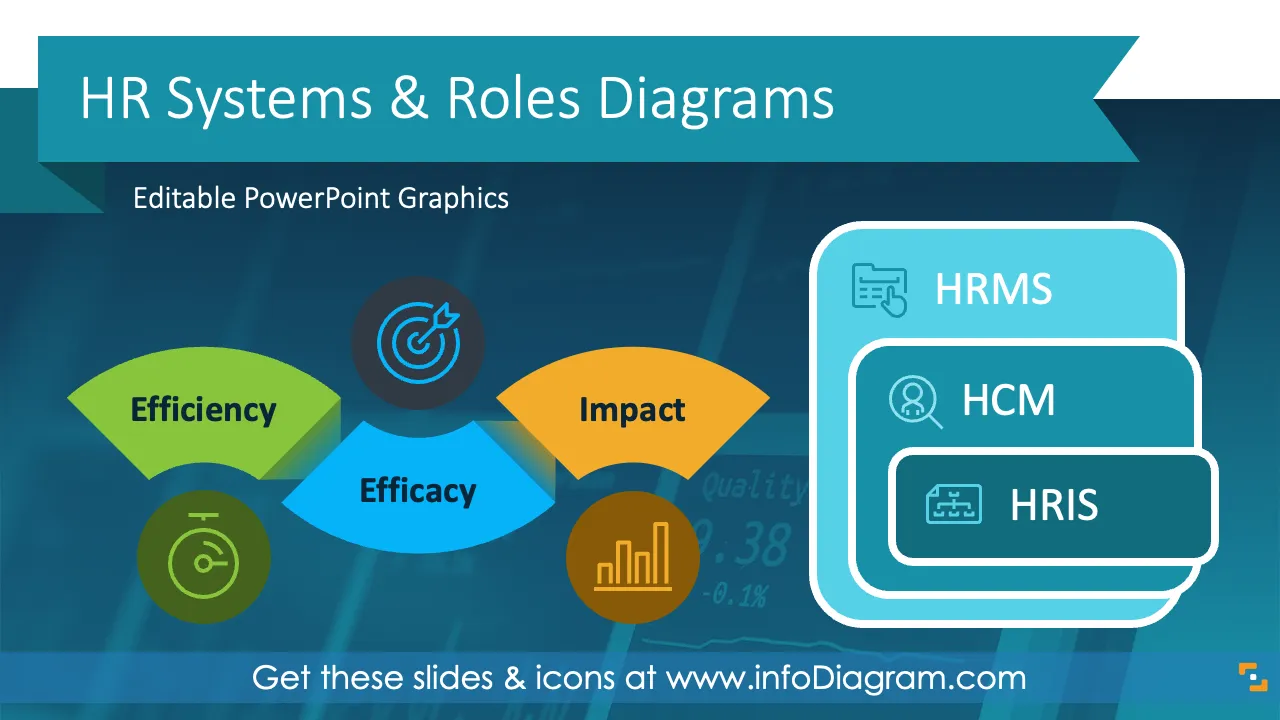
If you need to present solutions that streamline and enhance workforce management linking HR processes, practices, and policies to business outcomes use our pre-designed HR modern systems presentation template to explain HR frameworks and roles in your organization.
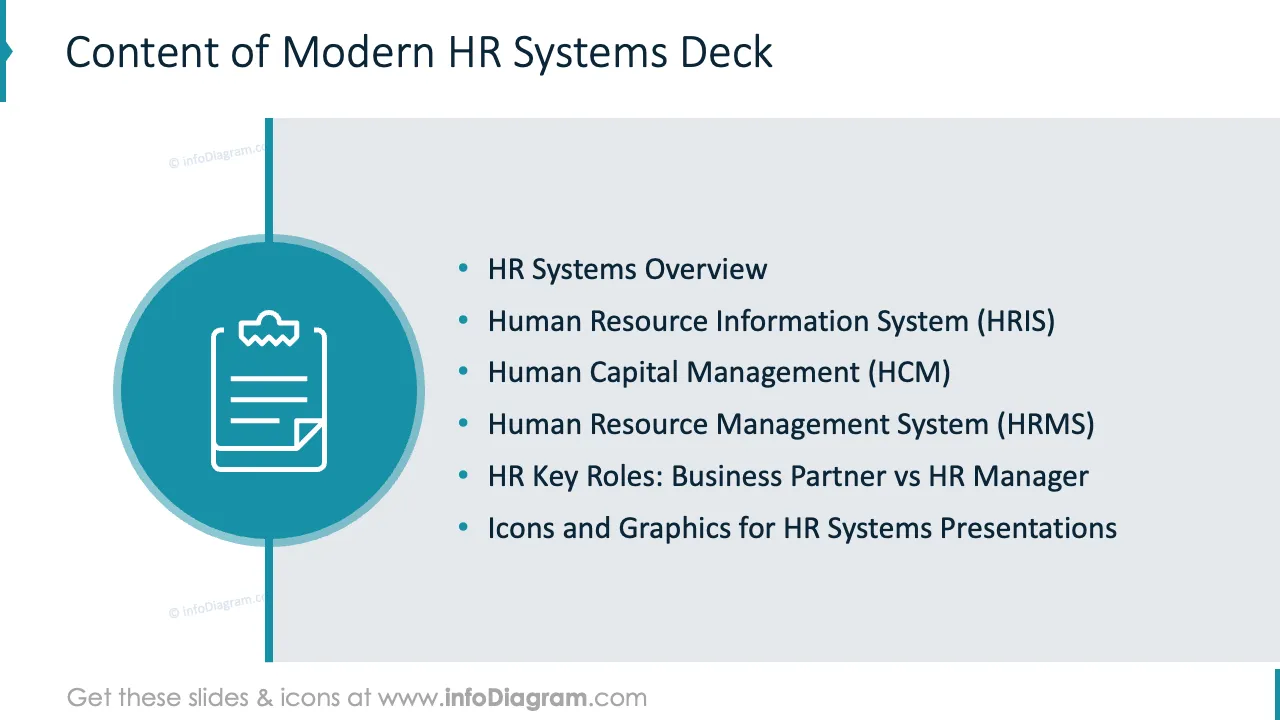
This HR Systems and Roles Presentation Diagrams contains slides with the following:
- 43 diagrams illustrating various issues related to HRIS, HCM and HRMS.
- 39 icons illustrating organizational topics: Strategy, Planning Employee Management, Technology, People Development, Process Flow Ciscles with Nodes
- Instruction on modifying those diagrams using standard PowerPoint editing tools.
This PowerPoint slide deck is designed in an elegant, flat style with colorful vector illustrations and outline icons. All graphic shapes can be recolored and resized without quality loss.≠
Authors of this Employee Experience Overview PPT Presentation
What is an HR Systems topic about?
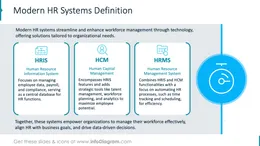
Modern HR systems like HRIS, HCM, and HRMS are advanced solutions designed to streamline and optimize various HR processes. They empower organizations to manage their workforce effectively, align HR with business goals, and drive data-driven decisions.
Why use visual diagrams to present HR systems and roles?
Modern HR Systems enable organizations to automate repetitive HR tasks, improve decision-making with data analytics, align HR operations with business goals, and enhance employee experience and engagement.
When presenting those systems (HRIS, HCM, and HRMS) e.g. in a PowerPoint (PPT), explain their structure and processes using a diagrammatic form that is attractive, easy to understand and to modify. Using diagram shapes as visual aids in your presentation helps you to convey quickly the key information and engage your audience.
Our pre-designed deck with a light or dark background ensures your presentation is clear, professional, and impactful. We include detailed instructions on how to alter the content, values, colors and look and feel of the charts applied.
Where can you use the HR systems diagram graphics?
Using infographics and chart graphs can help you organize and present HR solutions in an engaging and visually appealing format.
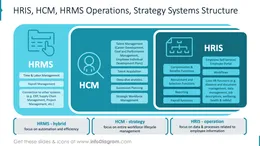
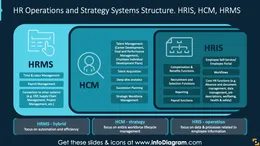
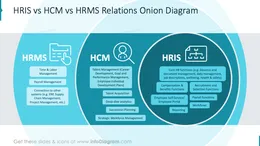
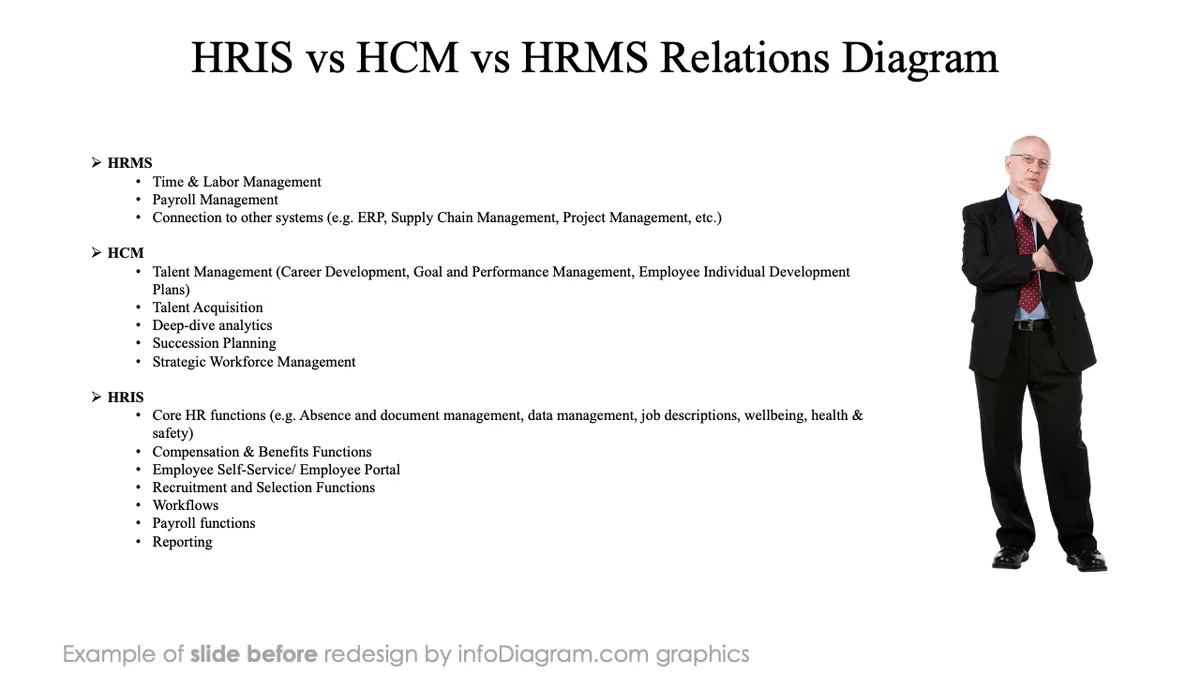
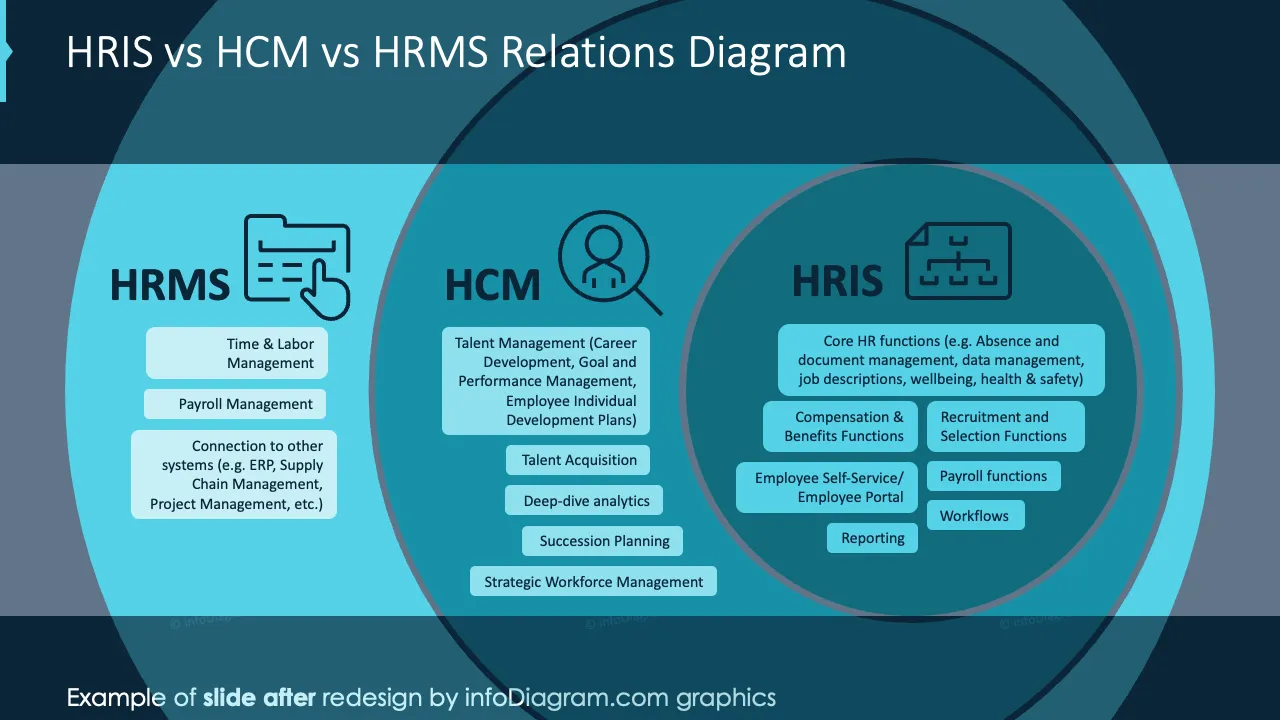
- Create an attractive overview and comparison of HRIS, HCM, and HRMS systems using nice graphs and infographics
- Illustrate main human resources processes adding special comments relevant to your business
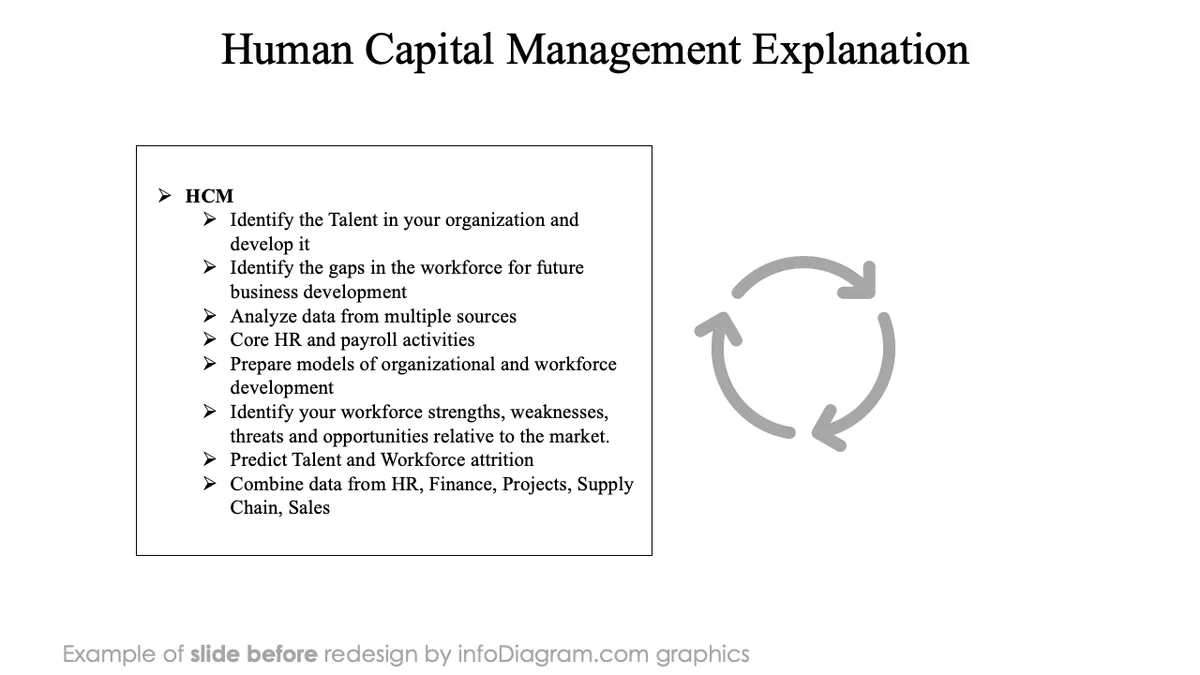
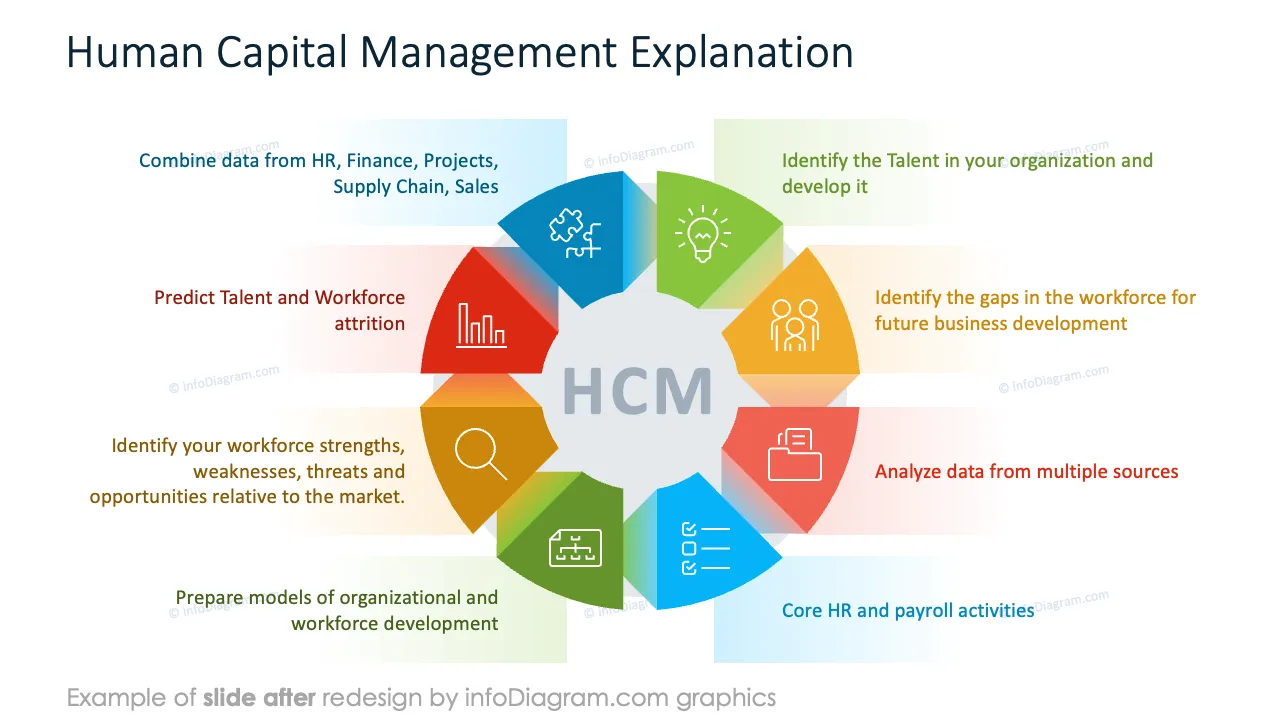
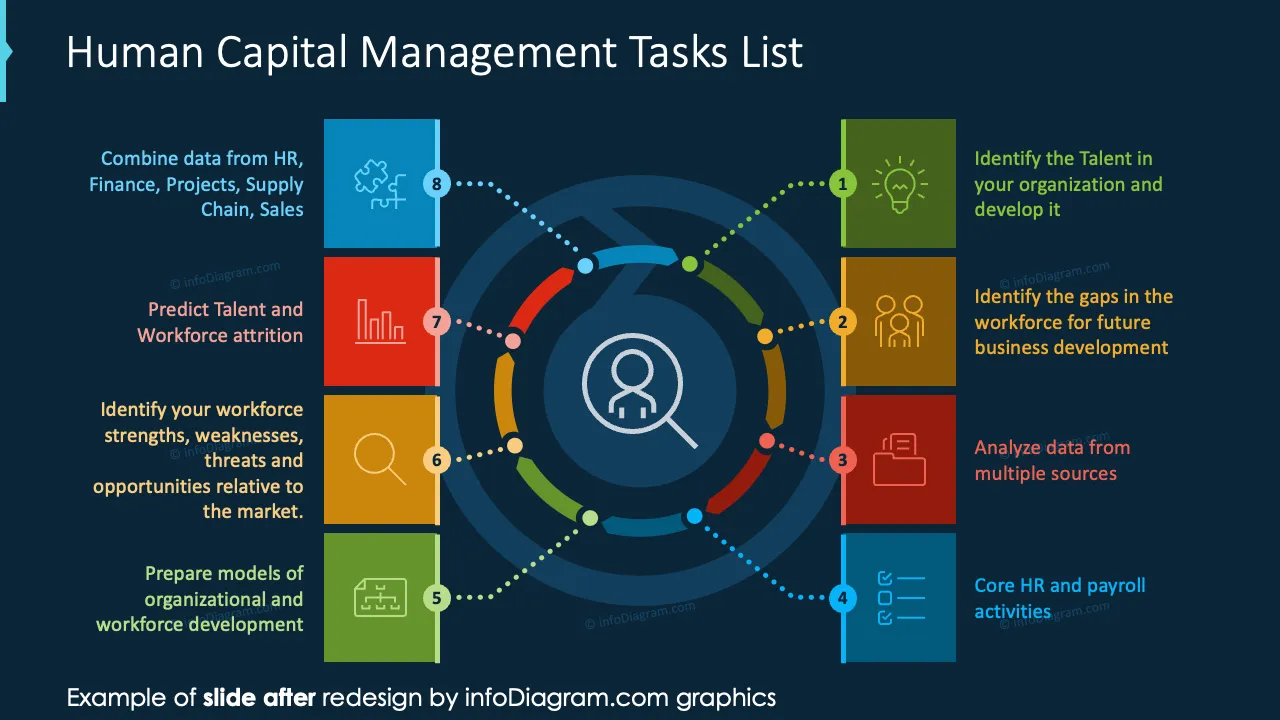
- Present 8 elements of your Human Capital Management solution
- Visualize your workforce planning from strategy, via, current vs future workforce structure gap analysis to continuous workforce development and improvement
- Show your HR value chain that focuses on how HR processes contribute to organizational success by enhancing efficiency, efficacy, and impact
- Define your HR roles and responsibilities on the executive and management level
- Compare HR Business Partner and HR Manager
Try using those PowerPoint graphics to present your data visually in an elegant way.
All graphics are editable to modify the size, colors, and text. Also, you can extend the collection further with more PPT symbols (see Related Diagrams section).
Try using this set of fully editable PowerPoint vector shapes to present your data visually in an elegant way. You can easily modify all elements:
- Replace icons
- Change the filling and outline color
- Modify size and proportions
- Rotate, flip, align, and change order