

Your graphics add a nice touch to my presentations and I recently used them for one of my all-hands meetings. Your toolbox adds professionalism to my slides. Instead of using standard clipart.
Claude Jones, Director of Engineer, @Walmartlabs, USA



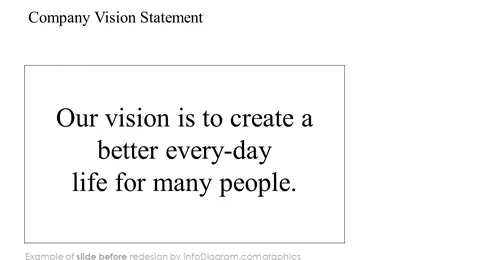
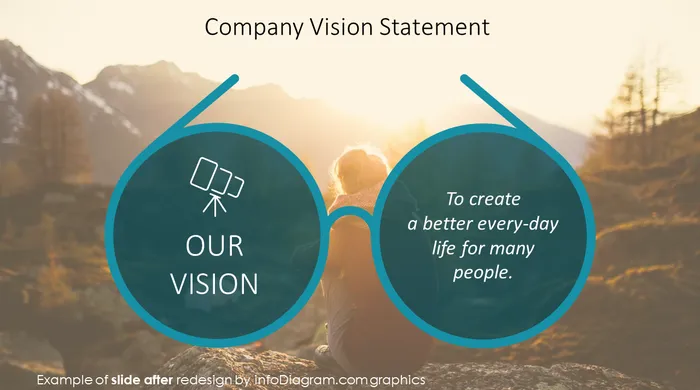
Before and after
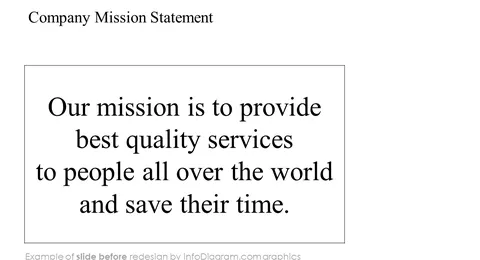
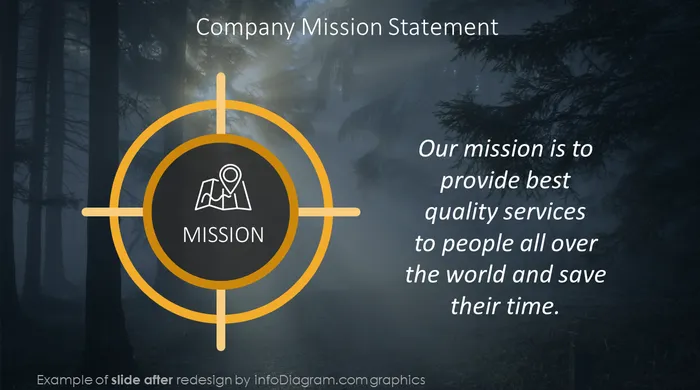
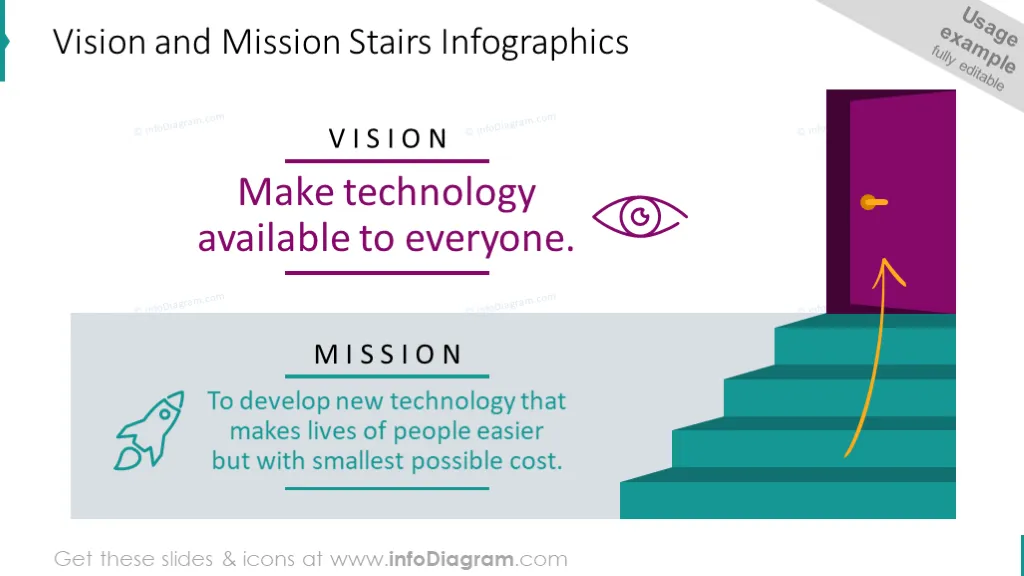
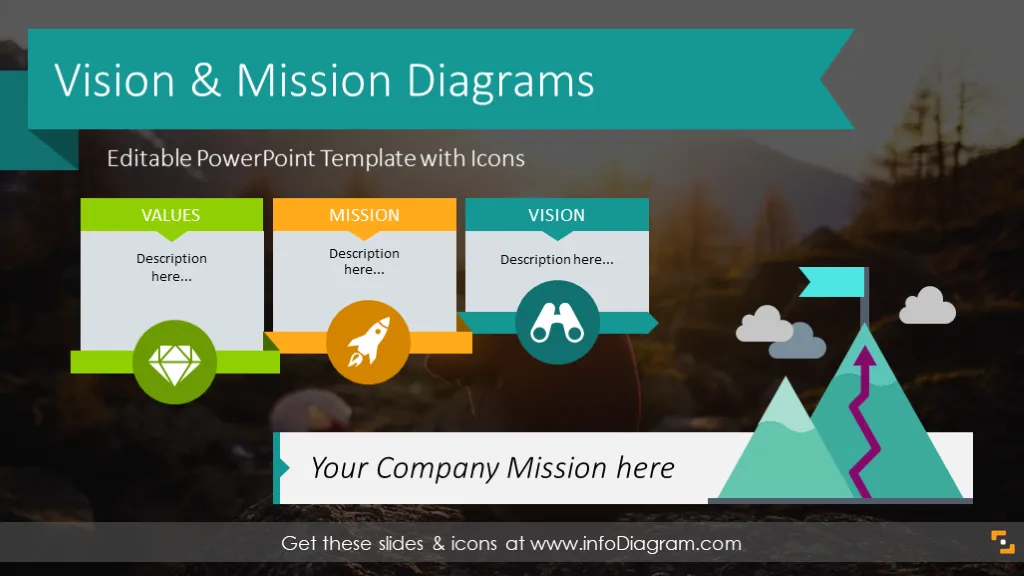
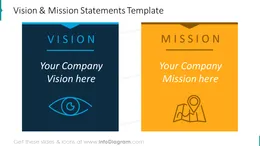
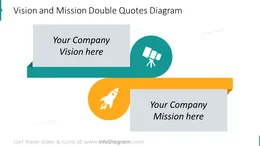
Need to produce mission and vision statements for your start-up? Have to review your company's mission or your organization's core values? These mission and vision statement templates will help to present in a visual, infographic form. You can also use the templates to assist you in aspects such as business plans, your business strategy, or pitching to investors and stakeholders.
This isn't just for business owners, nonprofit organizations, and similar entities; you can also use this to create a personal mission statement, as readers of _The 7 Habits of Highly Effective People _may be familiar with.
This template includes a set of slide layouts you can use to represent your Mission or Vision declarations. Add your text, and modify colors, pictures, and icons.
The Company Vision and Mission Statements Template include:
Format: fully editable vector shapes (modify colors of diagrams and icons, resize without quality loss).
The Vision & Mission PowerPoint Template is a set of over 20 ready-to-use slides:
The diagrams will help you explain your company's values, help your organization focus on what is important, and provide a basis for developing other aspects of your strategic plan. The diagram can be useful for strategic management presentations, board meetings, employee & team member gatherings, company review meetings, and motivational speeches. The collection is intended to help you design creative and fresh-looking slides plus illustrate data in an eye-catching way, with less text and more visual content.
Use the Vision & Mission template to underline the importance of these statements in strategic management, and present company values to your team and employee groups.
Whether you have a vision defined by one short headline or several sentences, you can put it into predefined text boxes and underline the mission or vision statement with visual symbols related to your objectives, choose graphics and photographs in colors that are close to your brand ones or in the style of your presentation.
Fully editable in PowerPoint set of vector shapes fully editable by using built-in PowerPoint tools, including
See editing demonstration in our HowTo Videos.
To deepen your understanding and skills, we suggest exploring additional materials such as our blog and YouTube video, which are trusted sources dedicated to refining presentation decks:
Your graphics add a nice touch to my presentations and I recently used them for one of my all-hands meetings. Your toolbox adds professionalism to my slides. Instead of using standard clipart.
Claude Jones, Director of Engineer, @Walmartlabs, USA
I needed a fresh look at some of my slides. I've tried to find a way to create a paintbrush effect, to underline, accentuate, add some color and the handwritten markers were just the things. Very easy to use, easy to size, change the color. It was an affordable, perfect solution and I'm happy to recommend it.
Anonymous, US
The crisp, clean look of the graphics, and the fact that it allowed me to easily edit and change the colors to match the template was my main reason for purchasing them.
Brandie Jenkins, E-learning Developer, USA



You may also need