Cover and narrative setup
Usage example
Deck preview
What the deck looks like in practice
This template does not have a dedicated before/after case study, so we show the strongest slides from the actual deck instead.
Cover and narrative setup

Core structure and talking points
Polished visual slide from the deck
Description
Presentation template for PowerPoint (PPTX version Office 2007 and newer) - Watercolor stripe on paper background
- unique graphical background with 4 slide layouts: title, standard, transition, end slide
- pre-defined colors set inside the template (to give enough contrast and color harmony)
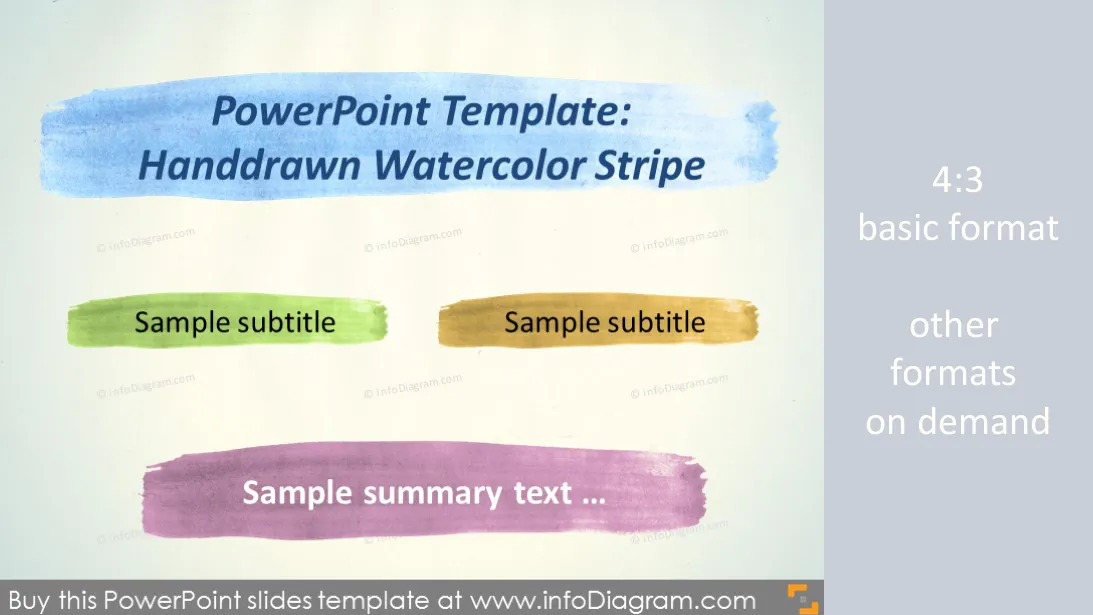
- aquarelle stripe for titles highlighting
- examples of text, chart, SmartArt content
Content:
Organic aquarelle style presentation template for PowerPoint - Watercolor blue stripe on plain paper background
Package content:
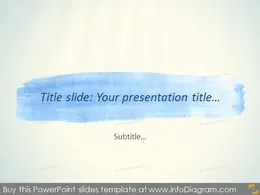
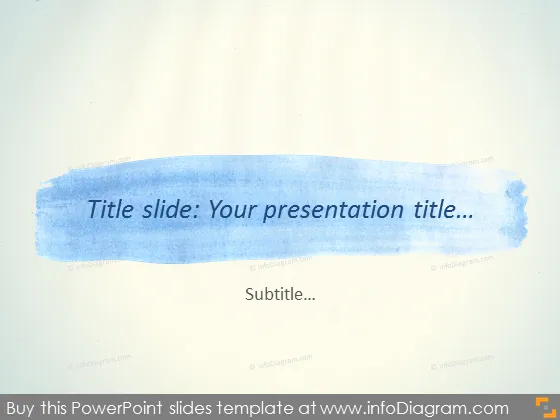
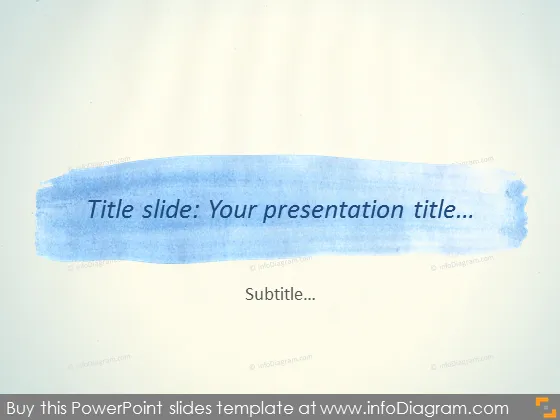
- Title slide layout - with central blue watercolor stripe
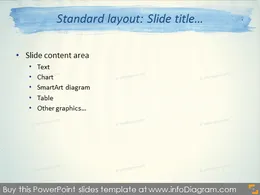
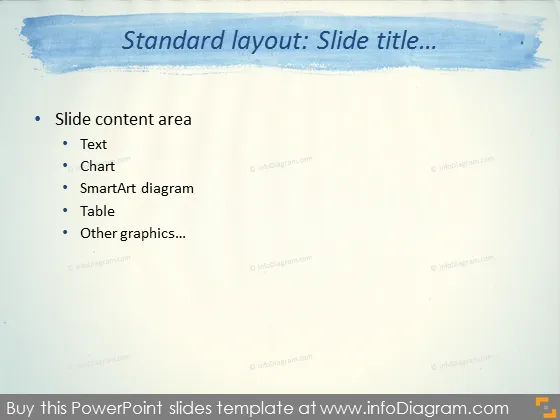
- Standard content slide layout, watercolor slide title, one placeholder for text, chart, table, picture or SmartArt diagram
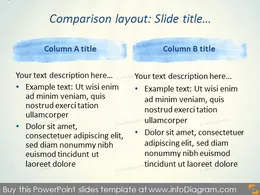
- Comparison layout - Two Column with watercolor headlines
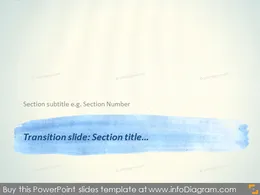
- Transition slide layout - Watercolor section title stripe
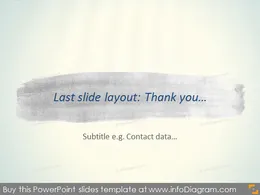
- End slide layout - Last Closing Slide with grey watercolor stripe
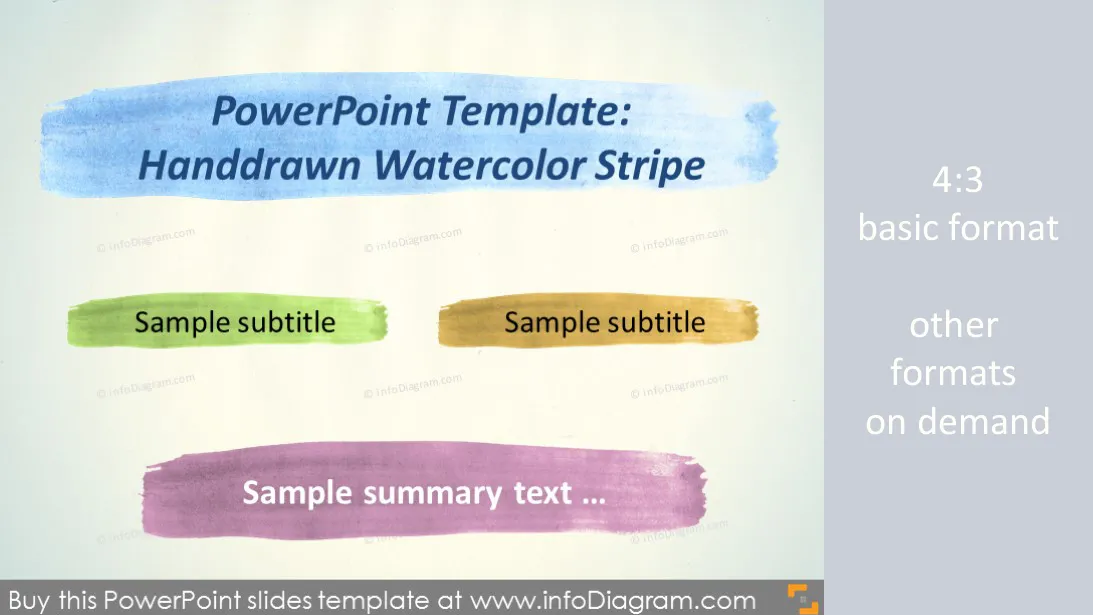
- Set of watercolor brush stripe element in various colors: dark blue, light blue, violet, dark yellow, green, grey, turquoise
- Examples of using watercolor stripes for bottom line or headers highlighting for charts, texts, SmartArt diagrams.
Format: PPTX - Microsoft Office PowerPoint (Office 2007, 2010, 2013...)
Template customization on request e.g.
- adjusting style to your corporate identity
- more slide layouts, chart templates, pre-defined slide deck
- content face-lifting or visualization from scratch (text to diarams)
- other formats e.g. if you need older PPT format
Authors
- Design: Izabela Zvirinska, Contact via infoDiagram.com
Slides included in this PowerPoint Presentation:
- Watercolor Presentation Title Slide Template PowerPoint Stripe
- Standard Layout Slide Blue Stripe Watercolor Template PowerPoint
- Comparison Slide Layout Watercolor Stripes Template PowerPoint
- Transition Slide Layout Section Watercolor stripe Template PPTX
- End Slide Layout Water0color Brush Haddrawn Template PPTX
- Summary Slide Line Water Color Brush Aquarelle PowerPoint
- Watercolor slide comparison 2 Columns headers stripes pptx
- Slide chart Watercolor summary stripe bottom line pptx
- Water color title stripe slide SmartArt pptx template
Reviews
Your graphics add a nice touch to my presentations and I recently used them for one of my all-hands meetings. Your toolbox adds professionalism to my slides. Instead of using standard clipart.
Claude Jones, Director of Engineer, @Walmartlabs, USA
I needed a fresh look at some of my slides. I've tried to find a way to create a paintbrush effect, to underline, accentuate, add some color and the handwritten markers were just the things. Very easy to use, easy to size, change the color. It was an affordable, perfect solution and I'm happy to recommend it.
Anonymous, US
The crisp, clean look of the graphics, and the fact that it allowed me to easily edit and change the colors to match the template was my main reason for purchasing them.
Brandie Jenkins, E-learning Developer, USA
How to Edit
How to edit text & colors

How to expand / shorten diagram

How to Replace Icons in infoDiagram PPT

You may also need