

Your graphics add a nice touch to my presentations and I recently used them for one of my all-hands meetings. Your toolbox adds professionalism to my slides. Instead of using standard clipart.
Claude Jones, Director of Engineer, @Walmartlabs, USA

Your graphics add a nice touch to my presentations and I recently used them for one of my all-hands meetings. Your toolbox adds professionalism to my slides. Instead of using standard clipart.
Claude Jones, Director of Engineer, @Walmartlabs, USA
I needed a fresh look at some of my slides. I've tried to find a way to create a paintbrush effect, to underline, accentuate, add some color and the handwritten markers were just the things. Very easy to use, easy to size, change the color. It was an affordable, perfect solution and I'm happy to recommend it.
Anonymous, US
The crisp, clean look of the graphics, and the fact that it allowed me to easily edit and change the colors to match the template was my main reason for purchasing them.
Brandie Jenkins, E-learning Developer, USA
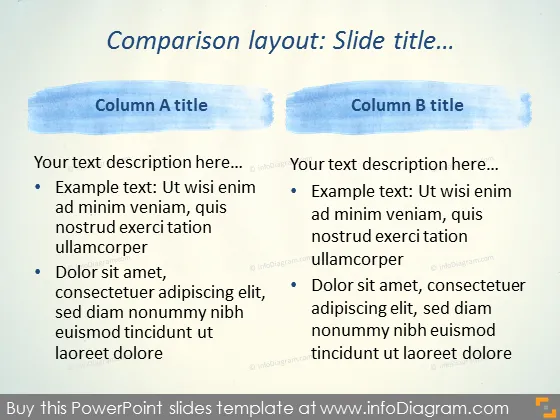
The slide presents a comparison layout between two columns labeled 'Column A title' and 'Column B title.' Each column contains a placeholder text description followed by bulleted items explaining various concepts. For example, in Column A, bullets elaborate on 'Ut wisi enim ad minim veniam,' indicating a sample text, and 'Dolor sit amet, consectetuer adipiscing elit,' which might refer to a standard placeholder or refer to aspects of a topic to be discussed in detail. Column B mirrors this structure with identical placeholder text and bullets, emphasizing the comparative aspect of the slide's purpose.
The slide utilizes a minimalist design with a watercolor motif for visual interest. The blue brush strokes add a splash of color and delineate the different sections, while the overall layout remains clean and focused on content.



