

Your graphics add a nice touch to my presentations and I recently used them for one of my all-hands meetings. Your toolbox adds professionalism to my slides. Instead of using standard clipart.
Claude Jones, Director of Engineer, @Walmartlabs, USA

Before and after
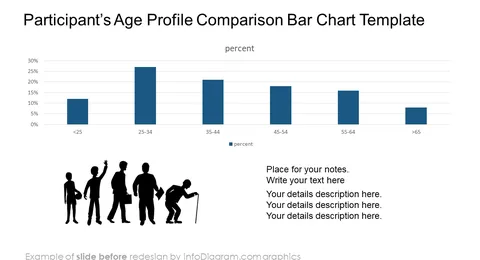
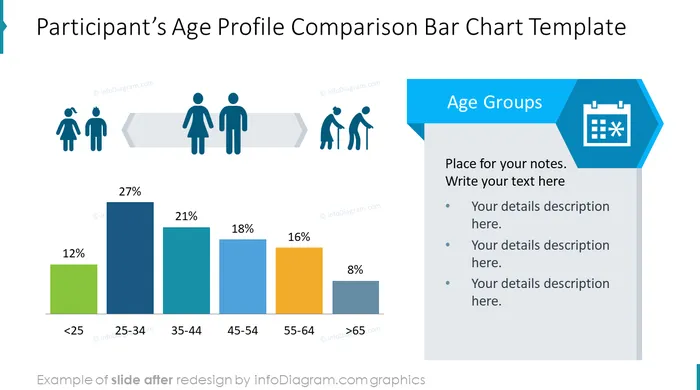
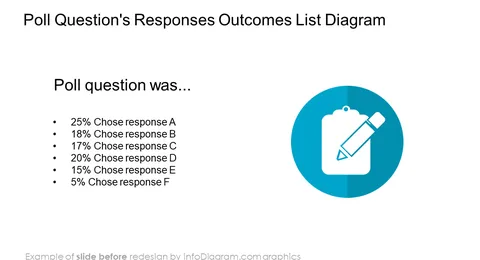
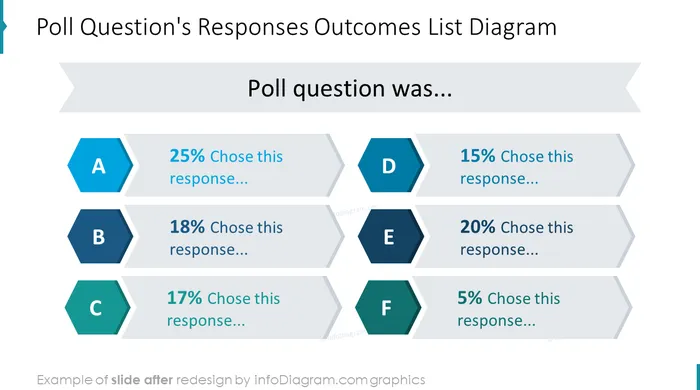
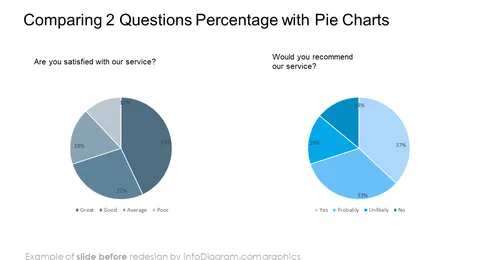
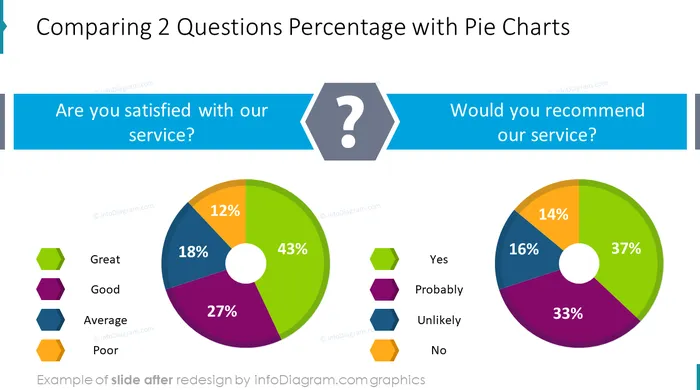
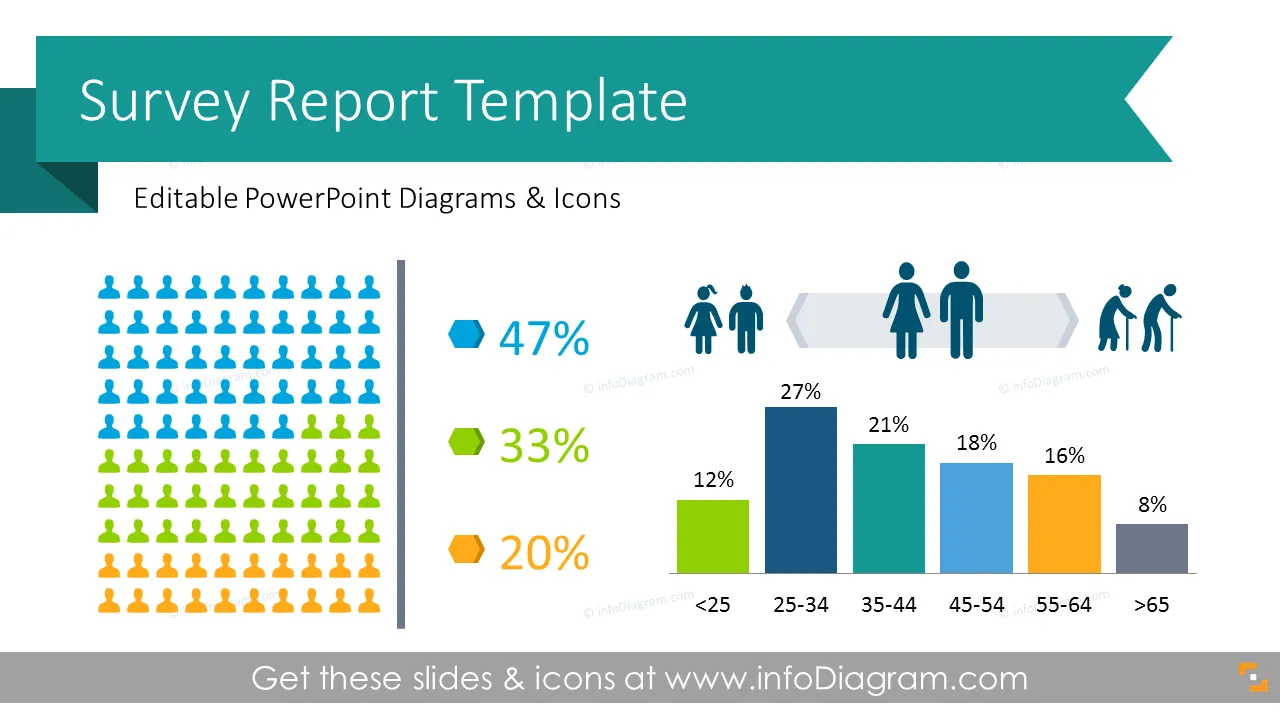
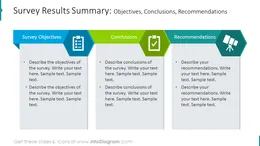
Presentation Template for presenting Survey Results in form of PowerPoint slides, including essential parts for poll evaluation meetings and reports - questions, result charts, and statistics.
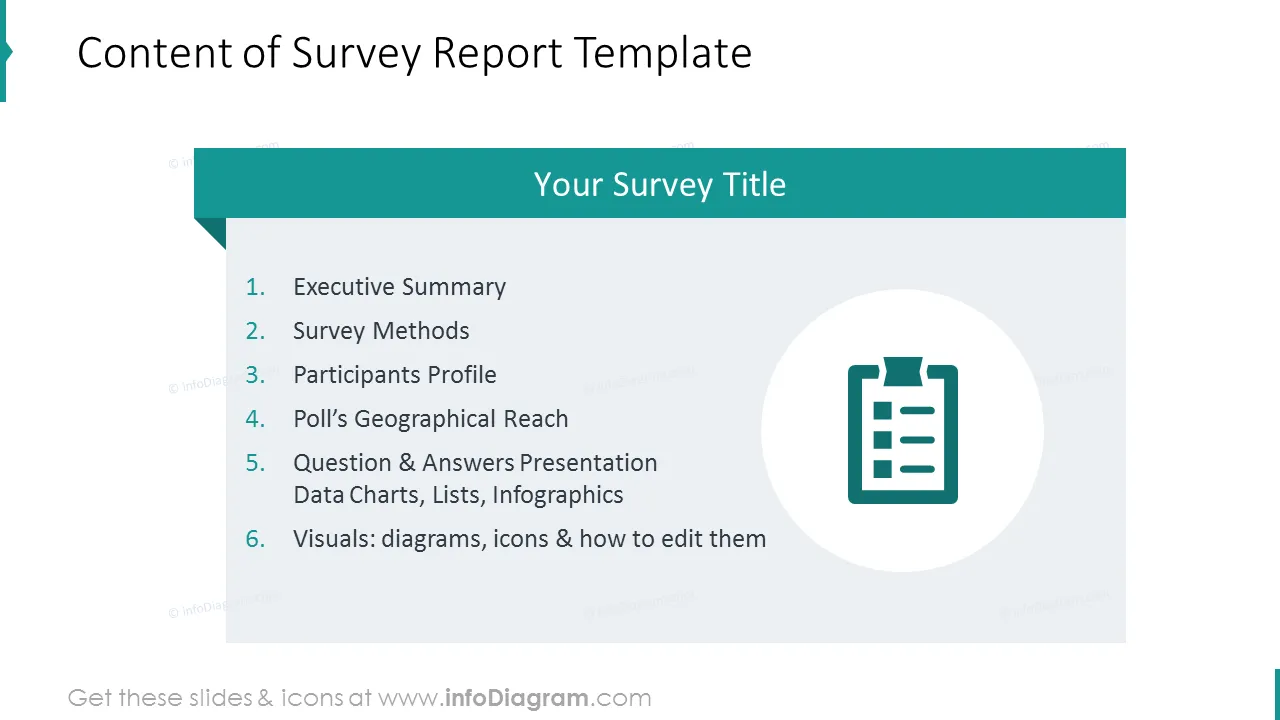
We designed this set of commonly used survey topics to assist you in creating professional presentations. The slide deck contains:
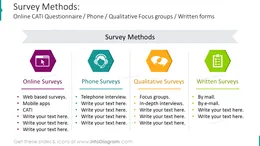
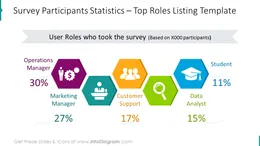
If you work with poll survey reports and especially you have to present them to the audience, you will need well-done graphics. Survey Report infographics will serve as a tool for creating a professional presentation visualizing a large amount of data without clutter on a slide. To illustrate all poll processes we designed a survey report presentation template collection, that contains graphics for representing poll objectives, methods, statistics, and outcomes.
The survey report collection contains ready-to-use modern symbols dedicated to the following topics:
Asking for feedback from clients is like checking the pulse of your business; it gives you a sense of how healthy your services or products are. Just as a doctor listens to a patient's heartbeat to gauge their well-being, a business listens to its clients to understand their satisfaction levels and areas for improvement. Feedback isn't just about hearing compliments; it's about uncovering any pain points or areas of confusion. Each piece of feedback is a valuable diagnostic tool, helping the business to stay agile and responsive to customer needs. It's not just a routine task; it's a way to ensure that the business is constantly evolving and delivering the best possible experience for its clients.
A few ideas where you can apply those illustrations:
Fully editable in PowerPoint set of vector shapes fully editable by using built-in PowerPoint tools, including
See the editing demonstration in our HowTo Videos.
Your graphics add a nice touch to my presentations and I recently used them for one of my all-hands meetings. Your toolbox adds professionalism to my slides. Instead of using standard clipart.
Claude Jones, Director of Engineer, @Walmartlabs, USA
I needed a fresh look at some of my slides. I've tried to find a way to create a paintbrush effect, to underline, accentuate, add some color and the handwritten markers were just the things. Very easy to use, easy to size, change the color. It was an affordable, perfect solution and I'm happy to recommend it.
Anonymous, US
The crisp, clean look of the graphics, and the fact that it allowed me to easily edit and change the colors to match the template was my main reason for purchasing them.
Brandie Jenkins, E-learning Developer, USA



You may also need