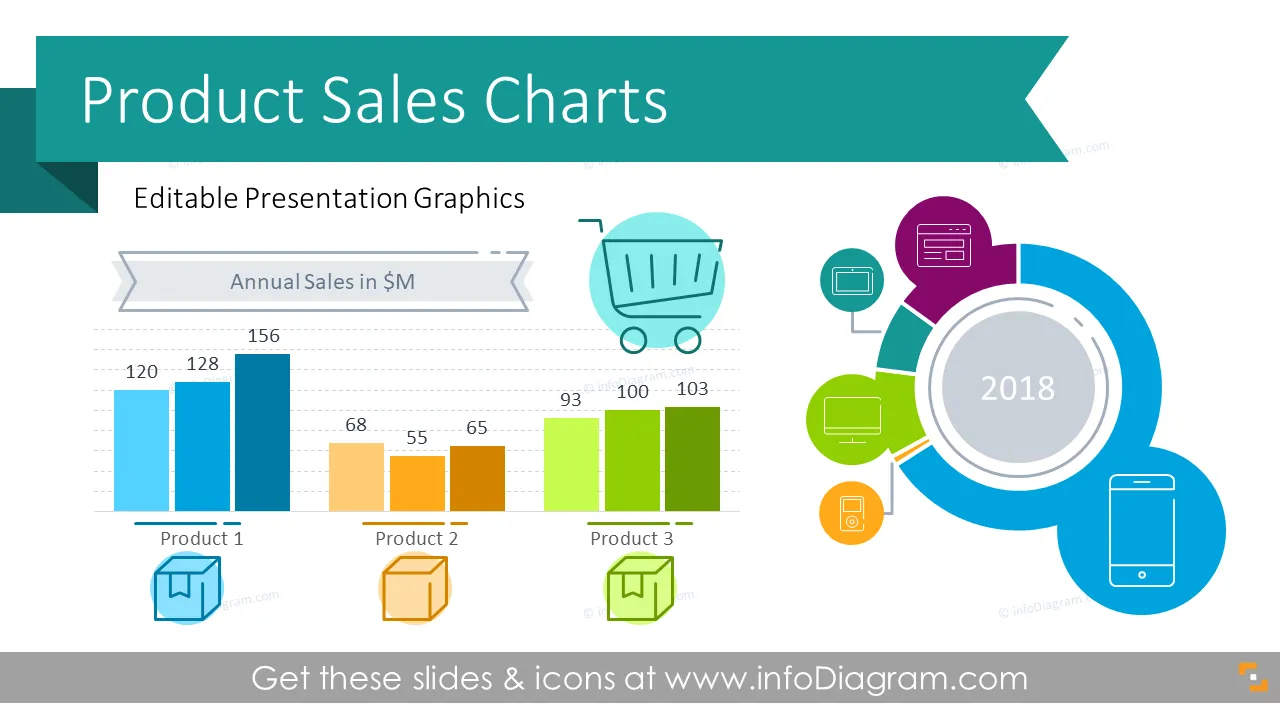
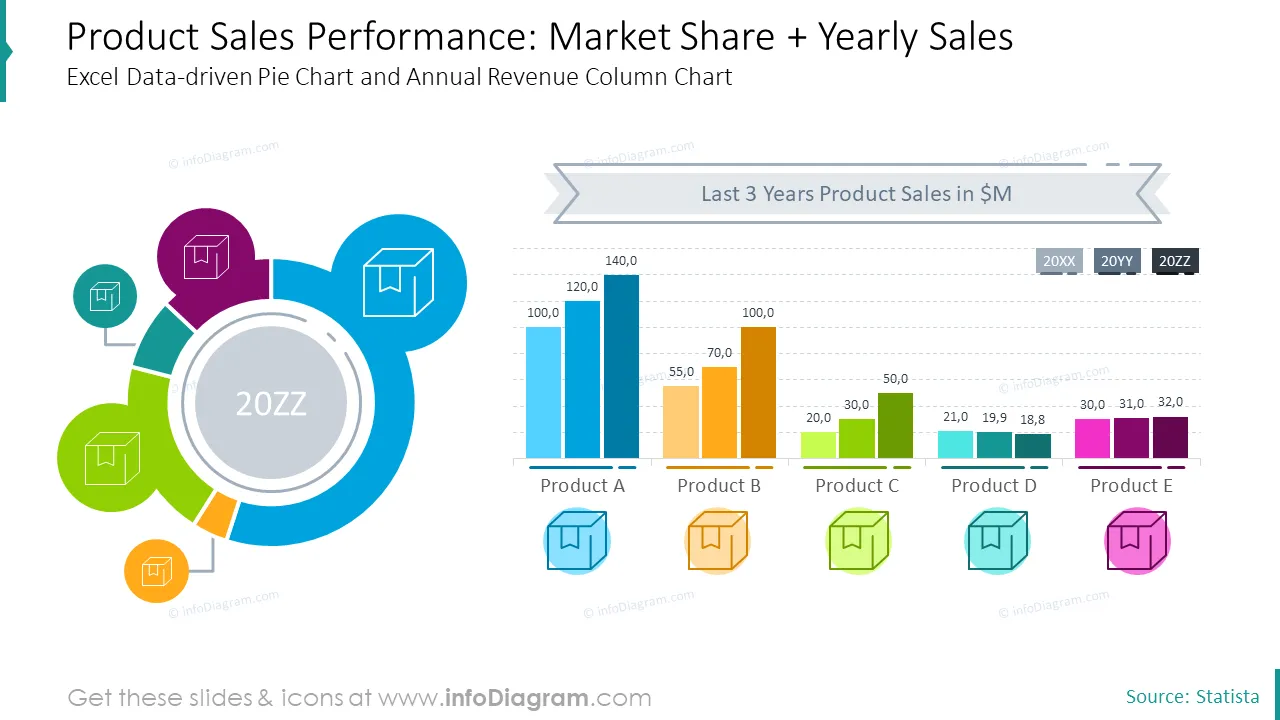
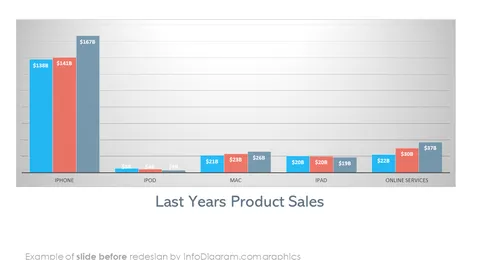
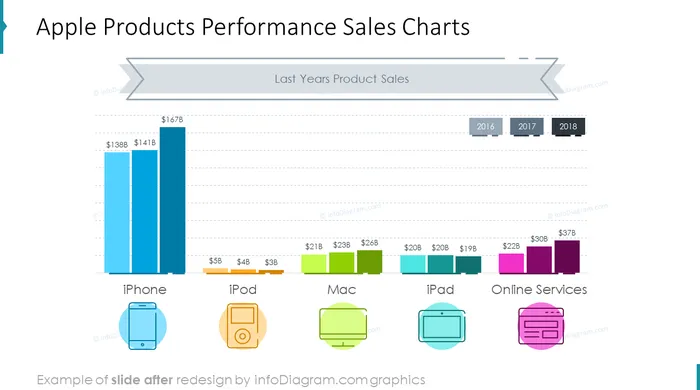
Presenting a product sales performance? Make monthly sales review presentation clear and visual using this PowerPoint template with data driven Excel charts. You can add your sales figures and compare your products revenues over the last years, or show market share development.
We’ve designed slides deck with sales graphs and presentation graphics you can easily adapt to your needs. The PPT deck contains:
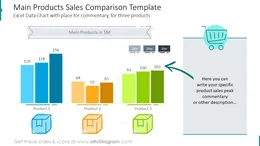
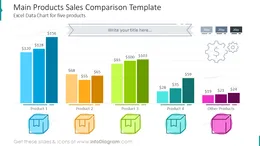
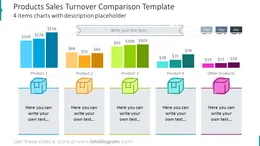
- 12 data charts (editable Office Excel graphs) with single or several product revenue column chart comparisons and pie charts for market share representation
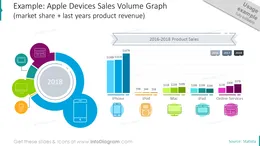
- Examples of annual sales volumes of Apple devices and stack charts for Product satisfaction indicators
- 31 icons to illustrate various product charts topics: financial process operations, product item box, retail shops, company office building, IT and electronic devices. We added also hand drawn markers you can use to highlight specific parts of data graph.
- Format: fully editable vector shapes (modify colors of diagrams and icons, resize without quality loss
What should a product sales report presentation contain?
When you have to prepare a sales analysis of your products, present clearly sales volumes in a timeline charts over last period (yearly in case of annual review, quarterly or monthly).
You may want to compare your product performance with other competition products - use donuts chart or pie chart to present market share. Keep it plain and simple, avoid gradient coloring.
To start making sales charts, you can reuse one of our slide templates, presented above.
Why to use this sales charts template?
Ensure simple yet attractive professional look of your sales data presentation. We used modern and elegant light outline illustrations for chart titles, commentary fields and product icons.
Enrich your sales data by visual chart legend - use symbols for various product items and sales categories. We’ve added a set of business icons you can as use as those symbols. You can extend this symbols icon collection by getting more flat business icons (see Related Diagrams section).
Colors of all chart elements and icons are easy to modify (all graphics is a vector format). So you can change them to colors of your template or company brand.
Fully editable in PowerPoint set of vector shapes fully editable by using built-in PowerPoint tools, including
- changing color of the icon filling and its outline
- adding shadows
- changing shape and size, rotating, flipping the object
- putting shapes behind or on top of text
See editing demonstration in our HowTo Videos.
Authors
- infoDiagram's designer
- Contact: here