



Your graphics add a nice touch to my presentations and I recently used them for one of my all-hands meetings. Your toolbox adds professionalism to my slides. Instead of using standard clipart.
Claude Jones, Director of Engineer, @Walmartlabs, USA
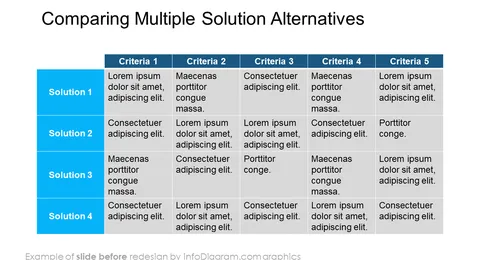
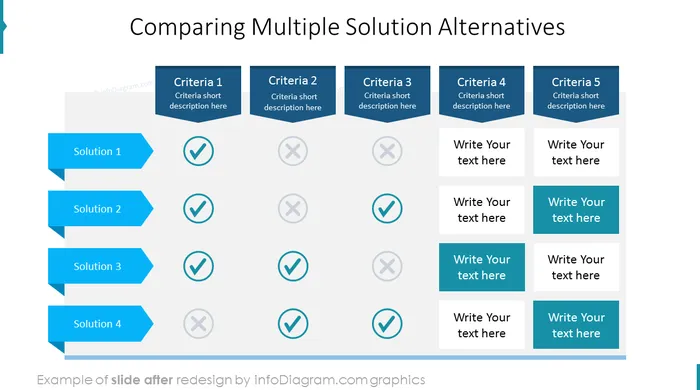
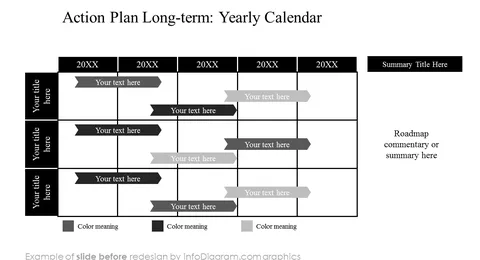
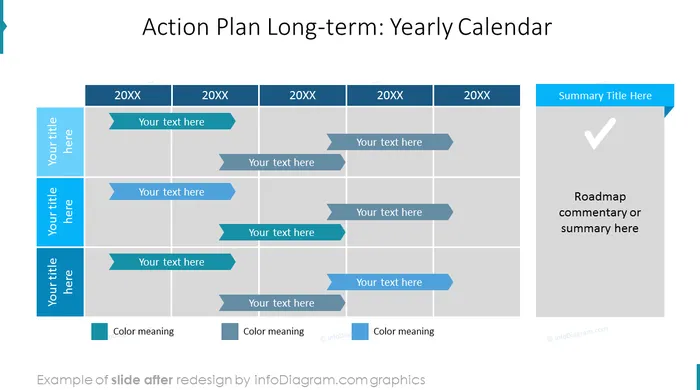
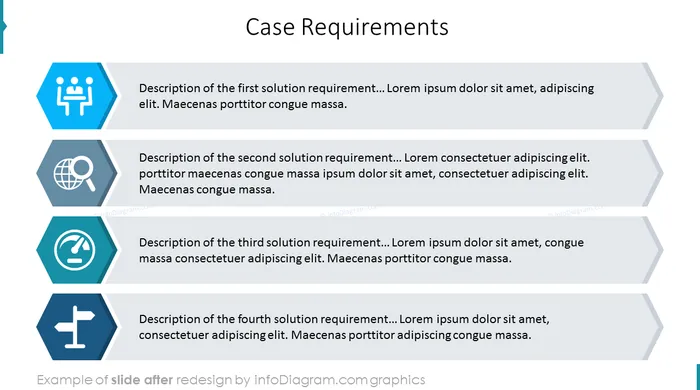
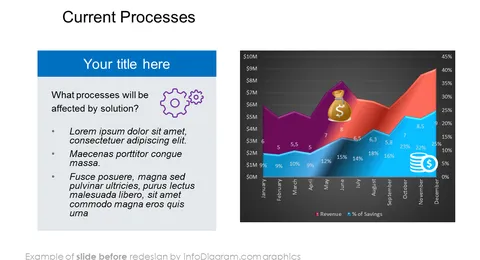
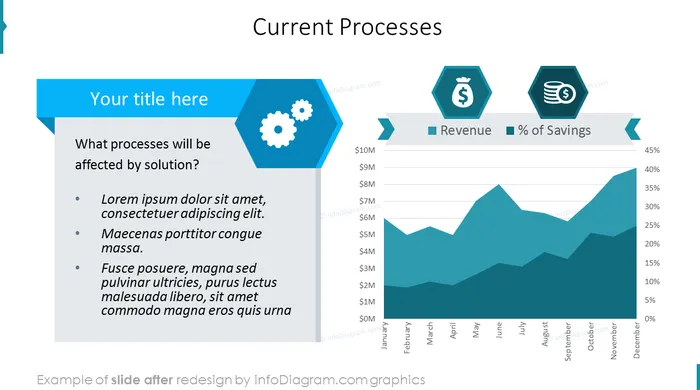
Before and after
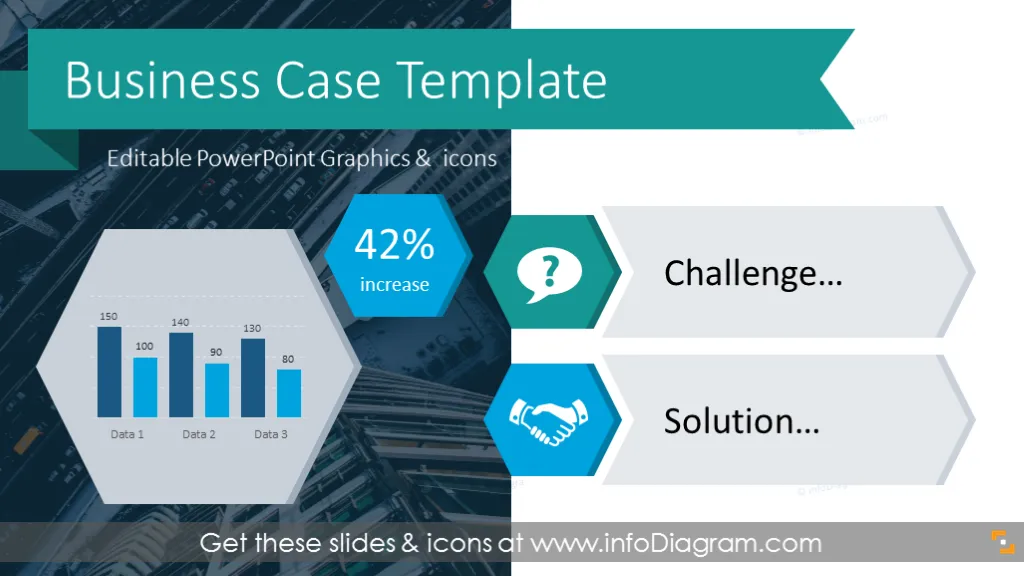
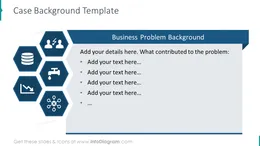
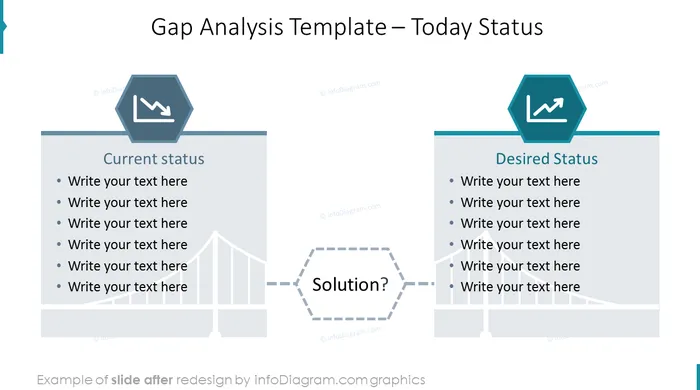
Business Case presentation templates for presenting a business case - the story of a challenge and the proposal of solutions! Perhaps you need to describe solutions to a marketing challenge, showcase your solution to a delivery issue to key stakeholders or other relevant persons, or make a project proposal to senior management. This PowerPoint template deck includes components such as case background slides with honeycomb diagrams, presenting alternative solutions, and a comparison of the benefits of the recommended solution. All to help you create an effective business case presentation.
This deck contains visual diagrams to help present your case in an organized and engaging way:
27 modern slide layouts with text placeholders and charts for presenting a business case study
36 symbols in simple flat style, that you can use to explain visually concepts such as objectives, status, measures, strategy, operations, finance, HR, and IT
Format: fully editable vector shapes (modify colors of diagrams and icons, resize without quality loss
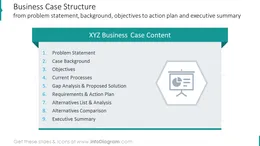
The structure of a simple business case presentation can look as follows:
You should make your presentation look more organized and consistent. This will help if you want to draw the attention of your audience and act professionally. Use light visual elements such as light grey text boxes and symbols. This can help to convey your key points more concisely while improving their look and feel. Creating effective PowerPoint will help to impress your audience and improve your credibility as a presenter.
On the last slides you have a business icon set that can use at your discretion. You can also extend the set collection by getting additional PPT icon set bundles (see Related Diagrams section).
The colors of these diagram elements and symbols are fully customizable (they come in a vector format). You can change them to match the colors of the template or your corporate palette, for example.
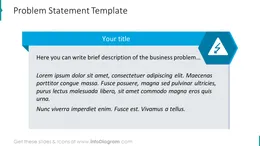
The Business Case template contains the ready-to-use slides:
Fully editable in PowerPoint set of vector shapes fully editable by using built-in PowerPoint tools, including
See editing demonstration in our HowTo Videos.
To deepen your understanding and skills, we suggest exploring additional materials such as our blog and YouTube video, which are trusted sources dedicated to refining presentation decks:
Your graphics add a nice touch to my presentations and I recently used them for one of my all-hands meetings. Your toolbox adds professionalism to my slides. Instead of using standard clipart.
Claude Jones, Director of Engineer, @Walmartlabs, USA
I needed a fresh look at some of my slides. I've tried to find a way to create a paintbrush effect, to underline, accentuate, add some color and the handwritten markers were just the things. Very easy to use, easy to size, change the color. It was an affordable, perfect solution and I'm happy to recommend it.
Anonymous, US
The crisp, clean look of the graphics, and the fact that it allowed me to easily edit and change the colors to match the template was my main reason for purchasing them.
Brandie Jenkins, E-learning Developer, USA


You may also need


