

Your graphics add a nice touch to my presentations and I recently used them for one of my all-hands meetings. Your toolbox adds professionalism to my slides. Instead of using standard clipart.
Claude Jones, Director of Engineer, @Walmartlabs, USA

Before and after
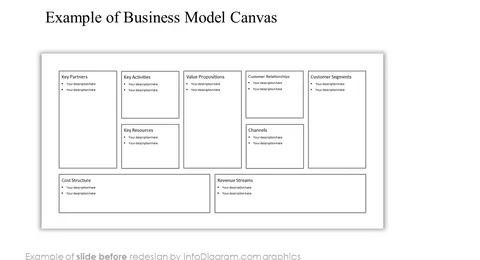
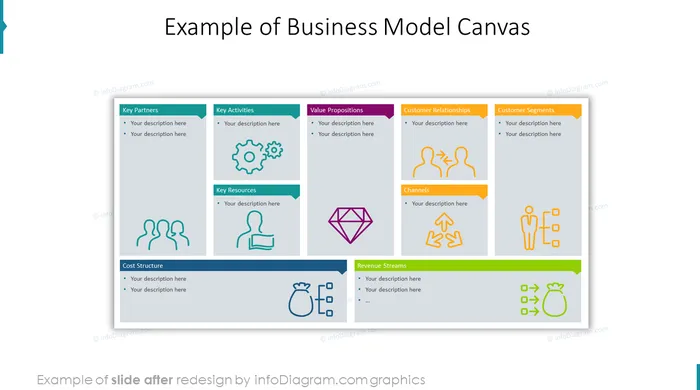
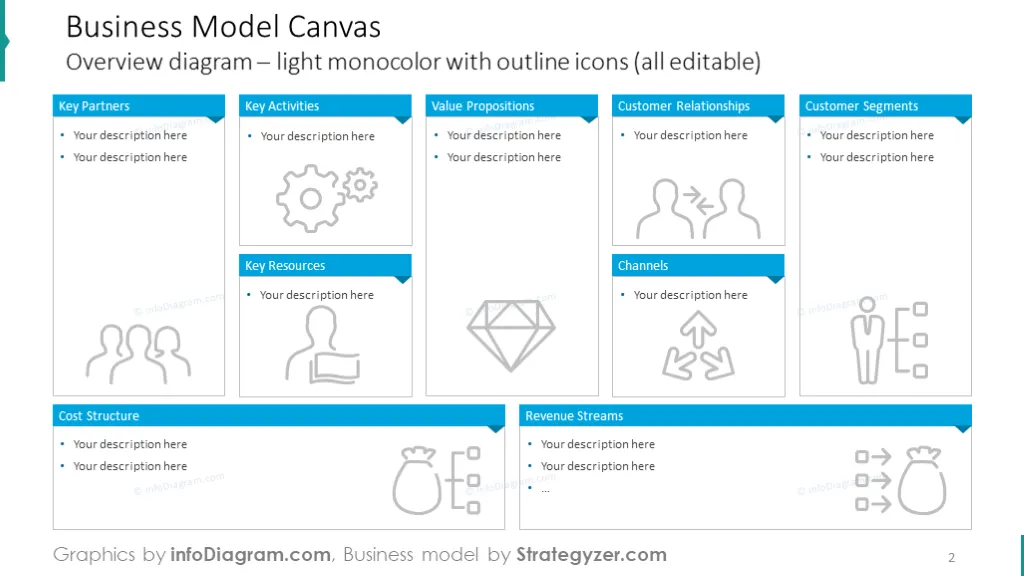
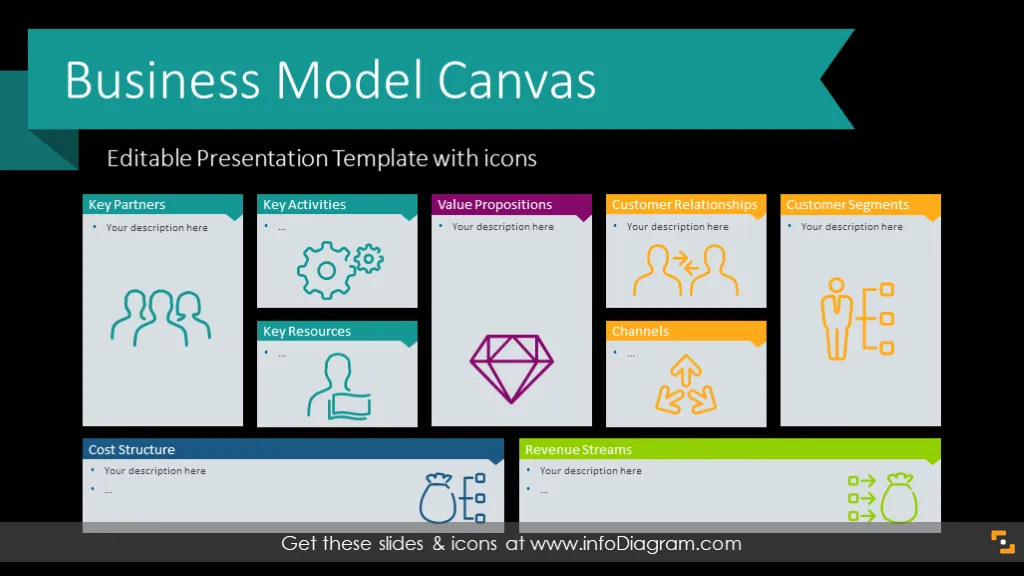
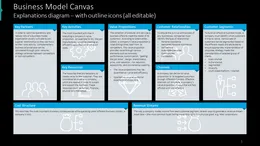
BMC is a widely used framework by companies and startups to analyze their strategy, and apply the lean startup approach.
The Business Model Canvas model is based on a visual representation of core activities, resources, and partners.
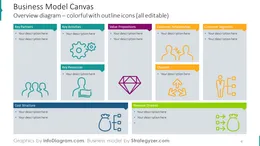
We designed a PowerPoint presentation template with diagrams and symbols representing all nine areas of BMC:
This business model was developed by Alexander Osterwalder and promoted via publications and his book “Business Model Generation”.
It asks several questions that a company should define:
We designed the presentation template covering the topics present in this Business Model Canvas, which consists of overview diagrams with all areas on one slide with a place for short text or editable Post-it notes. You can find an explanation of the model with short examples. The BMC template also contains nine single slides to describe each of the 9 parts in detail with more space for text descriptions.
This presentation template contains resources for creating various kinds of slides. BMC collection includes over twenty symbols representing key activities, key resources, a partner network, and a value proposition. You can use canvases in three graphical styles: unique scribble graphics, modern outline icons, and simple flat icons. They are suitable if you have only a little space for a symbol.
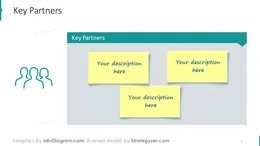
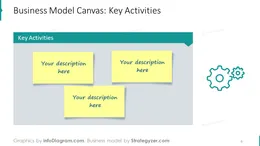
If you have done extended research on your product or service that you would like to show in your presentation, it's a good idea to use the 9 separate slides for each element. You can start by answering the following questions:
Each of the slides has easy to edit-in sticky notes on one side, where you can write your ideas, and on the other side simple flat icons symbolizing each of the 9 building blocks from the business model canvas template.
To sum up, the collection is a perfect tool based on your need to describe your ideas, thoughts, and plans. It can help you to make the right decision and be profitable. Thanks to the BMC diagram it will be easier to define your strengths and weaknesses in each category. This bundle is a handy tool for companies and startups that need to analyze their strategy or apply the lean startup approach.
Having a clear business model is like having a roadmap for your journey in the business world; it gives you direction and helps you navigate through the ups and downs. Just as you need a map to find your way in unfamiliar places, a business needs a clear plan to understand how it will make money, who its customers are, and what resources it needs. A straightforward business model isn't just about making money; it's about knowing what makes your business special, who your customers are, and how you'll reach them. It guides your decisions, attracts support from investors, and sets you up for long-term success by helping you stay focused on what matters most.
All Canvas Template shapes can be edited using only PowerPoint tools including
See editing demonstration in our HowTo Videos.
Your graphics add a nice touch to my presentations and I recently used them for one of my all-hands meetings. Your toolbox adds professionalism to my slides. Instead of using standard clipart.
Claude Jones, Director of Engineer, @Walmartlabs, USA
I needed a fresh look at some of my slides. I've tried to find a way to create a paintbrush effect, to underline, accentuate, add some color and the handwritten markers were just the things. Very easy to use, easy to size, change the color. It was an affordable, perfect solution and I'm happy to recommend it.
Anonymous, US
The crisp, clean look of the graphics, and the fact that it allowed me to easily edit and change the colors to match the template was my main reason for purchasing them.
Brandie Jenkins, E-learning Developer, USA



You may also need