
Your graphics add a nice touch to my presentations and I recently used them for one of my all-hands meetings. Your toolbox adds professionalism to my slides. Instead of using standard clipart.
Claude Jones, Director of Engineer, @Walmartlabs, USA

Your graphics add a nice touch to my presentations and I recently used them for one of my all-hands meetings. Your toolbox adds professionalism to my slides. Instead of using standard clipart.
Claude Jones, Director of Engineer, @Walmartlabs, USA

I needed a fresh look at some of my slides. I've tried to find a way to create a paintbrush effect, to underline, accentuate, add some color and the handwritten markers were just the things. Very easy to use, easy to size, change the color. It was an affordable, perfect solution and I'm happy to recommend it.
Anonymous, US
The crisp, clean look of the graphics, and the fact that it allowed me to easily edit and change the colors to match the template was my main reason for purchasing them.
Brandie Jenkins, E-learning Developer, USA
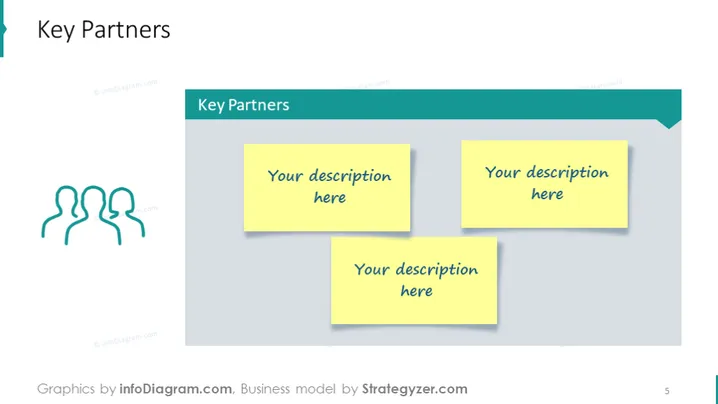
The slide focuses on the "Key Partners" component of a Business Model Canvas. It is designed to capture the essential partners and alliances that contribute to a business’s operations and success. The placeholders suggest where descriptions of the partnerships should be added, indicating the importance of documenting who the partners are, what roles they play, and how they support the business's value proposition and customer service.
The slide has a clean and organized design that uses color and graphics effectively to designate space for partnership details. The iconography and sticky notes provide a visual cue for collaboration and note-taking, respectively.


