
Your graphics add a nice touch to my presentations and I recently used them for one of my all-hands meetings. Your toolbox adds professionalism to my slides. Instead of using standard clipart.
Claude Jones, Director of Engineer, @Walmartlabs, USA
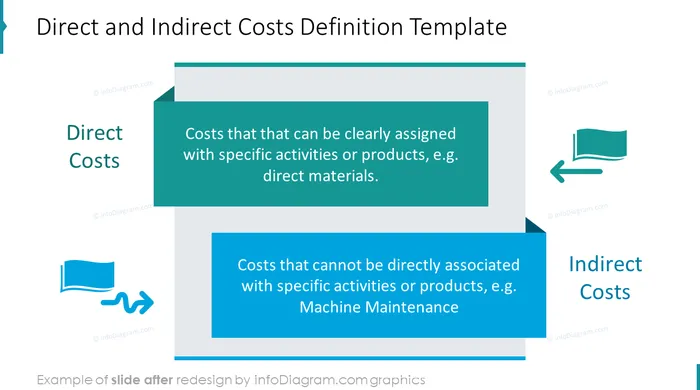
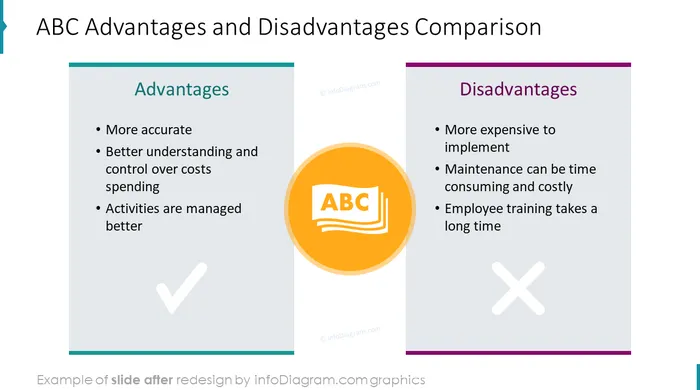
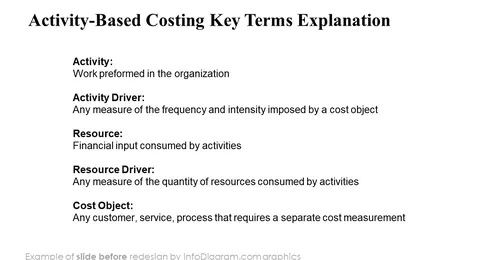
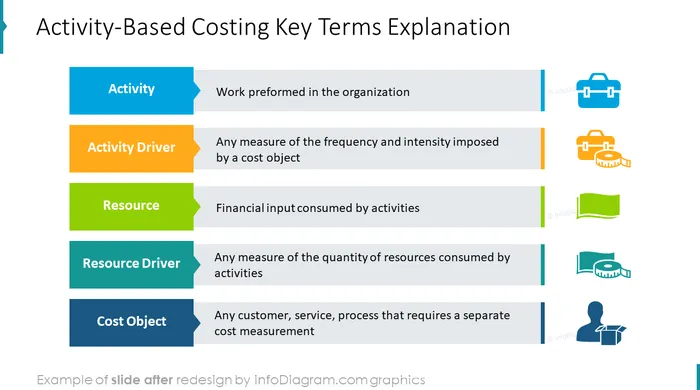
Before and after
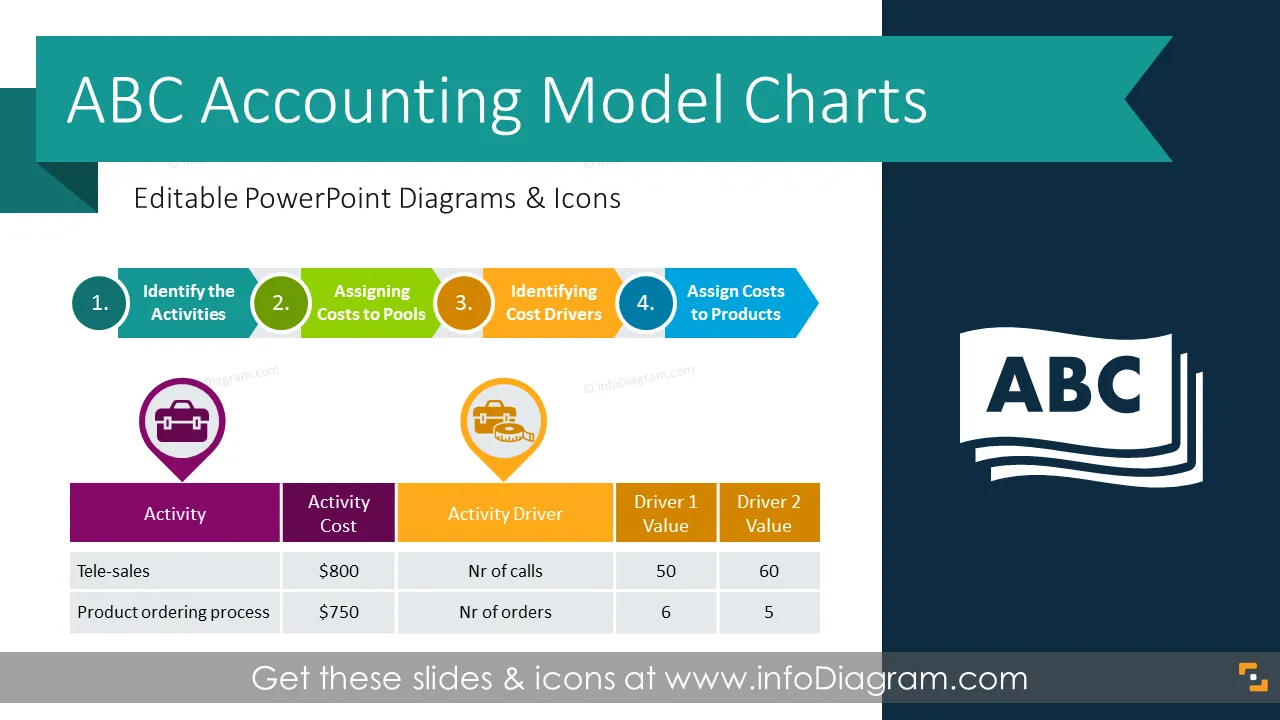
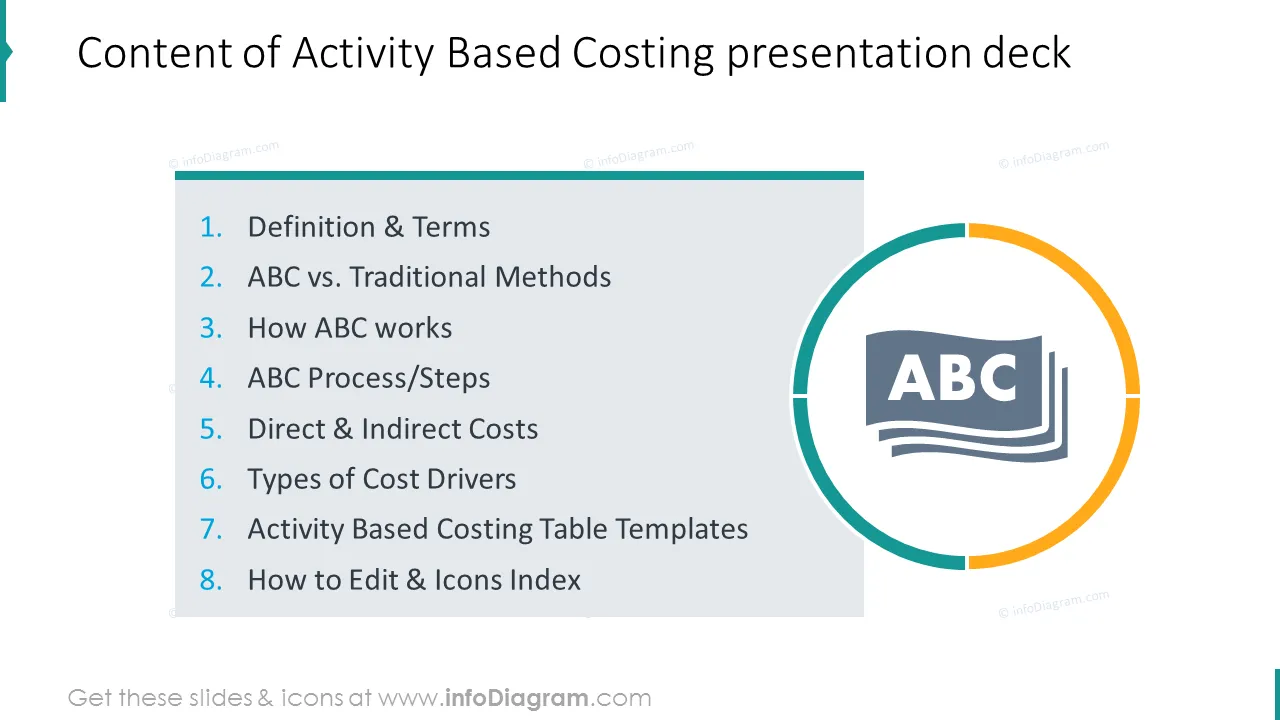
Do you need to explain what is Activity Based Costing method? Use the visual presentation deck we designed for presenting ABC accounting terms, processes and table charts.
The ABC accounting model PowerPoint template includes
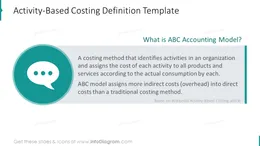
A costing method that identifies activities in an organization and assigns the cost of each activity to all products and services according to the actual consumption by each. ABC model assigns more indirect costs (overhead) into direct costs than a traditional costing method (definition based on Wikipedia).
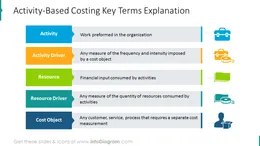
Ensure a professional corporate look and clear information structure. We added light illustrations for key terms in the report to make it easier to read. The photographs in slides background create the look of the representative document, not only plain presentation.
On the last part of this deck, we added a set of icons you can use instead of icons in slide examples. You can extend these symbols icon collection by getting more flat business icons (see Related Diagrams section).
Colors of all text placeholders, text graphics and icons are fully editable (all graphics is a vector format). So you can change them to colors of your template or company brand.
This PowerPoint visuals deck contains over 16 slides with
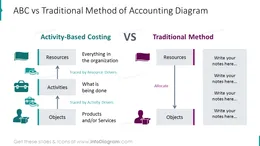
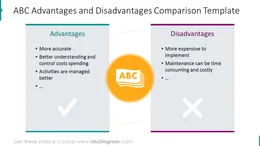
Activity Based Costing Accounting deck contains ready-to-use slides:
Fully editable in PowerPoint set of vector shapes fully editable by using built-in PowerPoint tools, including
See editing demonstration in our HowTo Videos.
Your graphics add a nice touch to my presentations and I recently used them for one of my all-hands meetings. Your toolbox adds professionalism to my slides. Instead of using standard clipart.
Claude Jones, Director of Engineer, @Walmartlabs, USA
I needed a fresh look at some of my slides. I've tried to find a way to create a paintbrush effect, to underline, accentuate, add some color and the handwritten markers were just the things. Very easy to use, easy to size, change the color. It was an affordable, perfect solution and I'm happy to recommend it.
Anonymous, US
The crisp, clean look of the graphics, and the fact that it allowed me to easily edit and change the colors to match the template was my main reason for purchasing them.
Brandie Jenkins, E-learning Developer, USA


You may also need


