

Your graphics add a nice touch to my presentations and I recently used them for one of my all-hands meetings. Your toolbox adds professionalism to my slides. Instead of using standard clipart.
Claude Jones, Director of Engineer, @Walmartlabs, USA

Your graphics add a nice touch to my presentations and I recently used them for one of my all-hands meetings. Your toolbox adds professionalism to my slides. Instead of using standard clipart.
Claude Jones, Director of Engineer, @Walmartlabs, USA
I needed a fresh look at some of my slides. I've tried to find a way to create a paintbrush effect, to underline, accentuate, add some color and the handwritten markers were just the things. Very easy to use, easy to size, change the color. It was an affordable, perfect solution and I'm happy to recommend it.
Anonymous, US
The crisp, clean look of the graphics, and the fact that it allowed me to easily edit and change the colors to match the template was my main reason for purchasing them.
Brandie Jenkins, E-learning Developer, USA
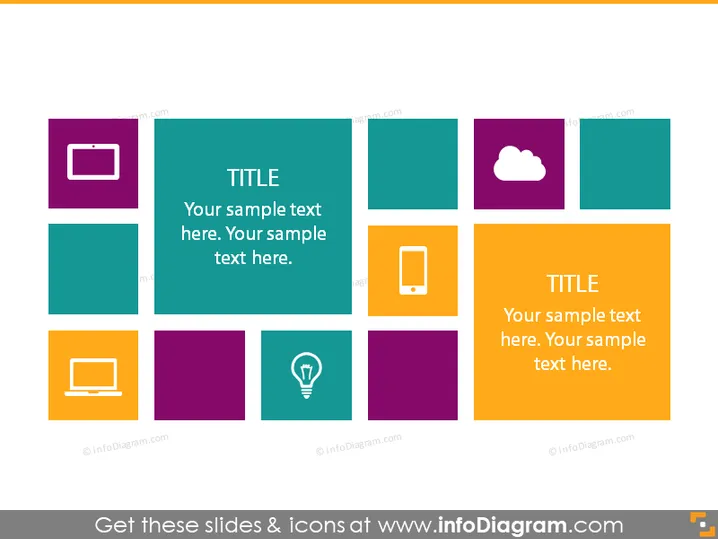
Your sample text here. Your sample text here.
The slide presents a grid of nine colored squares, each possibly representing a unique idea or concept. Two squares contain larger text denoting them as focal points with the word "TITLE" and some placeholder text beneath. These focal squares are positioned diagonally from each other, suggesting a visual connection or sequence. The surrounding squares with icons could represent subtopics or key points related to the major themes in the focal squares, serving to elaborate on the main ideas with supporting information or categories.
The slide uses a colorful and organized design with contrasting colors that make it visually appealing and easy to navigate. The use of icons along with text helps to visually differentiate the topics or concepts represented.



