

Your graphics add a nice touch to my presentations and I recently used them for one of my all-hands meetings. Your toolbox adds professionalism to my slides. Instead of using standard clipart.
Claude Jones, Director of Engineer, @Walmartlabs, USA

Your graphics add a nice touch to my presentations and I recently used them for one of my all-hands meetings. Your toolbox adds professionalism to my slides. Instead of using standard clipart.
Claude Jones, Director of Engineer, @Walmartlabs, USA
I needed a fresh look at some of my slides. I've tried to find a way to create a paintbrush effect, to underline, accentuate, add some color and the handwritten markers were just the things. Very easy to use, easy to size, change the color. It was an affordable, perfect solution and I'm happy to recommend it.
Anonymous, US
The crisp, clean look of the graphics, and the fact that it allowed me to easily edit and change the colors to match the template was my main reason for purchasing them.
Brandie Jenkins, E-learning Developer, USA
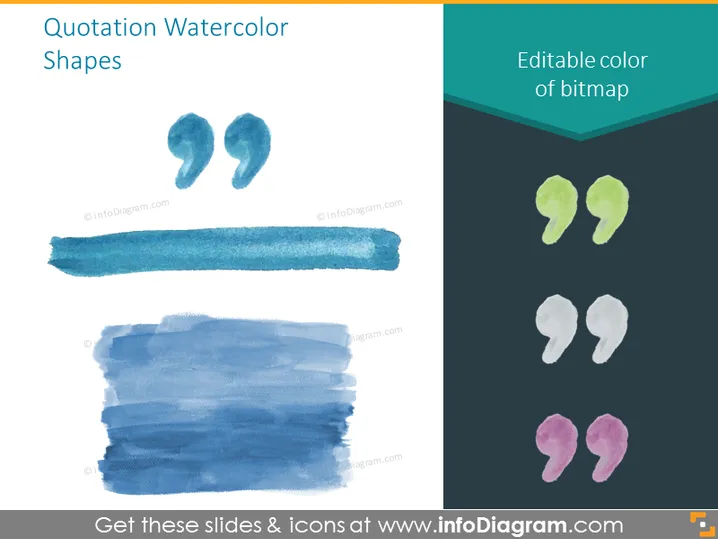
The PowerPoint slide titled "Quotation Watercolor Shapes" displays a collection of artistic watercolor paint strokes that are shaped like quotation marks. These quotation shapes come in various colors, suggesting that they are customizable and can be altered to match the color theme of a presentation. The slide indicates that the colors of these bitmap images can be edited, which implies that the slide elements are adaptable for different purposes. Each graphic represents a visually appealing method to highlight quotes or testimonials within a slide.
The overall look of the slide is creative and visually interesting due to the watercolor textures. The varying colors of the quotation marks add a vibrant contrast against the white background, making it pleasing to the eye.



