Content:
Collection of 30 famous quotes in PowerPoint presentation.
Slide set content details:
Quotes are a great way to add an inspiration element to your presentation. Appropriate quotation adds a credibility to your topic.
Quotations are included in almost every business presentation: they can be motivational, provoking, inspirational… We created this slide deck to make it easier for you to add a quote slide into your presentation in the style you like.
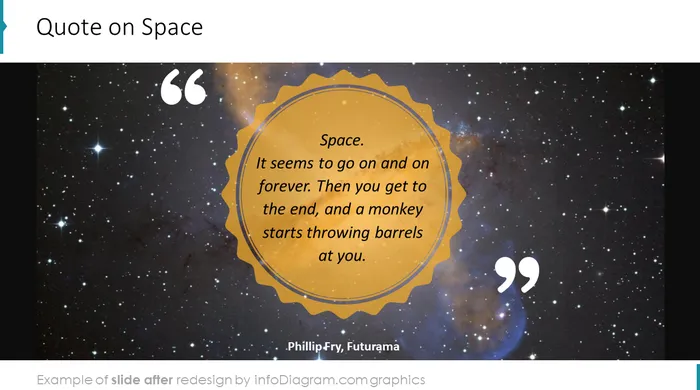
Quote slides collection is a set of famous quotes on motivation, future, time planning etc. by Sun Tzu, Richard Branson, Michal Kundera or Terry Pratchett. Quotes bundle include 30 quote designs, 17 icon symbols, pictures and fully editable text boxes.
In quote slide collection we included slides in modern flat style, hand drawn - scribble, watercolor, pencil style.With the help of these templates, you can create a unique and eye-catching presentation.
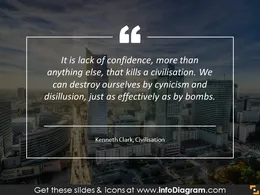
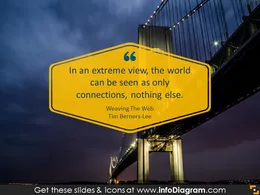
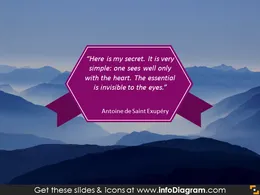
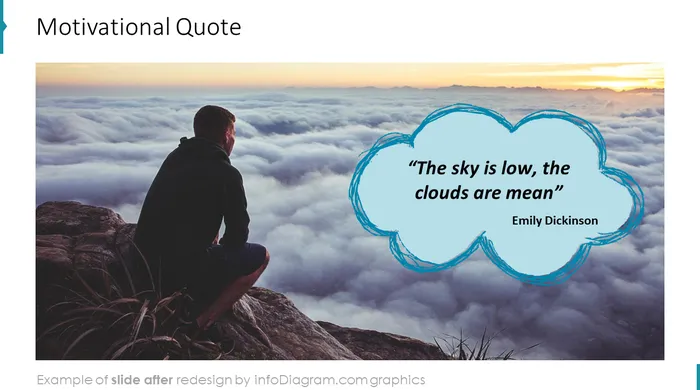
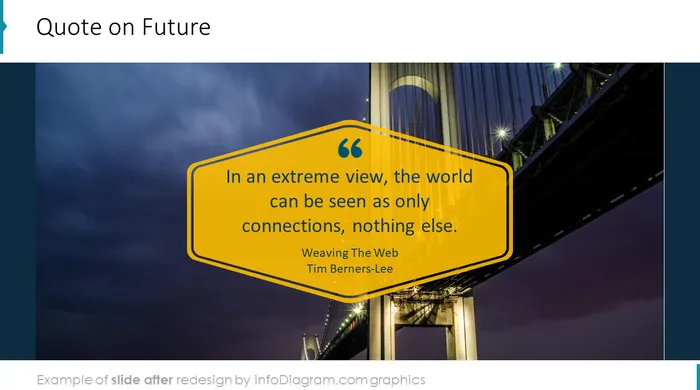
We also added the background pictures of a modern city skyline, bridge, nature, clouds, retro look wall, coffee table. The collection includes various design formats - from retro pictures, hand drawn graphics to modern flat banner ribbons.These PowerPoint templates suit any webinar, college lecture, speech or business meeting. Thanks to the creative background well-chosen quotation will look prominent.
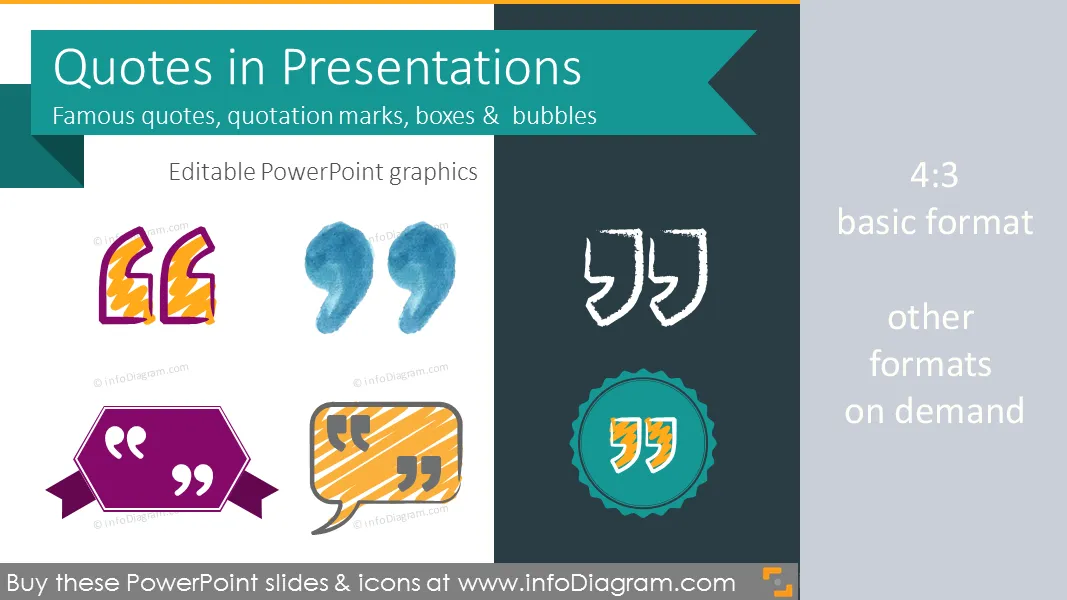
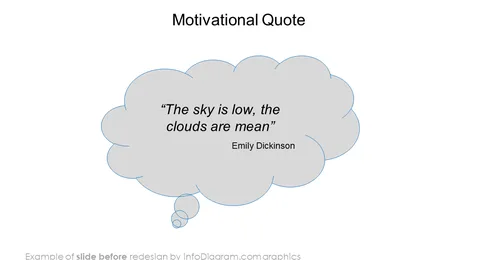
The collection includes a variety of quotation marks symbols, speech bubbles and quote text boxes. All shapes can be edited using PowerPoint including changing the color of the icon filling and its outline, adding shadows, changing shape and size, rotating, flipping the object, putting shapes behind or on top of the text.
Quotation is especially helpful to address a problem and motivate your team. Thanks to the quotes the audience can view a subject in a fresh light. Quotes are a second voice in your presentation that can strengthen your arguments, claims and ideas.
All shapes can be edited using PowerPoint set of vector shapes fully editable by using built-in PPT tools, including
- changing color of the icon filling and its outline
- adding shadows
- changing shape and size, rotating, flipping the object
- putting shapes behind or on top of text
See editing demonstration in our HowTo Videos.
Authors