

Your graphics add a nice touch to my presentations and I recently used them for one of my all-hands meetings. Your toolbox adds professionalism to my slides. Instead of using standard clipart.
Claude Jones, Director of Engineer, @Walmartlabs, USA

Your graphics add a nice touch to my presentations and I recently used them for one of my all-hands meetings. Your toolbox adds professionalism to my slides. Instead of using standard clipart.
Claude Jones, Director of Engineer, @Walmartlabs, USA
I needed a fresh look at some of my slides. I've tried to find a way to create a paintbrush effect, to underline, accentuate, add some color and the handwritten markers were just the things. Very easy to use, easy to size, change the color. It was an affordable, perfect solution and I'm happy to recommend it.
Anonymous, US
The crisp, clean look of the graphics, and the fact that it allowed me to easily edit and change the colors to match the template was my main reason for purchasing them.
Brandie Jenkins, E-learning Developer, USA
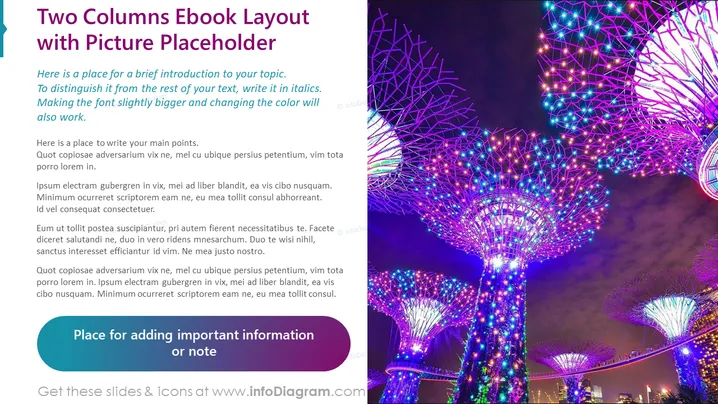
Slide Content: The slide is designed to present content in a two-column format, with a dedicated place for an introduction to the topic and main points. The first column contains placeholder text that instructs how to distinguish introductory text and main points. This includes changing text size, italicizing for emphasis, or altering color. Each paragraph provides generic Latin filler text as an example of where to input relevant content. There's also a designated area for adding any vital information or notes to draw attention to important points.
Graphical Look:
The overall look of the slide is clean and modern, with bold colors that draw attention. The layout is visually balanced between text and imagery, making it attractive for viewers.
Use Cases:



