

Your graphics add a nice touch to my presentations and I recently used them for one of my all-hands meetings. Your toolbox adds professionalism to my slides. Instead of using standard clipart.
Claude Jones, Director of Engineer, @Walmartlabs, USA

Your graphics add a nice touch to my presentations and I recently used them for one of my all-hands meetings. Your toolbox adds professionalism to my slides. Instead of using standard clipart.
Claude Jones, Director of Engineer, @Walmartlabs, USA
I needed a fresh look at some of my slides. I've tried to find a way to create a paintbrush effect, to underline, accentuate, add some color and the handwritten markers were just the things. Very easy to use, easy to size, change the color. It was an affordable, perfect solution and I'm happy to recommend it.
Anonymous, US
The crisp, clean look of the graphics, and the fact that it allowed me to easily edit and change the colors to match the template was my main reason for purchasing them.
Brandie Jenkins, E-learning Developer, USA
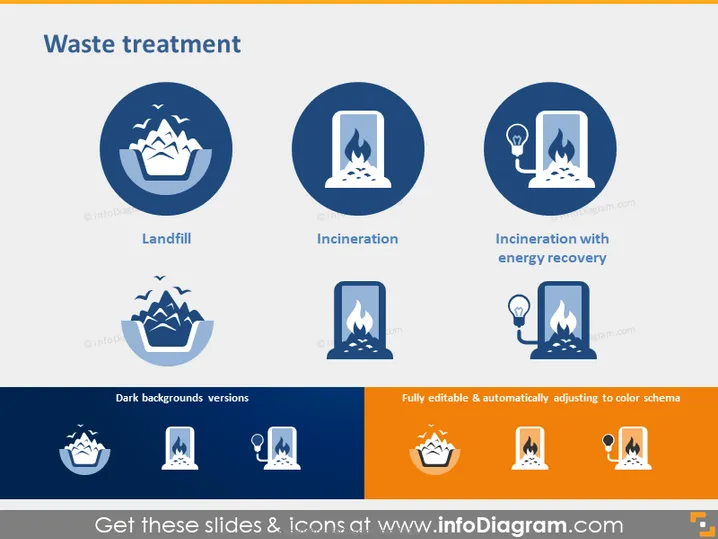
The PowerPoint slide titled "Waste treatment" presents three key concepts related to the disposal and processing of waste. The first is "Landfill," which indicates where waste is buried underground or piled in large quantities—this is the most common form of waste disposal. The second concept is "Incineration," the process of waste combustion to convert it into base components, with heat potentially being recovered. Finally, "Incineration with energy recovery" entails using the heat generated during incineration to create energy, often electricity, which makes the process more sustainable.
The slide has a professional and clean design with a strong use of blue tones accented by white and orange, creating a visual theme that aligns with corporate and environmental topics.



