

Your graphics add a nice touch to my presentations and I recently used them for one of my all-hands meetings. Your toolbox adds professionalism to my slides. Instead of using standard clipart.
Claude Jones, Director of Engineer, @Walmartlabs, USA

Your graphics add a nice touch to my presentations and I recently used them for one of my all-hands meetings. Your toolbox adds professionalism to my slides. Instead of using standard clipart.
Claude Jones, Director of Engineer, @Walmartlabs, USA
I needed a fresh look at some of my slides. I've tried to find a way to create a paintbrush effect, to underline, accentuate, add some color and the handwritten markers were just the things. Very easy to use, easy to size, change the color. It was an affordable, perfect solution and I'm happy to recommend it.
Anonymous, US
The crisp, clean look of the graphics, and the fact that it allowed me to easily edit and change the colors to match the template was my main reason for purchasing them.
Brandie Jenkins, E-learning Developer, USA
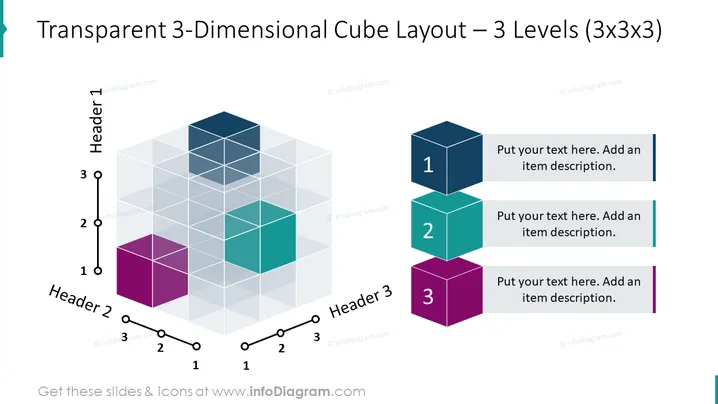
The slide presents a 3-dimensional cube layout with 3 levels, each level composed of 3x3 smaller cubes, totaling 27 units. It's designed for categorizing items or concepts in a structured manner, with three primary categories (Header 1, Header 2, Header 3) and sub-levels within each. Each large cube represents a main category with an option to add descriptive text. The smaller cubes can represent distinct elements or ideas that relate to the main category, allowing a presentation of complex information in a highly organized and visually appealing format.
The slide is clean and modern, with a strong emphasis on 3D graphical elements to visually delineate different segments. The use of transparency and color coding makes it easy to differentiate between the categories and subcategories, providing a clear and structured format for conveying information.



