
Reviews
Sus gráficos añaden un toque agradable a mis presentaciones y recientemente los usé para una de mis reuniones generales. Su conjunto de herramientas añade profesionalismo a mis diapositivas. En lugar de usar imágenes prediseñadas estándar.
Necesitaba un aspecto fresco para algunas de mis diapositivas. Había intentado encontrar una forma de crear un efecto de pincel, de subrayar, acentuar, añadir algo de color y los marcadores escritos a mano fueron justo lo que necesitaba. Muy fácil de usar, fácil de ajustar el tamaño, cambiar el color. Fue una solución asequible y perfecta, y estoy feliz de recomendarla.
El aspecto nítido y limpio de los gráficos, y el hecho de que me permitiera editar y cambiar fácilmente los colores para que coincidieran con la plantilla fue mi principal razón para comprarlos.
Description
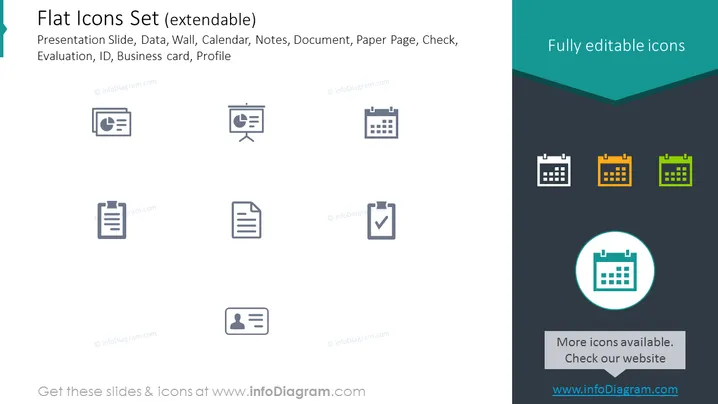
Flat Icons Set (extendable)
Slide Content
The slide is showcasing a collection of various flat icons themed around business and organizational tools. The title, "Flat Icons Set (extendable)," suggests the adaptability of the set. Icons include a Presentation Slide, Data, Wall, Calendar, Notes, Document, Paper Page, Check, Evaluation, ID, Business card, and Profile. Each icon represents a different aspect of business tools or personal identification, such as scheduling (Calendar), task completion (Check), and personal branding (Business card).
Graphical Look
- The slide background is split horizontally, with a dark teal upper section and light grey lower section.
- The slide title is in the top left of the slide, in white font on the dark teal background.
- A dark teal banner with white text stating "Fully editable icons" stretches across the top right corner.
- Eight icons are evenly distributed across the light grey section in two rows, with four icons in each row.
- The icons are greyscale and vary from document symbols to profile pictures, each in a square with rounded corners.
- In the dark teal section on the right, three calendar icons are displayed, each with different color accents — white, orange, and green.
- A larger calendar icon is centrally featured inside a circular teal highlight with a light grey drop shadow effect, placed over where the teal and grey sections of the background meet.
- A text box containing the text "More icons available. Check our website" aligned at the bottom center, with the website URL placed just below it in bold.
- Each icon is a simplistic representation of its concept, designed for easy recognition and consistency in style.
The slide presents a professional and clean design, utilizing a limited color palette to emphasize the icons. The layout is simple and grid-aligned, which makes for a visually organized presentation of information.
Use Cases
- To illustrate different functionalities or sections within a business presentation, easily associating each with a corresponding icon .
- In user interface mockups or designs, where icons are used to represent various features or navigation elements.
- As part of an instructional guide to visually communicate steps or components in a process.
- To enhance visual appeal and comprehension in marketing materials or infographics by including related iconography.
How to Edit
How to edit text & colors

How to expand / shorten diagram

How to Replace Icons in infoDiagram PPT


