

Your graphics add a nice touch to my presentations and I recently used them for one of my all-hands meetings. Your toolbox adds professionalism to my slides. Instead of using standard clipart.
Claude Jones, Director of Engineer, @Walmartlabs, USA

Your graphics add a nice touch to my presentations and I recently used them for one of my all-hands meetings. Your toolbox adds professionalism to my slides. Instead of using standard clipart.
Claude Jones, Director of Engineer, @Walmartlabs, USA
I needed a fresh look at some of my slides. I've tried to find a way to create a paintbrush effect, to underline, accentuate, add some color and the handwritten markers were just the things. Very easy to use, easy to size, change the color. It was an affordable, perfect solution and I'm happy to recommend it.
Anonymous, US
The crisp, clean look of the graphics, and the fact that it allowed me to easily edit and change the colors to match the template was my main reason for purchasing them.
Brandie Jenkins, E-learning Developer, USA
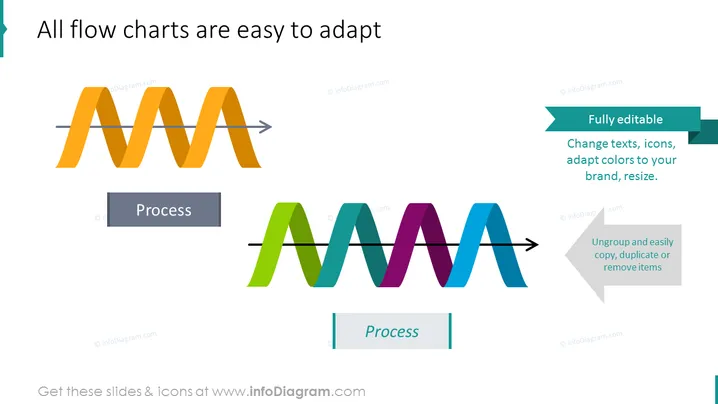
The slide topics focus on the adaptability of flow charts. Two separate flow chart examples are shown, each consisting of a zigzag line intersecting a straight arrow indicating the direction of the process flow. Adjacent to each example is a text box highlighting key features: one stating "Fully editable," explaining that texts, icons, colors, and size can be altered; the other text box features "Ungroup and easily copy, duplicate or remove items," suggesting ease of customization for presentation needs.
The overall slide design is modern and professional, with a creative yet straightforward depiction of flow charts. The vibrant colors capture attention while maintaining a polished appearance.



