

Your graphics add a nice touch to my presentations and I recently used them for one of my all-hands meetings. Your toolbox adds professionalism to my slides. Instead of using standard clipart.
Claude Jones, Director of Engineer, @Walmartlabs, USA

Your graphics add a nice touch to my presentations and I recently used them for one of my all-hands meetings. Your toolbox adds professionalism to my slides. Instead of using standard clipart.
Claude Jones, Director of Engineer, @Walmartlabs, USA
I needed a fresh look at some of my slides. I've tried to find a way to create a paintbrush effect, to underline, accentuate, add some color and the handwritten markers were just the things. Very easy to use, easy to size, change the color. It was an affordable, perfect solution and I'm happy to recommend it.
Anonymous, US
The crisp, clean look of the graphics, and the fact that it allowed me to easily edit and change the colors to match the template was my main reason for purchasing them.
Brandie Jenkins, E-learning Developer, USA
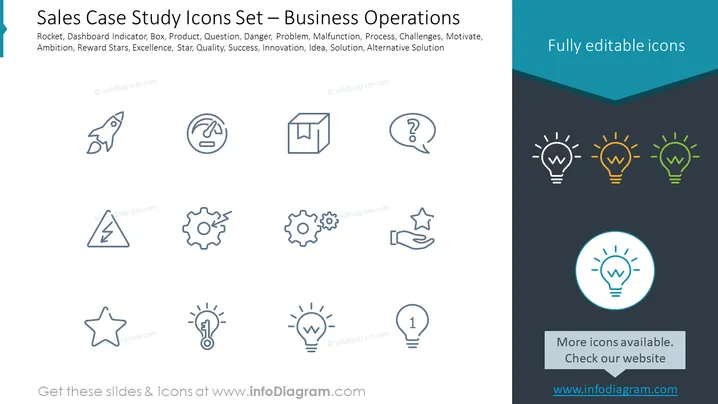
The PowerPoint slide is titled "Sales Case Study Icons Set – Business Operations" and lists various concepts associated with business processes and problem-solving. They include Rocket (ambition or growth), Dashboard Indicator (monitoring performance), Box (product), Question (inquiry), Danger (risk), Problem (issue to solve), Malfunction (technical issue), Process (procedural steps), Challenges (obstacles), Motivate (inspiration), Ambition (drive), Reward Stars (recognition for achievement), Excellence (high quality), Star (notable performance), Quality (degree of excellence), Success (achievement of goals), Innovation (introduction of new ideas), Idea (concept), Solution (answer to a problem), and Alternative Solution (a different approach to solving a problem).
The slide has a clean and professional design with a subtle color scheme that emphasizes the icons and their respective meanings. The icons are spaced evenly, creating a balanced visual flow that facilitates comprehension.



