

Your graphics add a nice touch to my presentations and I recently used them for one of my all-hands meetings. Your toolbox adds professionalism to my slides. Instead of using standard clipart.
Claude Jones, Director of Engineer, @Walmartlabs, USA

Your graphics add a nice touch to my presentations and I recently used them for one of my all-hands meetings. Your toolbox adds professionalism to my slides. Instead of using standard clipart.
Claude Jones, Director of Engineer, @Walmartlabs, USA
I needed a fresh look at some of my slides. I've tried to find a way to create a paintbrush effect, to underline, accentuate, add some color and the handwritten markers were just the things. Very easy to use, easy to size, change the color. It was an affordable, perfect solution and I'm happy to recommend it.
Anonymous, US
The crisp, clean look of the graphics, and the fact that it allowed me to easily edit and change the colors to match the template was my main reason for purchasing them.
Brandie Jenkins, E-learning Developer, USA
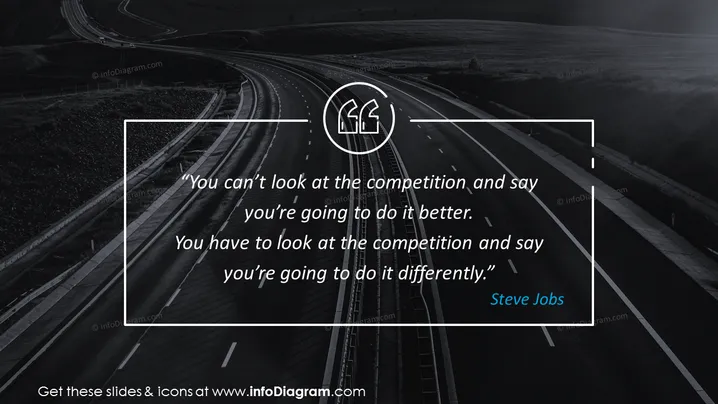
The slide displays a powerful quote attributed to Steve Jobs: "You can't look at the competition and say you're going to do it better. You have to look at the competition and say you're going to do it differently." This quote encapsulates a strategic approach to competition, emphasizing the importance of innovation and unique value propositions over simply outperforming rivals on the same metrics.
The slide has a striking, high-contrast visual style that uses color sparingly to draw attention to the author of the quote. The road imagery metaphorically complements the message about taking a different path from the competition.
This slide could be used in business presentations to inspire innovative thinking and a strategic mindset. It is well-suited for discussions on branding, marketing strategies, product development, and company culture workshops where differentiation is a key focus.



