

Your graphics add a nice touch to my presentations and I recently used them for one of my all-hands meetings. Your toolbox adds professionalism to my slides. Instead of using standard clipart.
Claude Jones, Director of Engineer, @Walmartlabs, USA

Your graphics add a nice touch to my presentations and I recently used them for one of my all-hands meetings. Your toolbox adds professionalism to my slides. Instead of using standard clipart.
Claude Jones, Director of Engineer, @Walmartlabs, USA
I needed a fresh look at some of my slides. I've tried to find a way to create a paintbrush effect, to underline, accentuate, add some color and the handwritten markers were just the things. Very easy to use, easy to size, change the color. It was an affordable, perfect solution and I'm happy to recommend it.
Anonymous, US
The crisp, clean look of the graphics, and the fact that it allowed me to easily edit and change the colors to match the template was my main reason for purchasing them.
Brandie Jenkins, E-learning Developer, USA
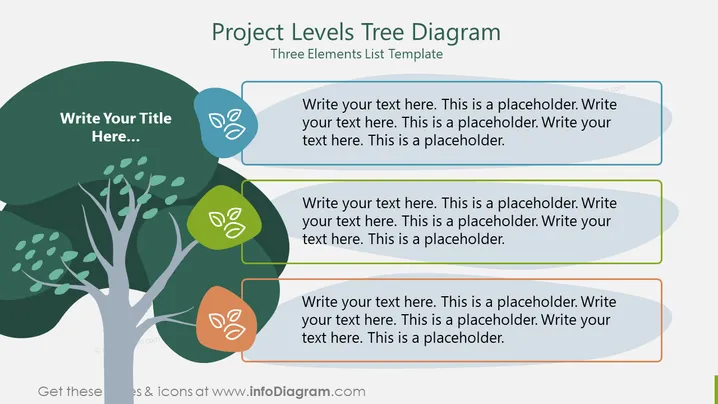
The PowerPoint slide is titled "Project Levels Tree Diagram" and serves as a three elements list template. It seems to be designed for organizing and presenting hierarchical information or different levels within a project. Each 'leaf' on the tree represents a point of discussion or a level in the project structure, with placeholder text indicating where detailed descriptions should be inputted. This template could be used to show the breakdown of a project into its core components, phases, or specific tasks.
The overall look of the slide is creative and thematic, with the tree metaphor visually representing the growth or development stages of a project. The design is simple and uses color-coding to distinguish between the different points or levels.



