
Your graphics add a nice touch to my presentations and I recently used them for one of my all-hands meetings. Your toolbox adds professionalism to my slides. Instead of using standard clipart.
Claude Jones, Director of Engineer, @Walmartlabs, USA
Your graphics add a nice touch to my presentations and I recently used them for one of my all-hands meetings. Your toolbox adds professionalism to my slides. Instead of using standard clipart.
Claude Jones, Director of Engineer, @Walmartlabs, USA
I needed a fresh look at some of my slides. I've tried to find a way to create a paintbrush effect, to underline, accentuate, add some color and the handwritten markers were just the things. Very easy to use, easy to size, change the color. It was an affordable, perfect solution and I'm happy to recommend it.
Anonymous, US
The crisp, clean look of the graphics, and the fact that it allowed me to easily edit and change the colors to match the template was my main reason for purchasing them.
Brandie Jenkins, E-learning Developer, USA
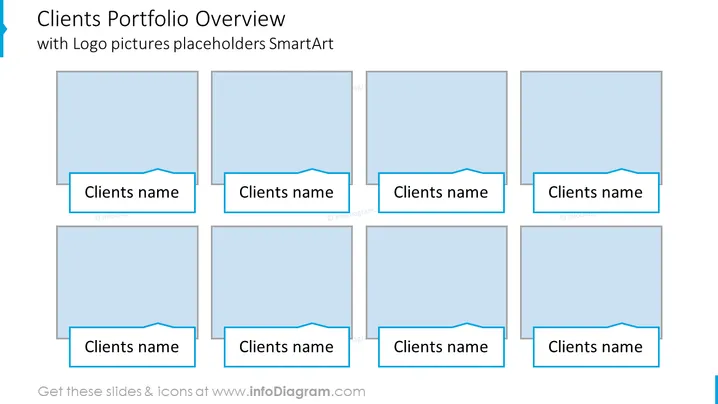
The PowerPoint slide is designed to showcase a company's client portfolio using placeholders for client logos and names. Each placeholder is a visual representation meant for inserting a logo, and below it is a space to enter the name of the client. This is a common way to graphically display business relationships and to highlight important clients in a portfolio.
The overall look of the slide is professional and well-arranged, with a color scheme that is consistent and visually appealing. The use of light and dark blue gives a corporate feel, while the placeholders are clearly designed for customization.




