

Your graphics add a nice touch to my presentations and I recently used them for one of my all-hands meetings. Your toolbox adds professionalism to my slides. Instead of using standard clipart.
Claude Jones, Director of Engineer, @Walmartlabs, USA

Your graphics add a nice touch to my presentations and I recently used them for one of my all-hands meetings. Your toolbox adds professionalism to my slides. Instead of using standard clipart.
Claude Jones, Director of Engineer, @Walmartlabs, USA
I needed a fresh look at some of my slides. I've tried to find a way to create a paintbrush effect, to underline, accentuate, add some color and the handwritten markers were just the things. Very easy to use, easy to size, change the color. It was an affordable, perfect solution and I'm happy to recommend it.
Anonymous, US
The crisp, clean look of the graphics, and the fact that it allowed me to easily edit and change the colors to match the template was my main reason for purchasing them.
Brandie Jenkins, E-learning Developer, USA
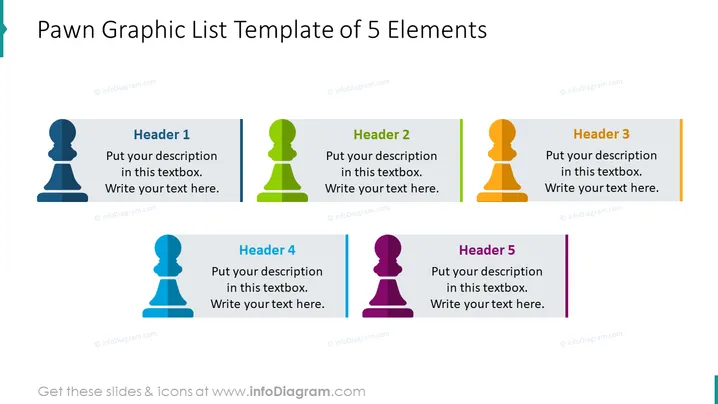
The PowerPoint slide titled "Pawn Graphic List Template of 5 Elements" displays a list format with five distinct sections, each headed by a chess pawn icon in different colors (blue, green, orange, light blue, and purple). The template is designed for customization, encouraging users to insert their own headers and descriptions under each category, making it quite versatile for various presentation needs. Each pawn serves as a visual indicator of a separate item on the list, which could represent steps, stages, categories, or any other divisible elements in an orderly sequence.
The overall look of the slide is neat and organized, with a clear structure conducive to presenting a list of items. The use of differently colored pawns and matching color vertical lines adds visual interest while maintaining a professional appearance.



