

Your graphics add a nice touch to my presentations and I recently used them for one of my all-hands meetings. Your toolbox adds professionalism to my slides. Instead of using standard clipart.
Claude Jones, Director of Engineer, @Walmartlabs, USA

Your graphics add a nice touch to my presentations and I recently used them for one of my all-hands meetings. Your toolbox adds professionalism to my slides. Instead of using standard clipart.
Claude Jones, Director of Engineer, @Walmartlabs, USA
I needed a fresh look at some of my slides. I've tried to find a way to create a paintbrush effect, to underline, accentuate, add some color and the handwritten markers were just the things. Very easy to use, easy to size, change the color. It was an affordable, perfect solution and I'm happy to recommend it.
Anonymous, US
The crisp, clean look of the graphics, and the fact that it allowed me to easily edit and change the colors to match the template was my main reason for purchasing them.
Brandie Jenkins, E-learning Developer, USA
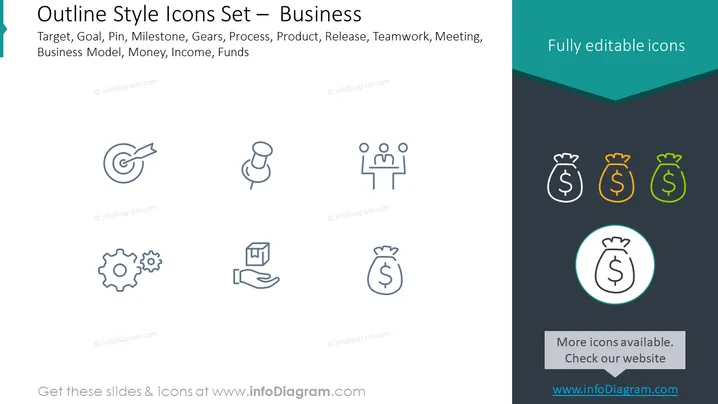
The slide presents a collection of outline-style icons that represent various business concepts. The icons symbolize Target, representing goals or objectives to be achieved; Goal which is similar in context to targets often used for setting desired achievements; Pin for marking important points or milestones; Milestone, signifying key stages or significant events in a project; Gears, indicating processes or systems at work; Process, showcasing the sequence of actions or steps; Product to represent goods or items the business deals with; Release, which could refer to launching new products or updates; Teamwork, emphasizing collaboration and joint effort; Meeting for discussing and planning actions; Business Model illustrating the framework of business operations; Money indicating currency or financial resources; Income as the earnings a business generates; and Funds for investment or capital pools. Each icon represents a foundational element of business operations and strategy.
The slide has a modern, clean design with a balanced mix of text and graphics, which allows for easy readability. The outlined icons are stylish and easily recognizable, tailored for professional business presentations.



