

Your graphics add a nice touch to my presentations and I recently used them for one of my all-hands meetings. Your toolbox adds professionalism to my slides. Instead of using standard clipart.
Claude Jones, Director of Engineer, @Walmartlabs, USA

Your graphics add a nice touch to my presentations and I recently used them for one of my all-hands meetings. Your toolbox adds professionalism to my slides. Instead of using standard clipart.
Claude Jones, Director of Engineer, @Walmartlabs, USA
I needed a fresh look at some of my slides. I've tried to find a way to create a paintbrush effect, to underline, accentuate, add some color and the handwritten markers were just the things. Very easy to use, easy to size, change the color. It was an affordable, perfect solution and I'm happy to recommend it.
Anonymous, US
The crisp, clean look of the graphics, and the fact that it allowed me to easily edit and change the colors to match the template was my main reason for purchasing them.
Brandie Jenkins, E-learning Developer, USA
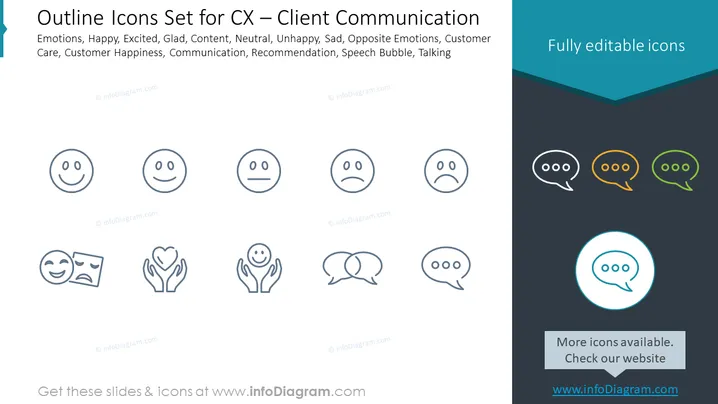
The slide presents a set of outline icons related to Client Communication (CX). These icons represent various emotions such as Happy, Excited, Glad, Content, Neutral, Unhappy, and Sad, denoting customer reactions. Opposite Emotions likely signify contrasting feelings customers may experience. Additional elements include representations for Customer Care, which signifies attention and support offered to customers; Customer Happiness, an indicator of client satisfaction; Communication to depict the exchange of information; Recommendation, likely referring to suggestions or endorsements; Speech Bubble, a graphic symbol for dialogue; and Talking, indicating conversation or verbal interaction.
The overall look is professional and sleek, with a focus on visual clarity and easy interpretation of the icons. The color accent on the single featured icon stands out against the monochrome palette, drawing the viewer's attention.



