
Reviews
Sus gráficos añaden un toque agradable a mis presentaciones y recientemente los usé para una de mis reuniones generales. Su conjunto de herramientas añade profesionalismo a mis diapositivas. En lugar de usar imágenes prediseñadas estándar.
Necesitaba un aspecto fresco para algunas de mis diapositivas. Había intentado encontrar una forma de crear un efecto de pincel, de subrayar, acentuar, añadir algo de color y los marcadores escritos a mano fueron justo lo que necesitaba. Muy fácil de usar, fácil de ajustar el tamaño, cambiar el color. Fue una solución asequible y perfecta, y estoy feliz de recomendarla.
El aspecto nítido y limpio de los gráficos, y el hecho de que me permitiera editar y cambiar fácilmente los colores para que coincidieran con la plantilla fue mi principal razón para comprarlos.
Description
Outline Icons Set for CX – Analytics
Slide Content
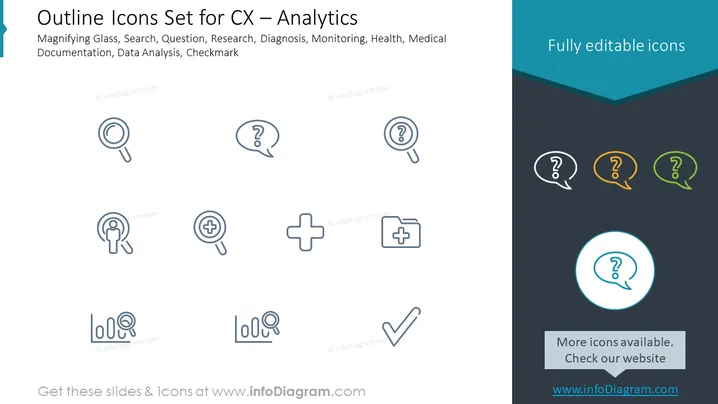
The slide presents a collection of icons relevant to customer experience (CX) analysis and other investigative tasks such as medical or health-related analysis. There are icons depicting a magnifying glass for search or detailed examination tasks, a question mark for inquiry or unknown information, multiple variations of these two symbols combined, a plus symbol within a magnifying glass suggesting zoom or enhanced scrutiny, a plus symbol inside a square likely representing medical or health aid, a checkmark for confirmation or completion, and bar charts with a magnifying glass to imply data analysis.
Graphical Look
- The slide background is divided into two sections, primarily white on the top with a dark teal section at the bottom.
- A collection of outlined icons is arranged in three rows across the white section of the slide. The icons are subtly color-coded – using shades of blue and gray for the first two rows, and brighter variations of yellow and green for the highlighted icons in the third row.
- Each icon is encased in a round bubble, except for the bar chart icons which are standalone.
- The slide's title appears at the top in bold with a smaller subtitle just beneath it.
- A call to action at the bottom invites viewers to check for more icons on the mentioned website, highlighted with a differently colored icon to draw attention. The call to action is separated from the icons by a solid line box.
- The visual composition is clean, with a lot of white space around the icons, ensuring that focus remains on the graphical elements presented.
The overall look of this slide is simple and professional with a clear emphasis on the icons displayed. The use of color is minimal but effectively draws attention to specific icons.
Use Cases
- To introduce the tools and concepts used in customer experience analytics during team meetings or training sessions.
- In presentations on quality assurance or service improvement strategies, to represent the analytical tools and processes involved.
- During sales or marketing pitches where visual depictions of analytical services or product features are needed to communicate capabilities to potential clients.
- As a visual aid in internal documentation, to create more engaging instructional materials or guides for employees or stakeholders.
How to Edit
How to edit text & colors

How to expand / shorten diagram

How to Replace Icons in infoDiagram PPT


