

Your graphics add a nice touch to my presentations and I recently used them for one of my all-hands meetings. Your toolbox adds professionalism to my slides. Instead of using standard clipart.
Claude Jones, Director of Engineer, @Walmartlabs, USA

Your graphics add a nice touch to my presentations and I recently used them for one of my all-hands meetings. Your toolbox adds professionalism to my slides. Instead of using standard clipart.
Claude Jones, Director of Engineer, @Walmartlabs, USA
I needed a fresh look at some of my slides. I've tried to find a way to create a paintbrush effect, to underline, accentuate, add some color and the handwritten markers were just the things. Very easy to use, easy to size, change the color. It was an affordable, perfect solution and I'm happy to recommend it.
Anonymous, US
The crisp, clean look of the graphics, and the fact that it allowed me to easily edit and change the colors to match the template was my main reason for purchasing them.
Brandie Jenkins, E-learning Developer, USA
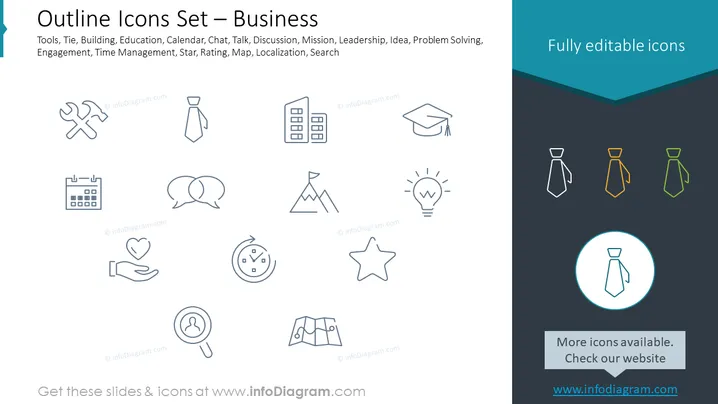
The PowerPoint slide titled "Outline Icons Set — Business" provides a selection of icons that represent various business-related concepts. The tools icon suggests maintenance or configuration. A tie symbolizes professionalism or corporate attire. A building icon may represent corporate offices or real estate. The graduation cap signifies education or achievement. A calendar denotes scheduling or important dates. Chat bubbles indicate communication or discussion. Mountain peak with a flag implies mission or goals. A light bulb symbolizes ideas or innovation. A star can indicate rating or excellence. A map stands for localization or navigation, and a magnifying glass is associated with search or analysis.
The slide has a minimalistic style with a blend of monochrome and colored elements, creating a sleek, modern look. The highlighted tie icon in the blue circle draws the viewer's eye as a focal point.



