

Your graphics add a nice touch to my presentations and I recently used them for one of my all-hands meetings. Your toolbox adds professionalism to my slides. Instead of using standard clipart.
Claude Jones, Director of Engineer, @Walmartlabs, USA

Your graphics add a nice touch to my presentations and I recently used them for one of my all-hands meetings. Your toolbox adds professionalism to my slides. Instead of using standard clipart.
Claude Jones, Director of Engineer, @Walmartlabs, USA
I needed a fresh look at some of my slides. I've tried to find a way to create a paintbrush effect, to underline, accentuate, add some color and the handwritten markers were just the things. Very easy to use, easy to size, change the color. It was an affordable, perfect solution and I'm happy to recommend it.
Anonymous, US
The crisp, clean look of the graphics, and the fact that it allowed me to easily edit and change the colors to match the template was my main reason for purchasing them.
Brandie Jenkins, E-learning Developer, USA
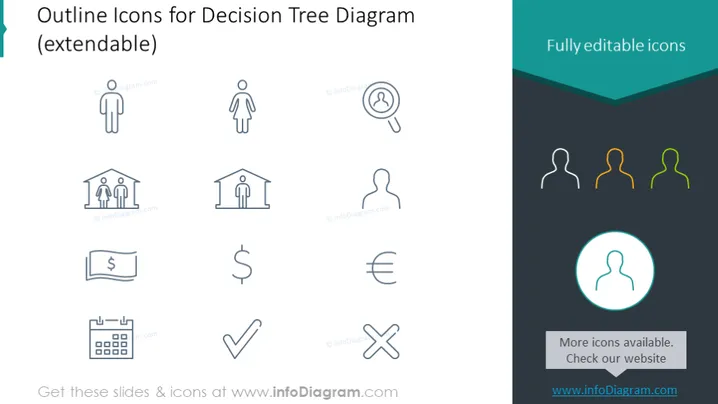
The slide presents a collection of outline icons designed for use in decision tree diagrams, implying that these symbols can aid in mapping decisions and their possible outcomes. Each icon appears to represent different aspects or components of a decision-making process: a person symbolizes the decision maker, a magnifying glass suggests analysis or scrutiny, a building might represent a company or organizational unit, currency symbols for financial considerations, a calendar for scheduling, and check and cross marks for confirming or denying options.
The overall look of the slide is minimalistic and professional, with a consistent icon style that is visually pleasing. The monochrome scheme with a single accent color draws attention to the highlighted icon.



