

Your graphics add a nice touch to my presentations and I recently used them for one of my all-hands meetings. Your toolbox adds professionalism to my slides. Instead of using standard clipart.
Claude Jones, Director of Engineer, @Walmartlabs, USA

Your graphics add a nice touch to my presentations and I recently used them for one of my all-hands meetings. Your toolbox adds professionalism to my slides. Instead of using standard clipart.
Claude Jones, Director of Engineer, @Walmartlabs, USA
I needed a fresh look at some of my slides. I've tried to find a way to create a paintbrush effect, to underline, accentuate, add some color and the handwritten markers were just the things. Very easy to use, easy to size, change the color. It was an affordable, perfect solution and I'm happy to recommend it.
Anonymous, US
The crisp, clean look of the graphics, and the fact that it allowed me to easily edit and change the colors to match the template was my main reason for purchasing them.
Brandie Jenkins, E-learning Developer, USA
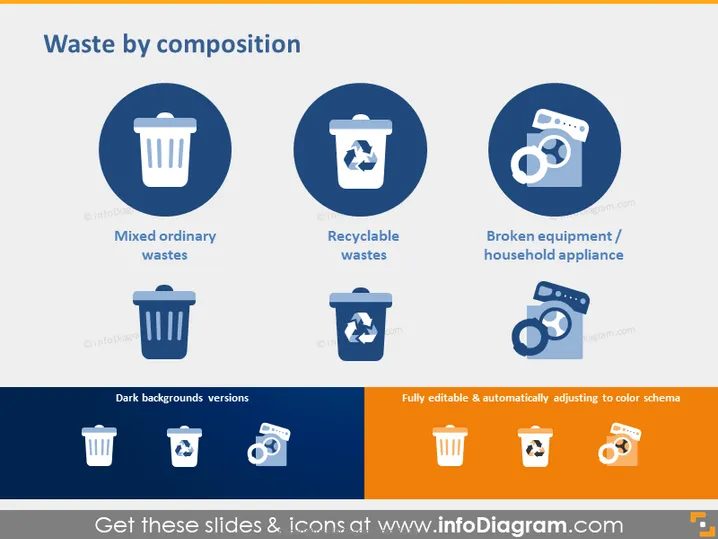
The PowerPoint slide titled "Waste by composition" categorizes waste into three types: Mixed ordinary wastes, signifying general non-segregated waste; Recyclable wastes, indicating waste material that can be reprocessed; and Broken equipment / household appliance, which refers to damaged electrical goods and appliances that are to be discarded.
The slide presents a clean and professional visual appearance, highlighting waste categories through high-contrast round icons and clear typing for easy comprehension. Its use of consistent color themes ensures a cohesive and visually appealing design.



