
Reviews
Your graphics add a nice touch to my presentations and I recently used them for one of my all-hands meetings. Your toolbox adds professionalism to my slides. Instead of using standard clipart.
I needed a fresh look at some of my slides. I've tried to find a way to create a paintbrush effect, to underline, accentuate, add some color and the handwritten markers were just the things. Very easy to use, easy to size, change the color. It was an affordable, perfect solution and I'm happy to recommend it.
The crisp, clean look of the graphics, and the fact that it allowed me to easily edit and change the colors to match the template was my main reason for purchasing them.
Description
Your sample text here
Slide Content
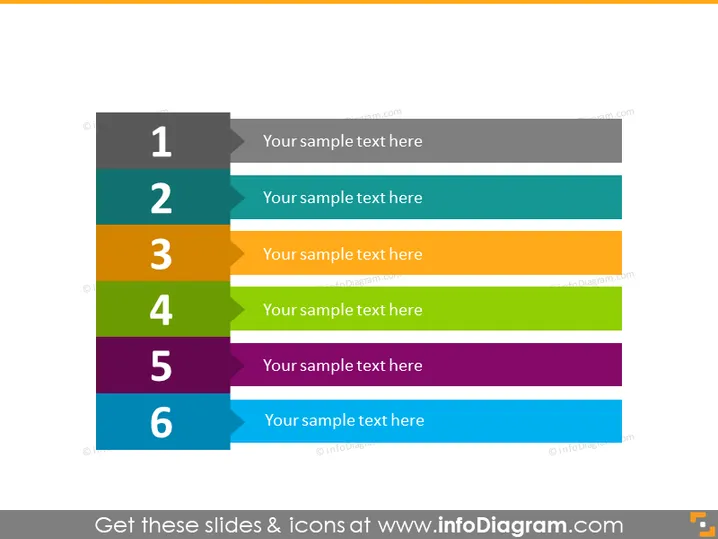
The PowerPoint slide presents a sequential layout with six numbered blocks, each with a placeholder for text. The numbers from 1 to 6 suggest a progression or a list of steps, where each element could represent a phase in a process, a ranked list item, or any sequential information. The accompanying text placeholders indicate where explanations or descriptions for each step or item should be inserted.
Graphical Look
- Six rectangular blocks aligned horizontally across the slide.
- Each block features a unique color, creating a vibrant and colorful sequence.
- Numbers from 1 to 6 are displayed in bold, white font on dark grey tabs that partially overlay the colored rectangles on the left.
- The rectangles have enough space for text, suggesting placeholders for descriptive content next to each number.
- No additional icons or imagery, leading to a clean and focused design.
The slide has a simple and modern design with a clear visual hierarchy. The use of distinct colors aids in distinguishing each step or item, making the content easily digestible.
Use Cases
- Presenting steps in a business process or workflow during meetings or workshops.
- Outlining an agenda or a sequence of topics in a training or educational setting.
- Displaying a list of priorities or ranked items during strategy planning sessions.
- Communicating the stages of a project timeline or milestones in a project management presentation.
How to Edit
How to edit text & colors

How to expand / shorten diagram

How to Replace Icons in infoDiagram PPT


