

Your graphics add a nice touch to my presentations and I recently used them for one of my all-hands meetings. Your toolbox adds professionalism to my slides. Instead of using standard clipart.
Claude Jones, Director of Engineer, @Walmartlabs, USA

Your graphics add a nice touch to my presentations and I recently used them for one of my all-hands meetings. Your toolbox adds professionalism to my slides. Instead of using standard clipart.
Claude Jones, Director of Engineer, @Walmartlabs, USA
I needed a fresh look at some of my slides. I've tried to find a way to create a paintbrush effect, to underline, accentuate, add some color and the handwritten markers were just the things. Very easy to use, easy to size, change the color. It was an affordable, perfect solution and I'm happy to recommend it.
Anonymous, US
The crisp, clean look of the graphics, and the fact that it allowed me to easily edit and change the colors to match the template was my main reason for purchasing them.
Brandie Jenkins, E-learning Developer, USA
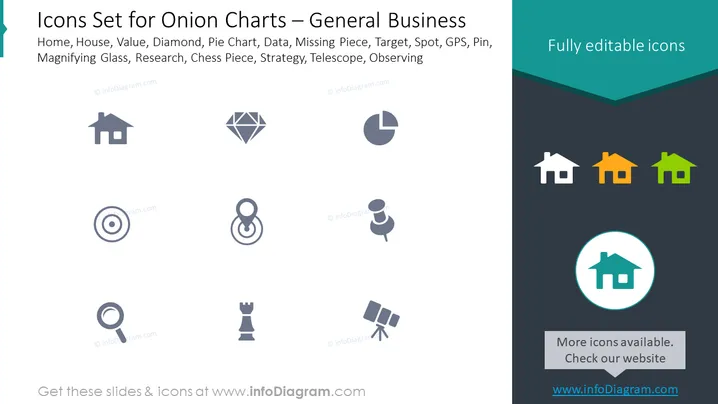
The PowerPoint slide presents a collection of icons designed for use with onion charts in a general business context. The icons represent common business concepts: "Home" symbolizes real estate or the place of business; "Value," depicted by a diamond, often signifies quality or wealth; "Pie Chart" illustrates data distribution and analysis; "Data" can indicate various forms of information or database systems; "Missing Piece" might evoke completion or problem-solving needs; "Target" relates to goals or objectives; "Spot" could be a location or focus area; "GPS, Pin" denotes precise location or geotargeting; "Magnifying Glass" is typically associated with search or scrutiny; "Research" implies investigation or study; "Chess Piece" suggests strategy or tactics; "Strategy" represents planning or competitive moves; "Telescope" conveys vision or future planning; finally, "Observing" emphasizes monitoring or watching trends.
The overall look of the slide is clean and professional, utilizing a muted color palette that provides a sense of understatement and focus on the content. The decision to use simple icons and minimal text makes the slide look modern and easy to interpret at a glance.



