Monthly Report Icons – Management, Plan
Slide Content
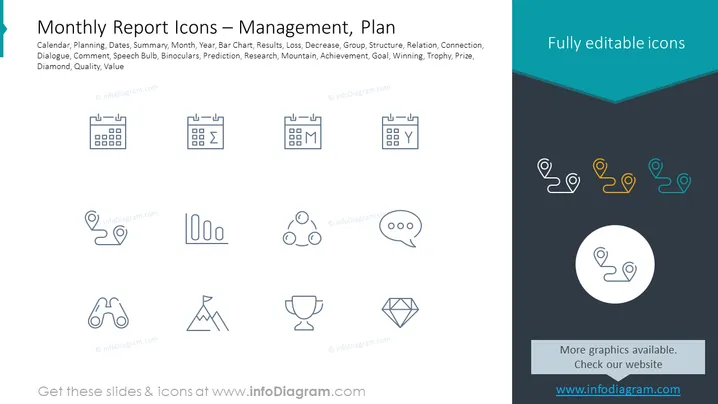
The slide provides a collection of icons representing various concepts associated with monthly reporting and management planning. The icons signify calendar, planning, summary, month, year, bar chart for illustrating data, results, loss, group dynamics, structure, relation between elements, connection, dialogue or feedback, comment section, creative ideas or insights (speech bulb), detailed analysis or looking closely (binoculars), forecasting (prediction), in-depth investigation (research), overcoming challenges (mountain), achievement of objectives (achievement), setting targets (goal), competition or success (winning), recognition (trophy), excellence or highest quality (diamond), and inherent worth (quality, value).
Graphical Look
- The slide background is divided into two colors, white on the left and a dark teal on the right.
- The text "Monthly Report Icons – Management, Plan" is prominently displayed at the top in large, bold, black font.
- Beneath the title, there are two lists of keywords in smaller black font aligned horizontally that describe the symbols.
- On the left, a series of 12 simplified, grey outlined icons are arranged in a grid of three rows and four columns.
- Each icon has a label matching the list of keywords mentioned above, positioned below the icons on the white background.
- On the right side, there is a text "Fully editable icons" enclosed in a stylistic speech bubble shape with a folded corner, against the dark teal background.
- A singular, enlarged icon depicting two location pins connected by a looping line is centered in a white circle on the right side.
- Below the larger icon, the slide provides an instruction text in a lighter grey box.
The slide visually contrasts a clean, professional white space on the left with a more vibrant dark teal on the right, directing focus towards both text and graphical elements. Overall, the graphic layout is clean, organized, and designed with a professional tone suitable for business presentations ### Use Cases
- To visualize different aspects of business reporting and planning in a corporate presentation.
- As visual aids in a project management workshop or seminar to concisely present various concepts.
- In monthly or annual report summaries to graphically represent key performance indicators (KPIs) and other metrics.
- During strategic meetings to improve comprehension and retention of information through iconographic representation.