ML Icons Set - Business, Status Applications
Slide Content
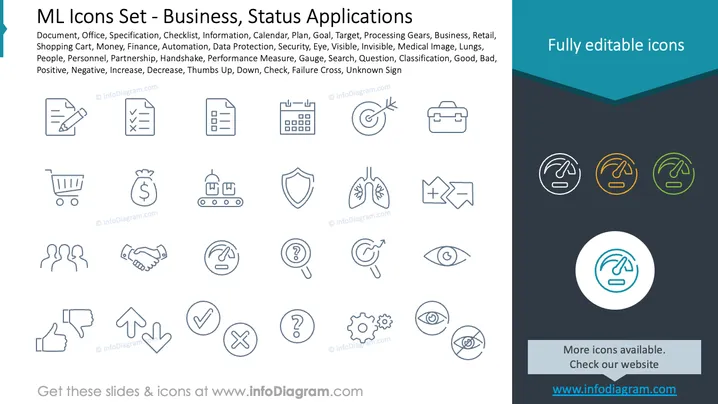
The PowerPoint slide is a collection of icons representing various business and status concepts like Document, Office, Checklist, and Info, intended to visually communicate these ideas in presentations. Other icons include Calendar, Plan, Goal, Shopping Cart, and Money, illustrating planning, financial concepts, and shopping. Additionally, the slide features Finance, Automation, Data Protection, Personnel, Partnership, and Handshake icons, emphasizing economic activities, technological processes, information security, and corporate relationships. Performance Measure, Gauge, Positive, Negative, Increase, Decrease, and Thumbs Up/Down icons suggest evaluative and feedback-related concepts. Lastly, the Failure Cross and Unknown Sign icons infer error or uncertainty.
Graphical Look
- The slide is dominated by a collection of line-drawn icons arranged in a grid-like pattern.
- Each icon is drawn with minimalistic detail, emphasizing simplicity and clarity.
- The icons are uniformly styled with a thin line weight and rounded terminations, giving them a modern and cohesive appearance.
- The color scheme is predominantly monochrome, with one set of icons highlighted in shades of blue, green, and yellow, adding a touch of color contrast to the slide.
- The selected icon in the middle is enlarged, placed within a circle, and given a blue highlight, drawing attention to it amid the other icons.
- There is a prominent dark blue header at the top-right corner stating "Fully editable icons."
- In the bottom-right corner, there’s a circular call-to-action button with text prompting viewers to check the website for more icons.
The slide exhibits a clean, professional look with a focus on visual hierarchy. The use of color is deliberately minimal, highlighting specific elements and maintaining a sleek design suitable for professional presentations.
Use Cases
- To visually enhance business presentations by incorporating icons that represent different concepts without overwhelming the audience with text.
- In training materials or manuals, where visual cues can help quickly communicate specific steps, processes, or categories.
- Within marketing materials or website designs, to create a more engaging and visually appealing interface for viewers.
- During strategic planning sessions, where icons can serve as shorthand for complex business terms or processes when discussing goals and objectives.