
Reviews
Ihre Grafiken verleihen meinen Präsentationen eine nette Note, und ich habe sie kürzlich für eines meiner All-Hands-Meetings verwendet. Ihre Toolbox verleiht meinen Folien Professionalität, anstatt Standard-Clipart zu verwenden.
Ich brauchte einen neuen Blick auf einige meiner Folien. Ich habe versucht, einen Weg zu finden, einen Pinselschlag-Effekt zu erzielen, um zu unterstreichen, hervorzuheben, Farbe hinzuzufügen, und die handgeschriebenen Markierungen waren genau das Richtige. Sehr einfach zu bedienen, leicht in der Größe zu ändern, die Farbe zu ändern. Es war eine erschwingliche, perfekte Lösung und ich empfehle sie gerne weiter.
Die klare, saubere Optik der Grafiken und die Tatsache, dass ich die Farben leicht bearbeiten und an die Vorlage anpassen konnte, war mein Hauptgrund für den Kauf.
Description
Flat Icons Set - Measures
Slide Content
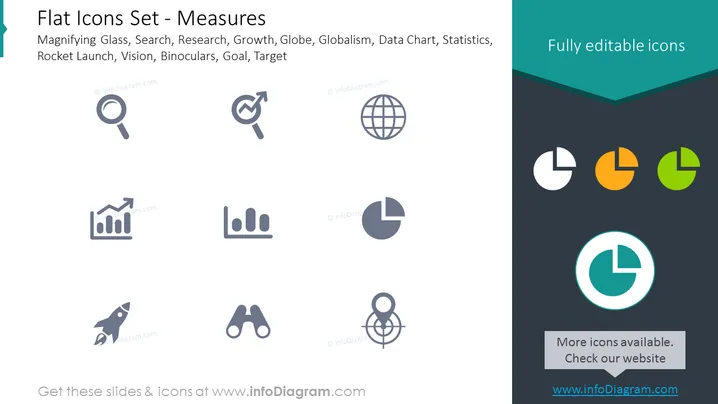
The PowerPoint slide titled "Flat Icons Set - Measures" showcases a collection of icons representing various measurement tools and concepts, such as Magnifying Glass (implying search or scrutiny), Search, Research (the systematic investigation into study materials and sources), Growth (an increase, expansion, or development), Globe (representing globalism or worldwide scope), Globalism, Data Chart (visual representation of data), Statistics (a branch of mathematics dealing with data collection, analysis, interpretation, and presentation), Rocket Launch (symbolizing rapid ascent or startup), Vision (the ability to think about or plan the future with imagination or wisdom), Binoculars (narrowing focus or detailed observation), Goal, and Target (the intended result).
Graphical Look
- A large title in bold at the top in dark blue against a white background with a slight blue-green overlay strip at the bottom edge.
- A collection of nine monochromatic icons arranged in three rows and three columns, centered on the slide.
- The icons depict a variety of concepts—magnifying glass, target with an arrow, globe, graph with an upward trend, signal strength bars, pie chart, rocket, binoculars, and crosshair target.
- Icons are grey, with each icon having a shadow effect to give it a sense of depth.
- On the right, a vertical panel in dark blue, containing three additional pie chart icons colored in teal, orange, and green with the label "Fully editable icons".
- A contrasting bright teal pie chart icon centered in a lighter circle, standing out at the lower part of the dark blue panel.
- Text at the bottom of the right panel in white reads "More icons available. Check our website."
The slide has a clean, professional look with a symmetrical and balanced layout. The chosen color scheme is limited, ensuring that the icons stand out against both the light and dark backgrounds.
Use Cases
- To present a variety of metrics or areas of focus in a business or research context.
- To illustrate components of a strategic plan, highlighting different goals and the tools used to measure progress.
- To visually enhance business reports and proposals with iconography that is easy to interpret.
- To offer visual cues in instructional materials or software tutorials related to data analysis or performance measurement tools.
How to Edit
How to edit text & colors

How to expand / shorten diagram

How to Replace Icons in infoDiagram PPT


