

Your graphics add a nice touch to my presentations and I recently used them for one of my all-hands meetings. Your toolbox adds professionalism to my slides. Instead of using standard clipart.
Claude Jones, Director of Engineer, @Walmartlabs, USA

Your graphics add a nice touch to my presentations and I recently used them for one of my all-hands meetings. Your toolbox adds professionalism to my slides. Instead of using standard clipart.
Claude Jones, Director of Engineer, @Walmartlabs, USA
I needed a fresh look at some of my slides. I've tried to find a way to create a paintbrush effect, to underline, accentuate, add some color and the handwritten markers were just the things. Very easy to use, easy to size, change the color. It was an affordable, perfect solution and I'm happy to recommend it.
Anonymous, US
The crisp, clean look of the graphics, and the fact that it allowed me to easily edit and change the colors to match the template was my main reason for purchasing them.
Brandie Jenkins, E-learning Developer, USA
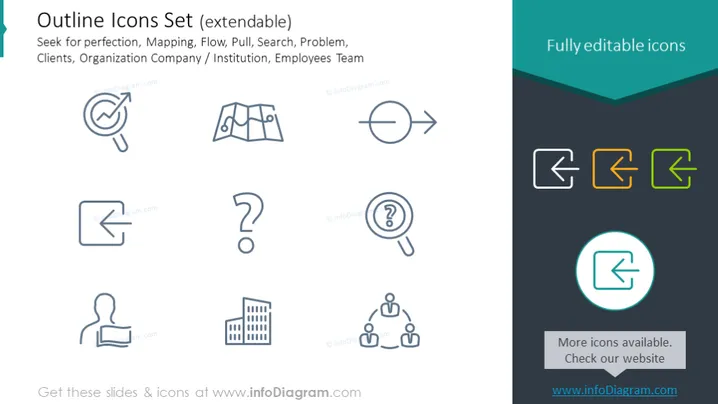
This PowerPoint slide presents an "Outline Icons Set (extendable)" which is likely used to represent various concepts visually in presentations. The topics covered by these icons include 'Seek for perfection', which might signify striving for excellence; 'Mapping' for diagramming processes or locations; 'Flow' for processes or movement; 'Pull' for attraction or influence tactics; 'Search' for exploration or information retrieval; 'Problem' for challenges or issues; 'Clients' for customer relations; 'Organization Company / Institution' for representing corporate structures; and 'Employees Team' for teamwork or staff dynamics.
The overall look of the slide is modern and minimalistic, using simple line icons and a contrasting color scheme to direct focus. The icons are easily recognizable and the complementary text assists in conveying their meaning.



